DesignBundles.NET
Pricing
DesignBundles.NET

Categories

New

Account

Start Free Trial
Easy Matte Black Photo Effect in Photoshop

By Design Bundles

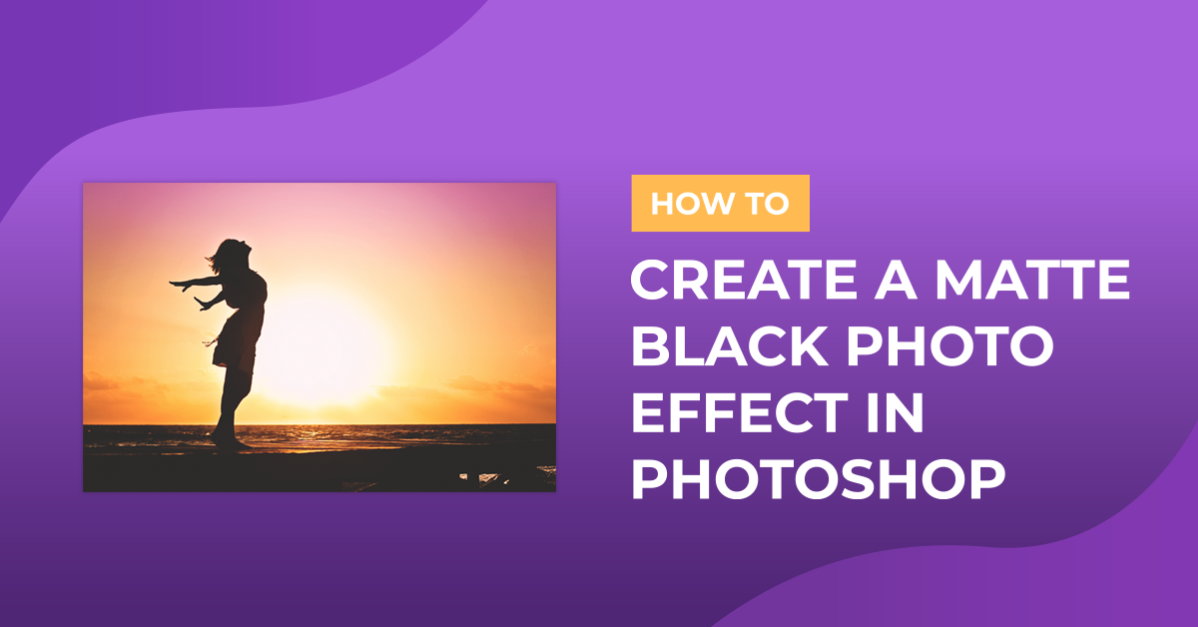
Easy Matte Black Photo Effect in Photoshop

1 - In Photoshop, open the Image you chose to work with.

2 - Go to the “Adjustments Panel” and create a “New Curves Adjustment Layer”.

3 - Click on the “Black Point” and drag it up to an “Output” of 23.

4 - Click on the “Curve” to add a New Point and make the curve a bit smoother (Input: 57, Output: 51). Tweak the position of the points until you get a “Matte Black” without losing contrast.

5 - Go to the “Adjustments Panel” and create a “New Color Lookup Adjustment Layer”. Check the “Presets” and choose the one that works better with your image. We used “Fuji ETERNA 250D Kodak 2395” as “3DLUT File”.

6 - You can apply the effect to Grayscale images, just make sure that they are in “RGB Mode”.

7 - Go to Image > Mode > RGB Color.

8 - Create the “New Curves Adjustment Layer” and adjust the “Black Point”. For this one we used a different “Preset” as “3DLUT File” when creating the “New Color Lookup Adjustment Layer”.

9 - Your images should look similar to this.

by @lornacane
Related Tutorials

Photoshop Tutorials

Easy See through Cut Out Text in Photoshop

Create a see-through cut out text design in Photoshop with these easy to follow steps.
Photoshop Tutorials

How to Make a Peeling Sticker Effect in Photoshop

Make a peeling sticker effect in Photoshop with this tutorial.
Photoshop Tutorials

How to Make a Graffiti Text Effect in Photoshop

Learn how to create a realistic grafitti text effect in Photoshop.
Photoshop Tutorials

How to Make a Halftone Effect in Photoshop

Learn how to make a halftone effect in Photoshop and how to change the colors of the halftone effect
Photoshop Tutorials

How to Create a Holographic Text Effect in Photoshop

Discover how to create a holographic text effect in Photoshop with this step by step tutorial.

Keep going

You may also like

All photoshop tutorials
The weekly drop

Fresh tutorials, trends & free files.

Join 6 million makers getting our best craft guides and exclusive freebies straight to their inbox.

No spam. Unsubscribe anytime.
Easy Matte Black Photo Effect in Photoshop - Design School | Design Bundles