By Design Bundles
Scan N Cut Tutorials1 min
Creating frames in brother scan and cut canvas workspace
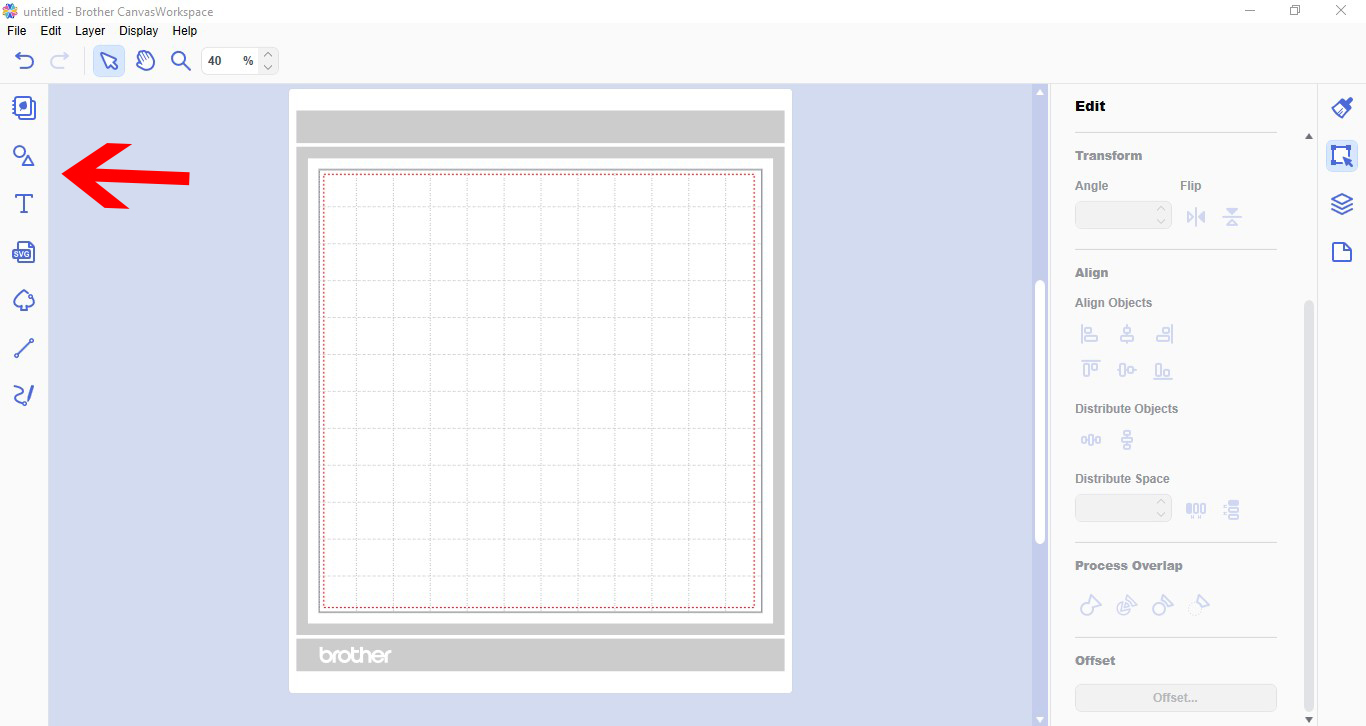
1- Open canvas workspace. Click on the shape tool.
2- Select your shape.
3- Select a second shape for the inside of the frame.
4- Place one inside the other. with both selected, go to the align tool and align centre and middle.
5- With both shapes selected, go to process overlap and select subtract.
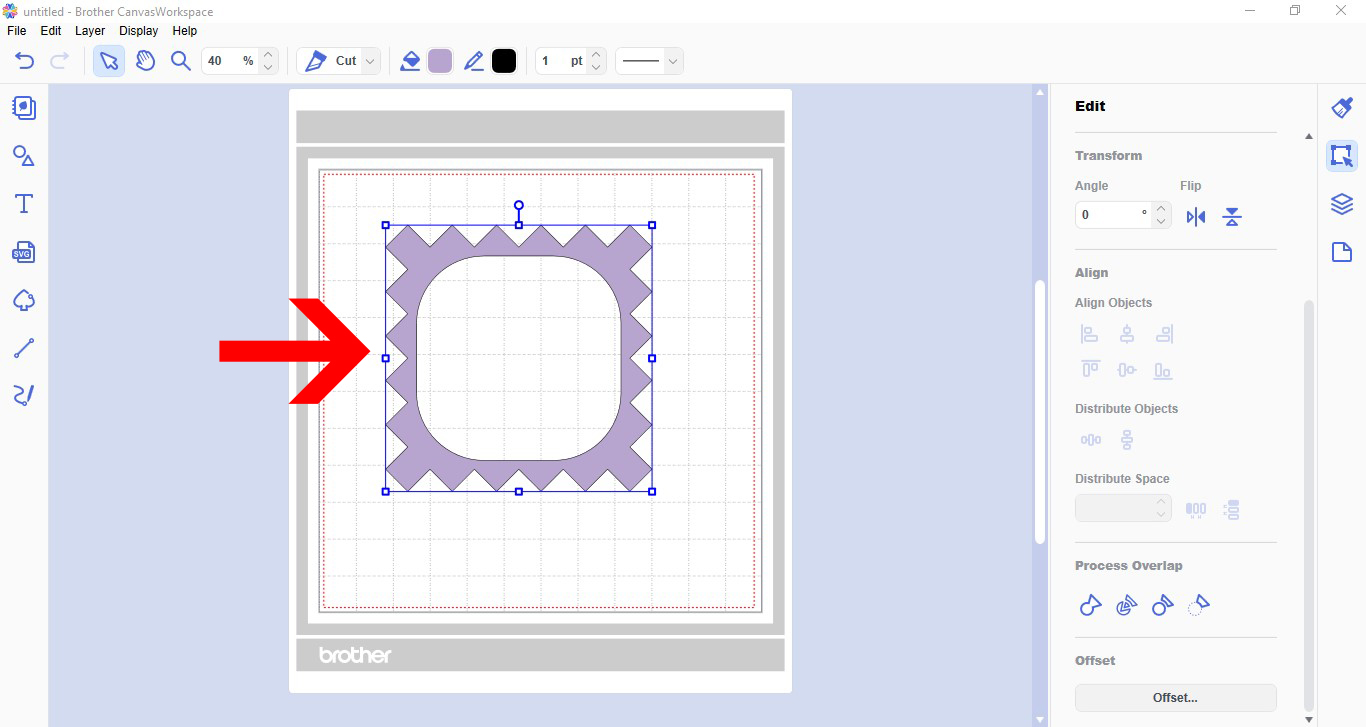
6- You now have a frame. You can fill the frame with colour to print and cut or just cut the design.
Save
2- Select your shape.
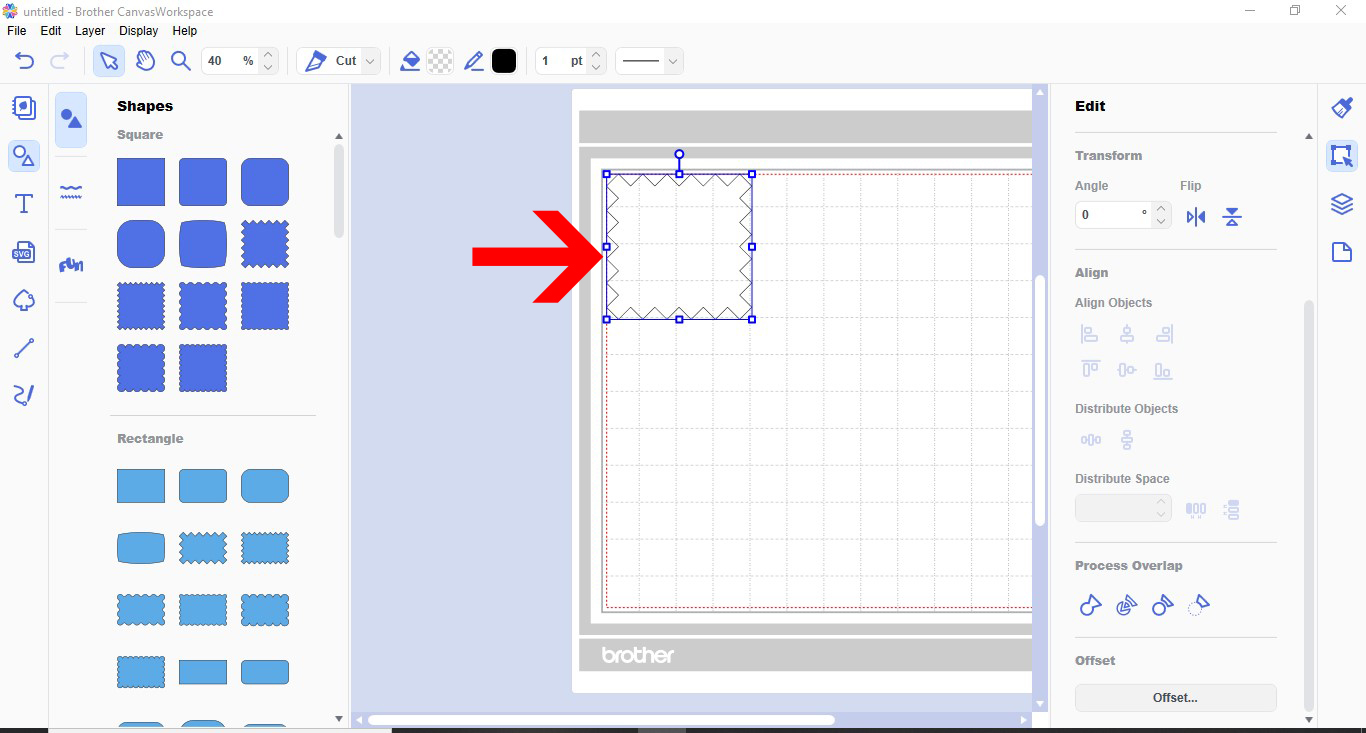
3- Select a second shape for the inside of the frame.
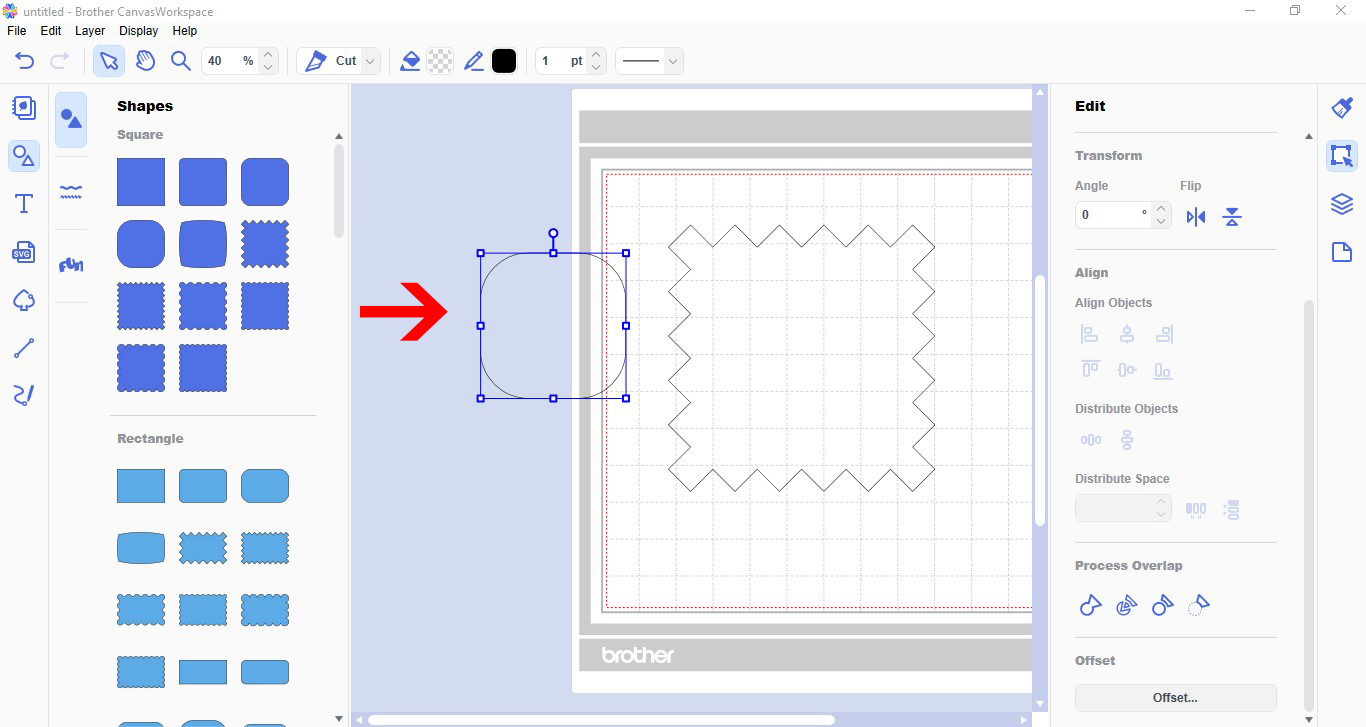
4- Place one inside the other. with both selected, go to the align tool and align centre and middle.
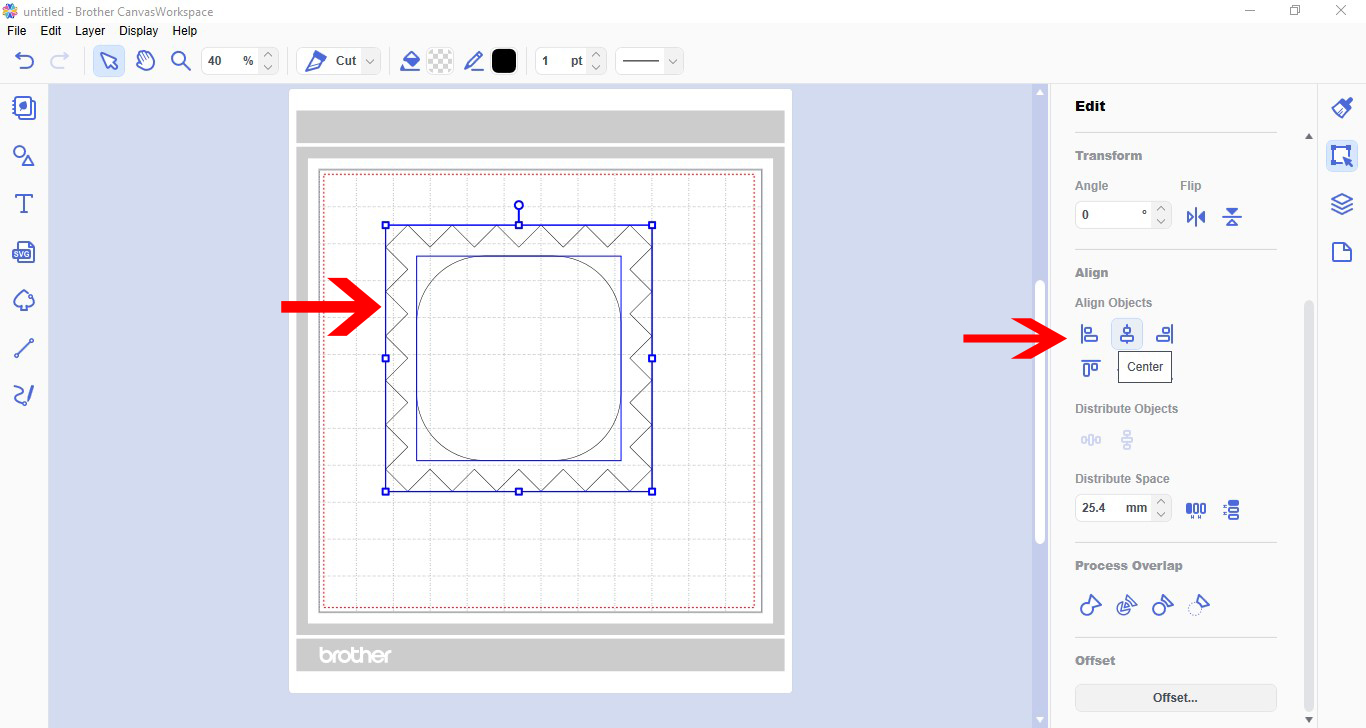
5- With both shapes selected, go to process overlap and select subtract.
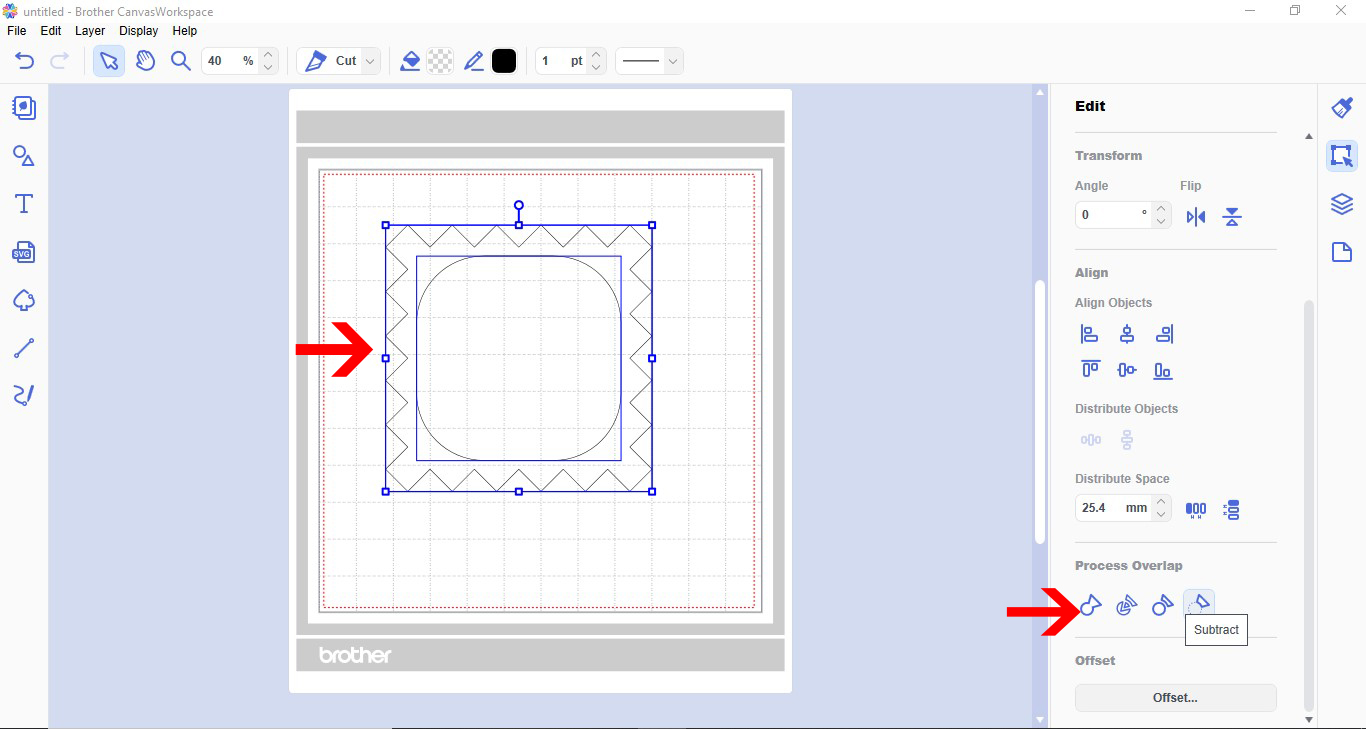
6- You now have a frame. You can fill the frame with colour to print and cut or just cut the design.
Save
Related Tutorials
Scan N Cut Tutorials
Creating interlinked letters in brother scan and cut canvas workspace
Scan N Cut Tutorials
Creating a split monogram with Brother scan and cut canvas workspace
Scan N Cut Tutorials
Welding words and frames in brother scan and cut canvas workspace
Scan N Cut Tutorials
How to create curved text in brother scan and cut canvas workspace
Learn how to curve text in Brother Scan N Cut
Scan N Cut Tutorials
How to make a image larger than your cutting mat in Brother Scan N Cut canvas workspace
Learn how to cut designs larger than your cutting mat in Brother Scan N Cut canvas.