
By Design Bundles
Scan N Cut Tutorials3 min
Using Vinyl with the foil quill in the Brother scan n cut machine
*CM900 model used.
Turn on your scan and cut machine. Pre heat your foil quill tip. Click on the pattern icon.
2- You can create your design on scan and cut canvas workspace, or you can use a preset design. I am using a preset design.
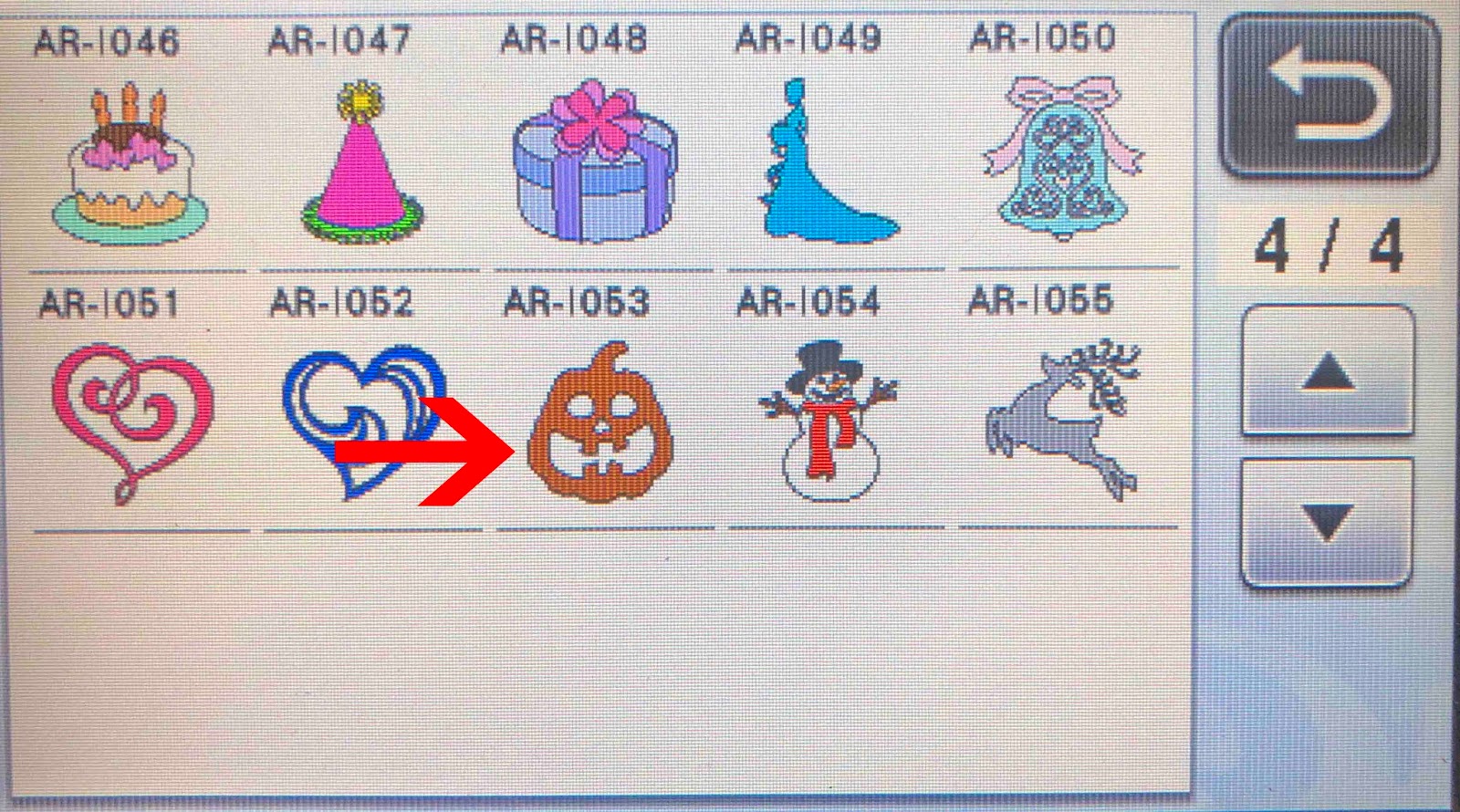
3- Select your design.
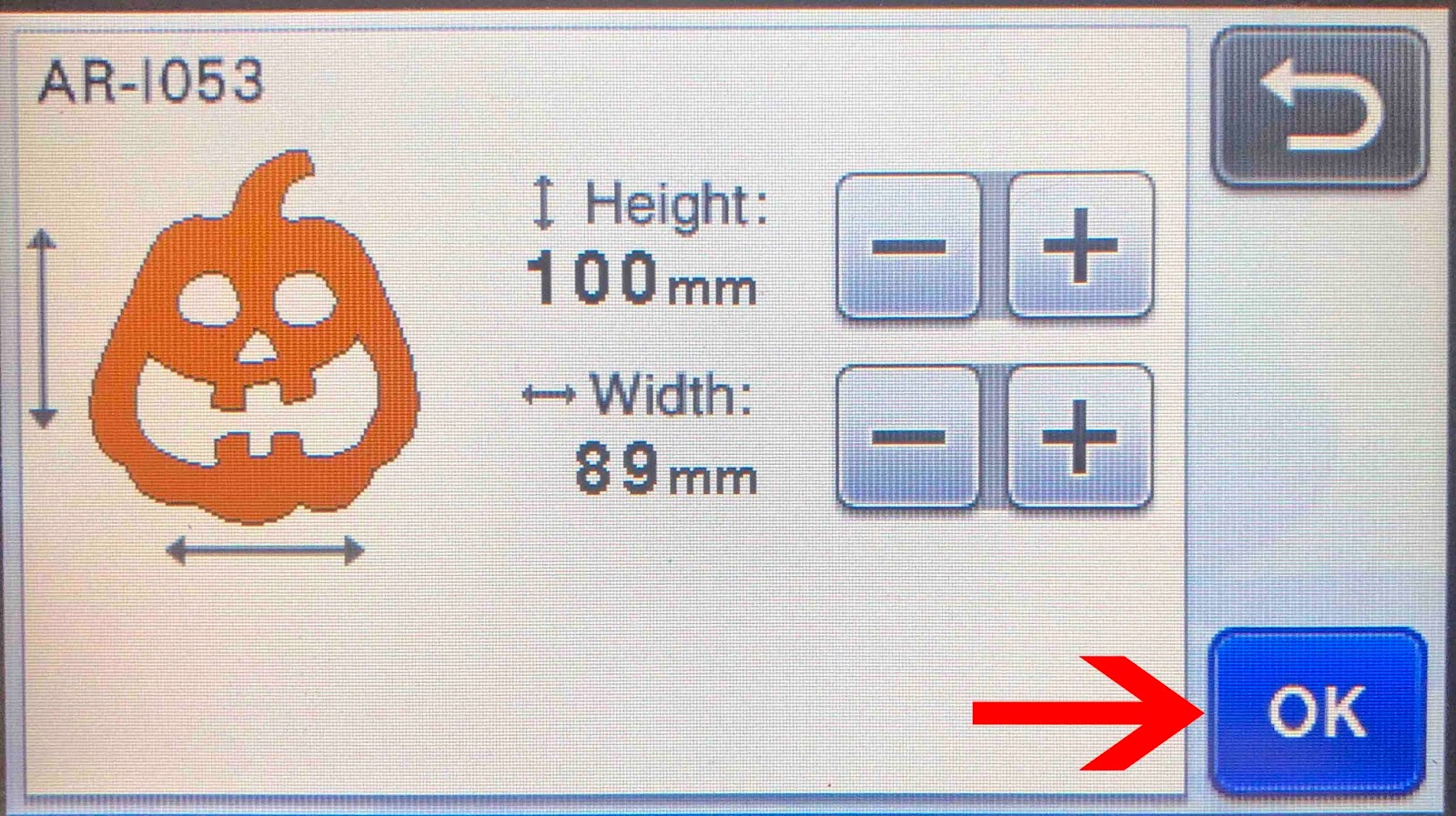
4- Click OK.
5- Your design will appear on your workspace. Click on the scan icon. You can use the scan option so make sure your design is accurately over the foil and media.
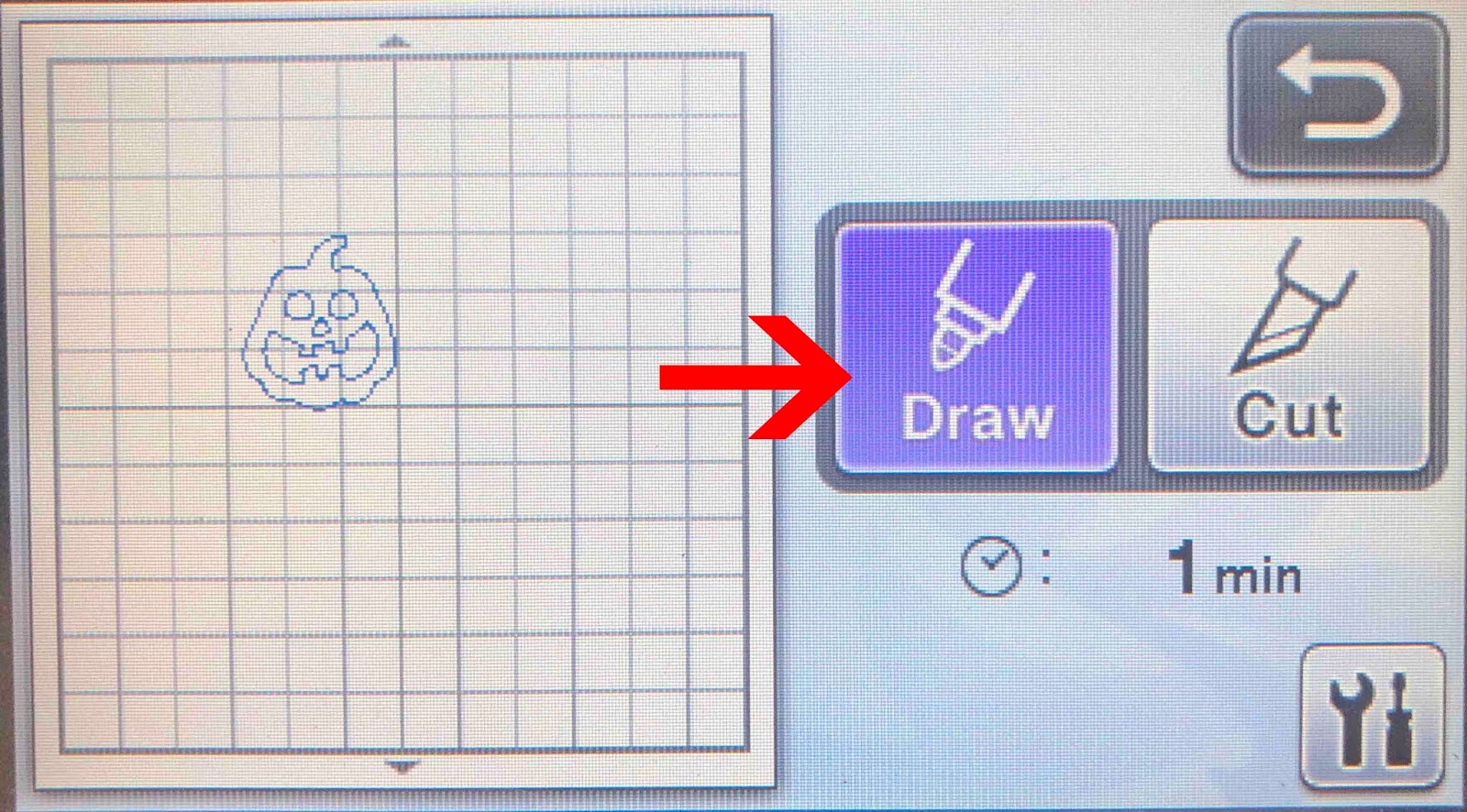
6- Click the draw function. For vinyl I use the draw setting of speed 3 and pressure 0.
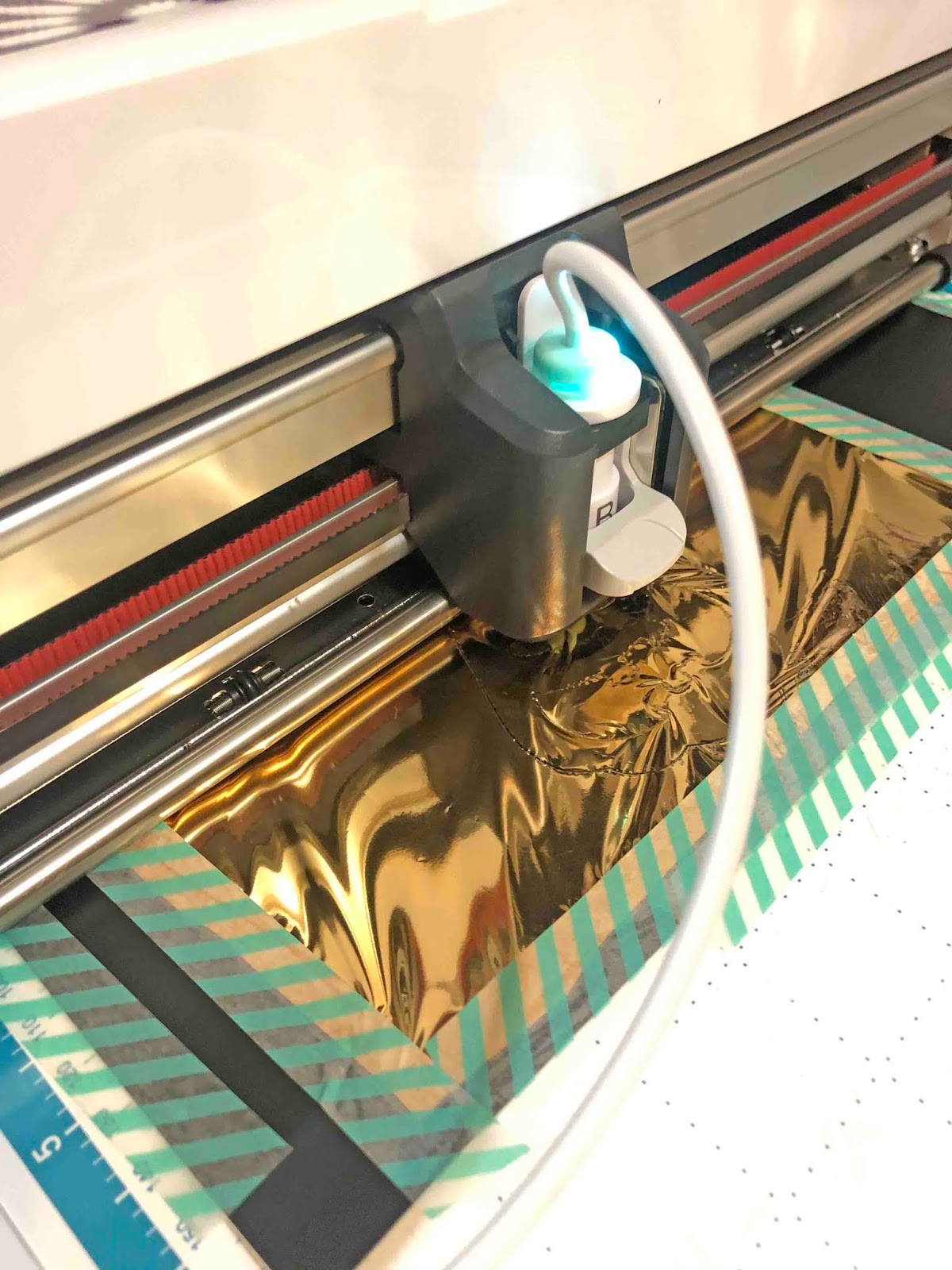
7- Place your foil quill in your machine and click the start icon. Your design will start to foil.
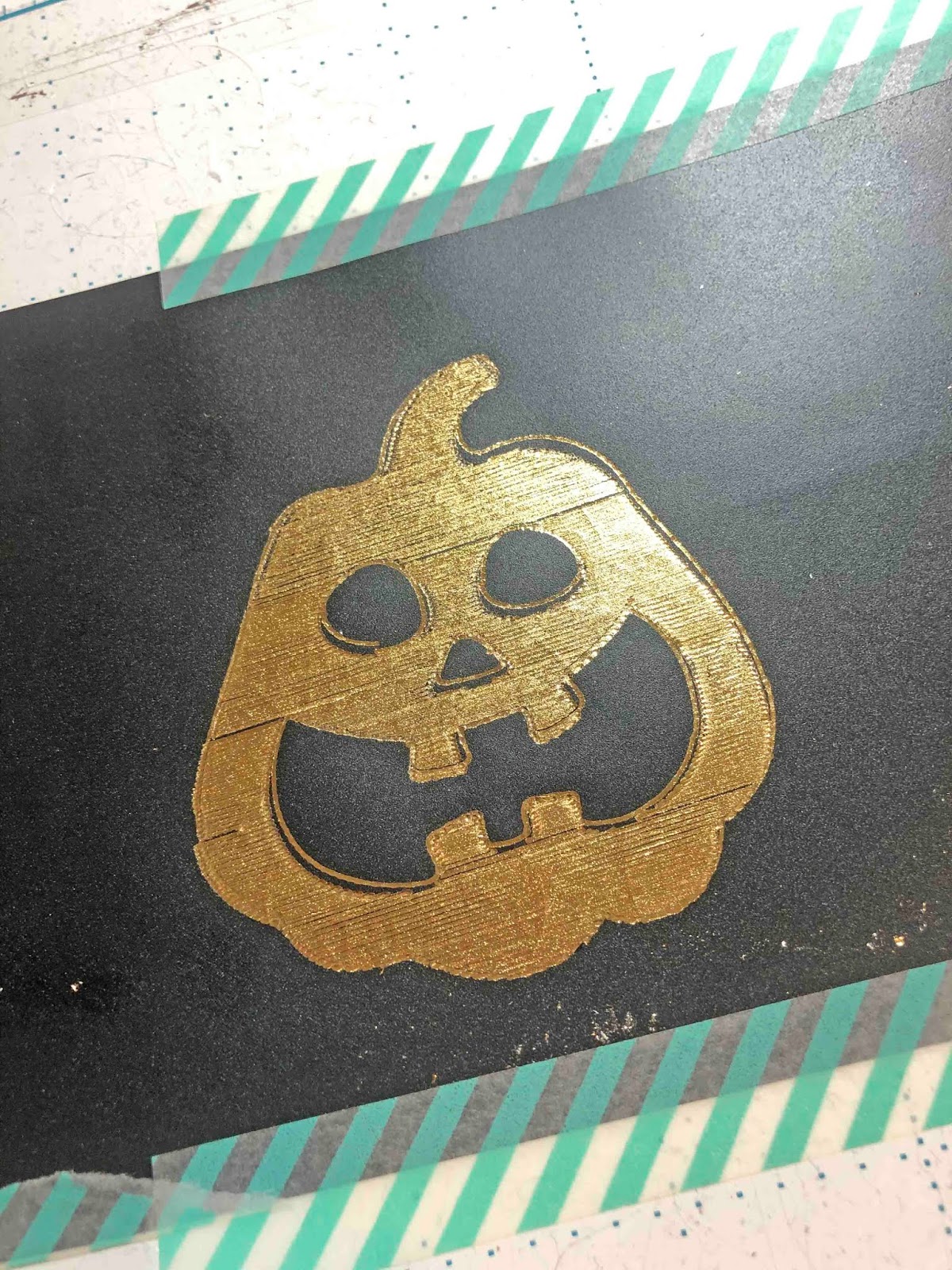
8- Once finished you will see that the foil is pressed into the vinyl. Make sure you let the foil cool slightly before peeling it off.
10- Your vinyl will now be foiled.
Turn on your scan and cut machine. Pre heat your foil quill tip. Click on the pattern icon.
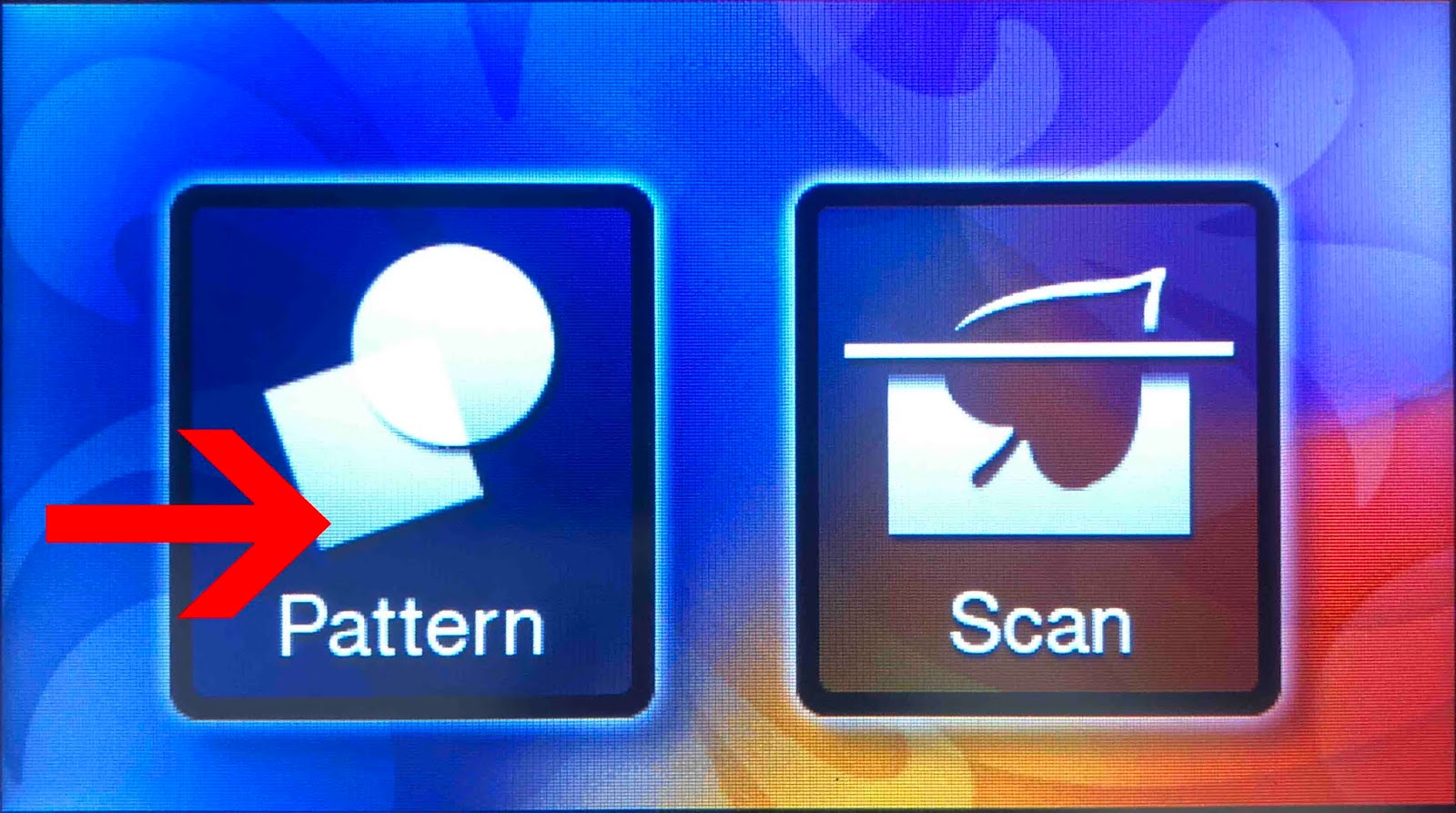
2- You can create your design on scan and cut canvas workspace, or you can use a preset design. I am using a preset design.
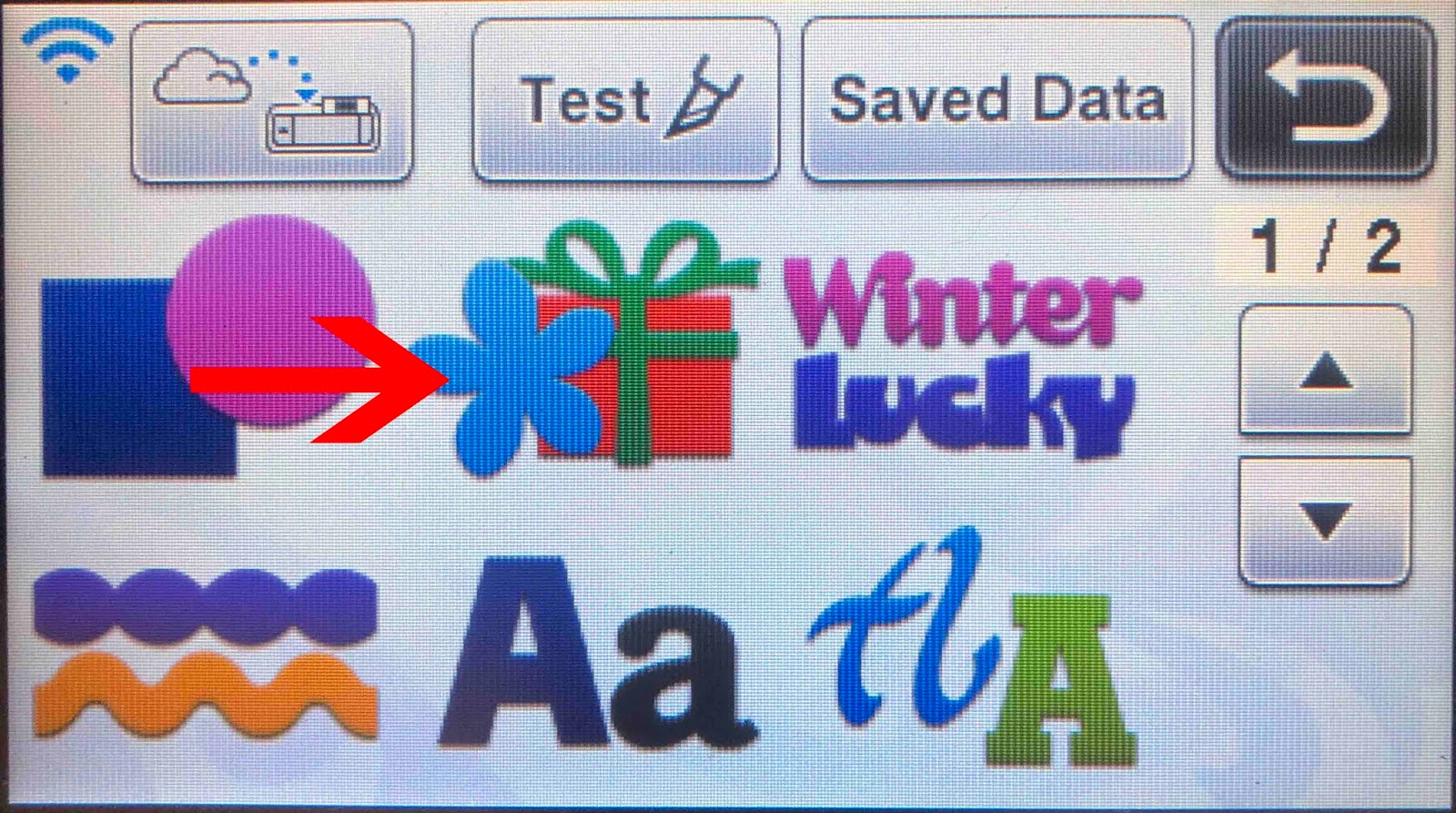
3- Select your design.
4- Click OK.
5- Your design will appear on your workspace. Click on the scan icon. You can use the scan option so make sure your design is accurately over the foil and media.
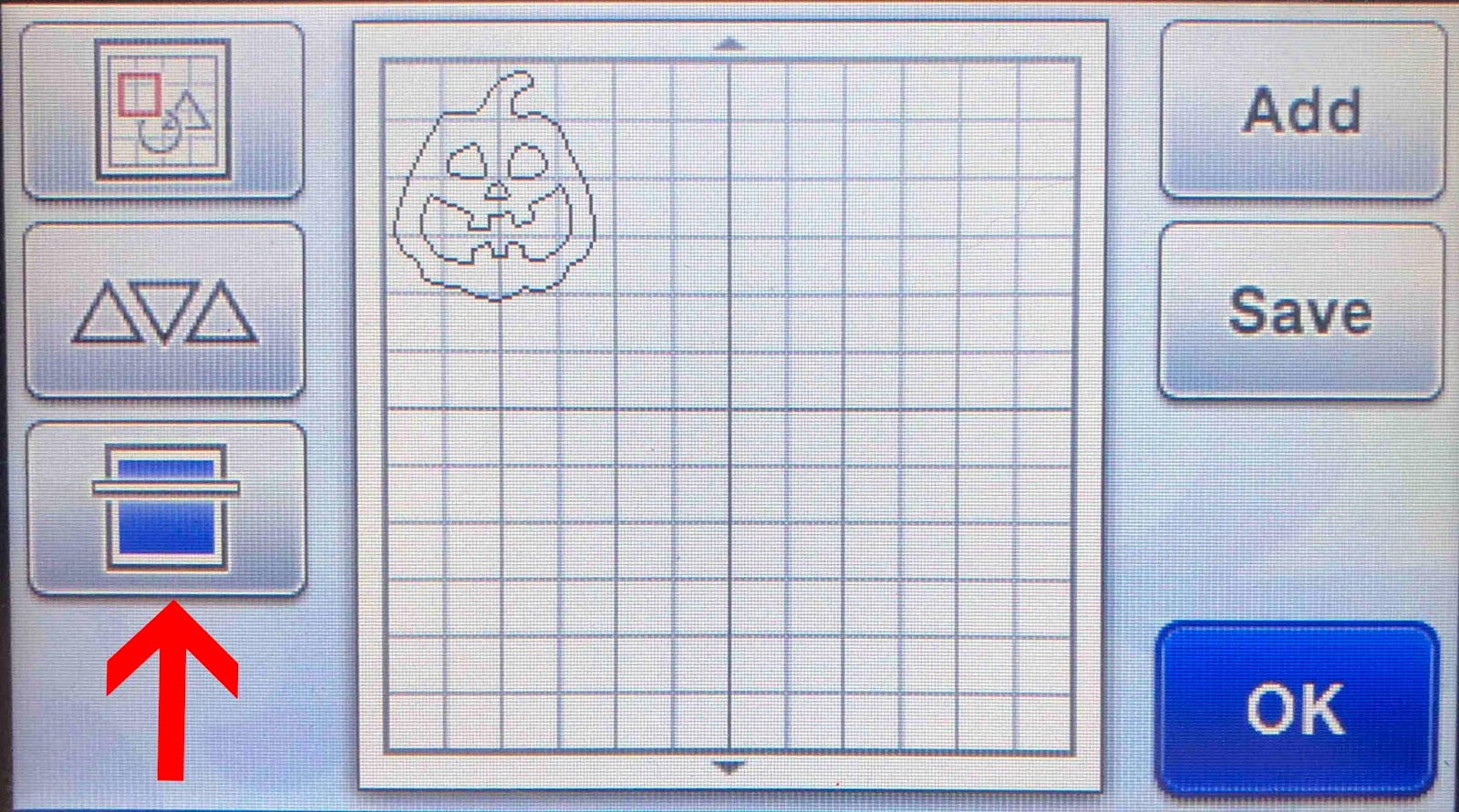
6- Click the draw function. For vinyl I use the draw setting of speed 3 and pressure 0.
7- Place your foil quill in your machine and click the start icon. Your design will start to foil.
8- Once finished you will see that the foil is pressed into the vinyl. Make sure you let the foil cool slightly before peeling it off.
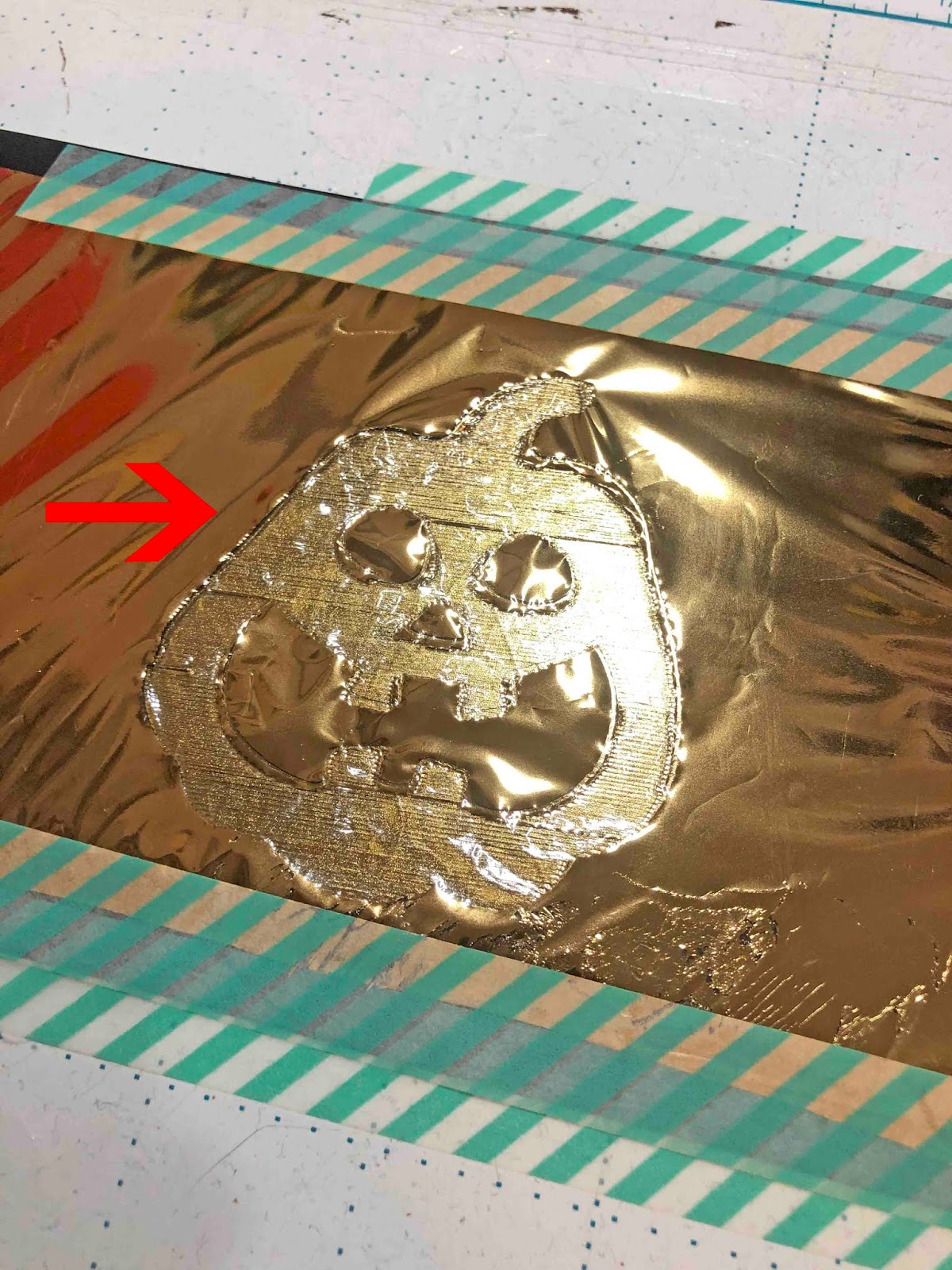
10- Your vinyl will now be foiled.
Related Tutorials
Scan N Cut Tutorials
Creating a foiled candle with brother scan n cut machine using the foil quill
Scan N Cut Tutorials
How to Foil a JPEG Image with Brother Scan n Cut Machine Using the Foil Quill
Scan N Cut Tutorials
Using the foil quill on ribbon with Brother scan and cut machine
Scan N Cut Tutorials
Foiling on vellum in brother scan and cut machine using the foil quill
Scan N Cut Tutorials
Using the foil quill on acetate with the Brother scan and cut machine
Scan N Cut Tutorials