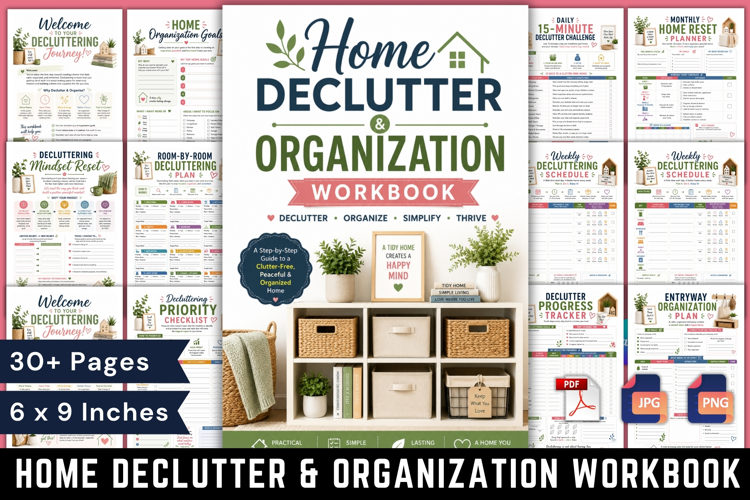
Home Declutter & Organization Workbook
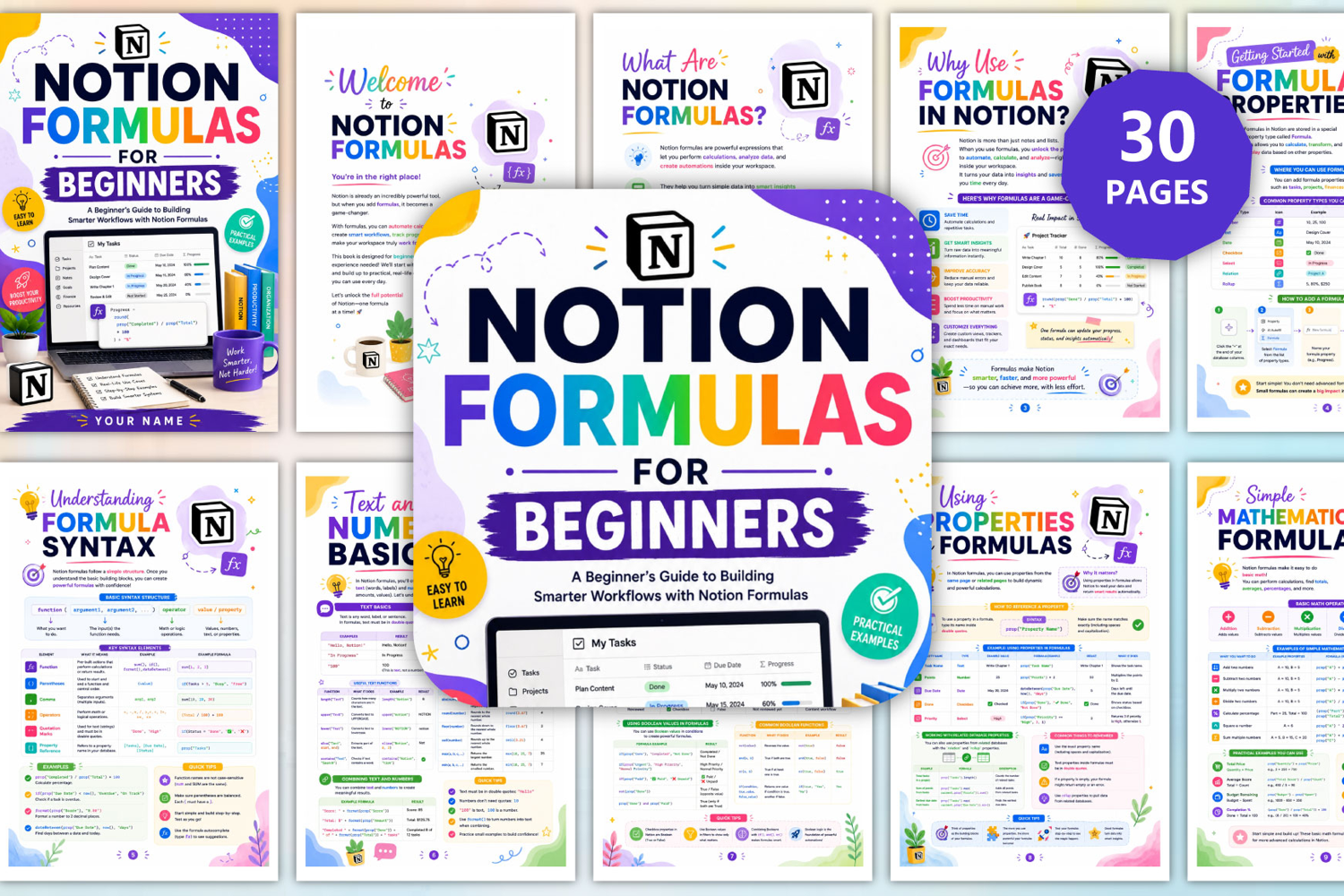
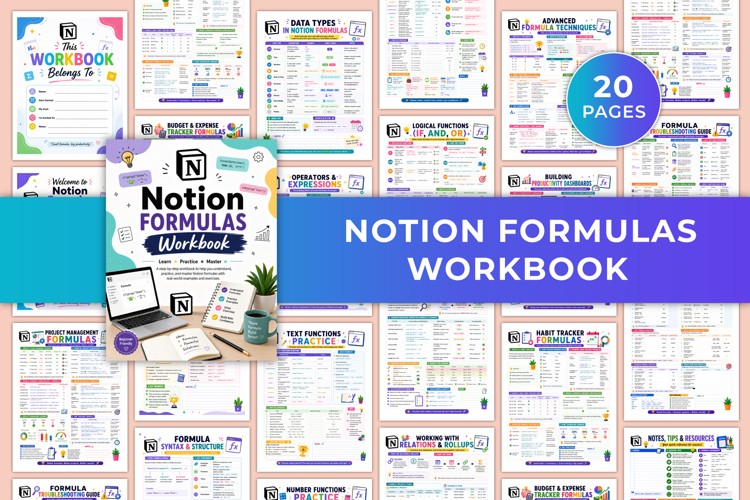
Notion Formulas for Beginners is a colorful, practical, and beginner-friendly guide designed to help you understand and use Notion formulas with confidence. Created for beginners with no coding experience required, this guide starts with the fundamentals and gradually moves into practical, real-world examples that can help you automate calculations, track progress, create smart labels, manage dates, organize tasks, and build more powerful Notion workflows.
✨ Key Features
🚀 Start With the Basics
Learn what Notion formulas are, why they are useful, and how formulas can help you perform calculations, analyze data, automate tasks, and turn simple database information into smarter insights.
🧩 Understand Formula Properties
Learn how Formula properties work, where they can be used, common property types, and how to add a formula property to your Notion database.
🧠 Understand Formula Syntax
Learn the basic structure of a Notion formula, including functions, arguments, operators, values, parentheses, commas, quotation marks, and property references.
🔢 Work With Text & Numbers
Understand the difference between text and numbers and learn useful functions for formatting, counting characters, changing letter case, extracting text, rounding numbers, finding minimums and maximums, and combining text with numerical values.
✅ Work With Boolean Values
Learn how TRUE and FALSE values work and how Boolean logic can be used for conditions, filters, completion tracking, decision-making, and automated results.
🔗 Use Properties in Formulas
Learn how to reference properties from the same database and use related database information with relation and rollup properties to create dynamic calculations.
➕ Perform Mathematical Calculations
Use formulas for addition, subtraction, multiplication, division, percentages, exponents, totals, averages, budgets, prices, and completion calculations.
📅 Work With Dates
Learn useful date functions such as date(), now(), date Add(), date Subtract(), date Between(), and format Date() to calculate durations, manage deadlines, track time, and organize schedules.
🏷️ Create Smart Status Indicators
Build automatic labels such as Complete, In Progress, Pending, Overdue, On Hold, and Not Started so your databases can display important information at a glance.
🔀 Use IF Statements
Learn how to create conditional formulas that automatically different results based on conditions, making your Notion databases more dynamic and useful.
🧠 Understand Nested Conditions
Build formulas that evaluate multiple conditions in sequence for use cases such as grading, priority levels, task urgency, budget status, and performance ratings.
✍️ Work With Text Functions
Learn functions for formatting, converting text to uppercase or lowercase, extracting characters and words, counting characters, combining text, and extracting specific sections of text.
🔗 Combine Text With Formulas
Create dynamic greetings, task messages, due-date reminders, score labels, ID badges, invoice summaries, priority labels, and other useful text-based outputs.
📊 Create Progress Indicators
Build automatic progress percentages, visual progress bars, checklist progress, budget usage indicators, habit completion rates, and goal trackers.
🏷️ Build Automatic Task Labels
Create formula-based labels for priorities, due dates, overdue tasks, status, completion percentages, task types, and goal-related tasks—reducing manual work and keeping your database organized.
📈 Calculate Project Progress
Track overall project completion, phase progress, milestone completion, time-based progress, weighted progress, and visual completion indicators using formulas.
🔔 Create Due-Date Reminders
Automatically identify how many days remain, flag overdue tasks, highlight tasks due today or this week, and create reminder labels based on deadlines and task status.
📝 Build Smart To-Do Lists
Create smarter task lists with automatic priorities, due-date reminders, status labels, progress percentages, priority scores, and helpful reminder messages.
🌱 Build a Simple Habit Tracker
Use formulas to track daily habits, calculate completion percentages, create daily scores, monitor streaks, and review habit progress over time.
📊 Create a Project Dashboard
Bring project information together in one place with overall progress, tasks by status, upcoming deadlines, overdue tasks, priorities, time tracking, milestones, and team information.
⚡ Useful Formulas for Productivity
Explore practical formulas for completion percentages, time remaining, overdue tasks, priority scores, time tracking, streak counters, progress bars, due-soon alerts, total hours, and task distribution.
🌟 Beginner-Friendly Formula Examples
Practice simple formulas for showing today's date, calculating days between dates, checking task completion, creating priority labels, calculating time remaining, tracking percentages, adding totals, creating due-soon alerts, displaying category tags, and showing assigned names.
❌ Learn Common Formula Mistakes
Understand common problems such as incorrect property names, missing quotation marks, case sensitivity, incorrect functions, missing commas, incorrect logic, empty values, and incorrect calculations—and learn how to fix them.
🛠️ Learn How to Debug Formulas
Follow a step-by-step debugging process: check the error message, verify property names, check data types, break the formula into smaller parts, test with sample data, review logic and conditions, and rebuild or refine the formula.
💡 Formula Tips & Best Practices
Learn how to plan before building, use correct property names and data types, keep formulas simple, use comments wisely, handle empty values, test with sample data, check logic carefully, use built-in functions, and regularly review and refine your formulas.
🚀 10 Ready-to-Use Notion Formulas
Finish with a practical collection of ready-to-use formulas covering date calculations, task completion, priority labels, days until due dates, progress percentages, number totals, due-soon alerts, category tags, status icons, and assigned names.
Files include:
📄 High-quality, upload-ready PDF files
Suitable for professional printing.
🖼️ JPG files
Sharp, clear images for versatile use.
📄 PDF files
Easily downloadable and printable.
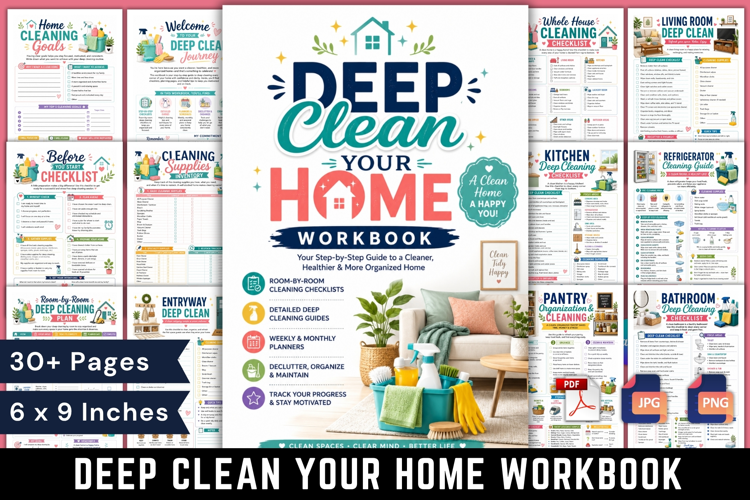
🎨 30 Pages
A variety of beautiful design page.
📏 Page Size: 6×9 inches
Standard for easy printing.
🚫 Bleed-free
Designed with safe printing margins.
🔍 300 DPI
High-resolution for high-quality printing.
Files included: JPG, PDF, PNG