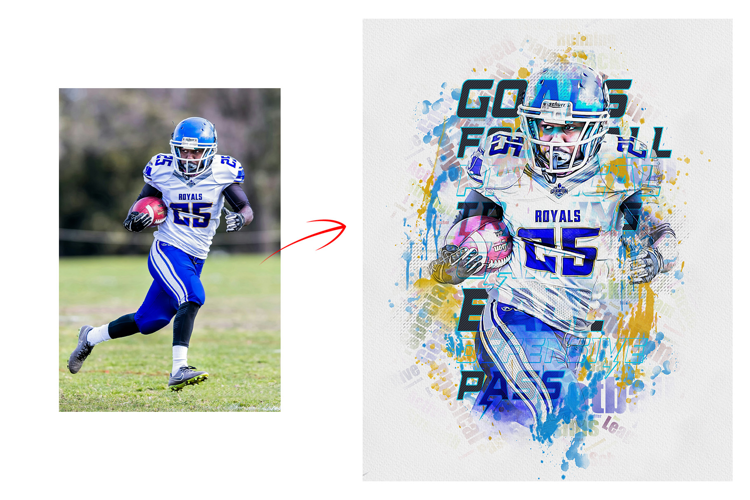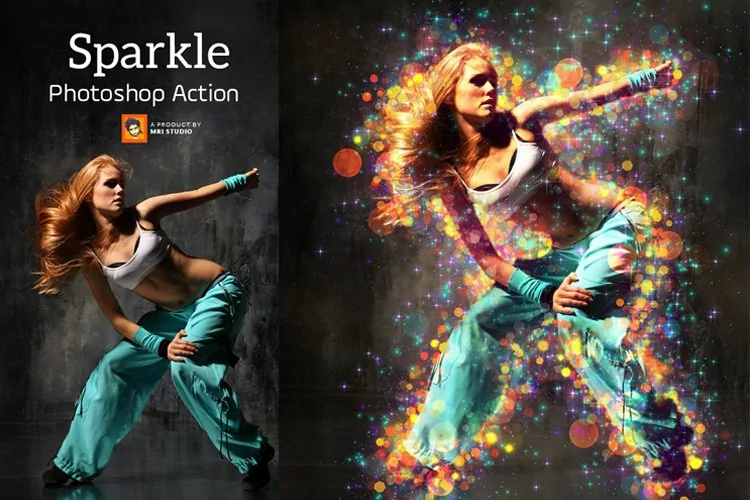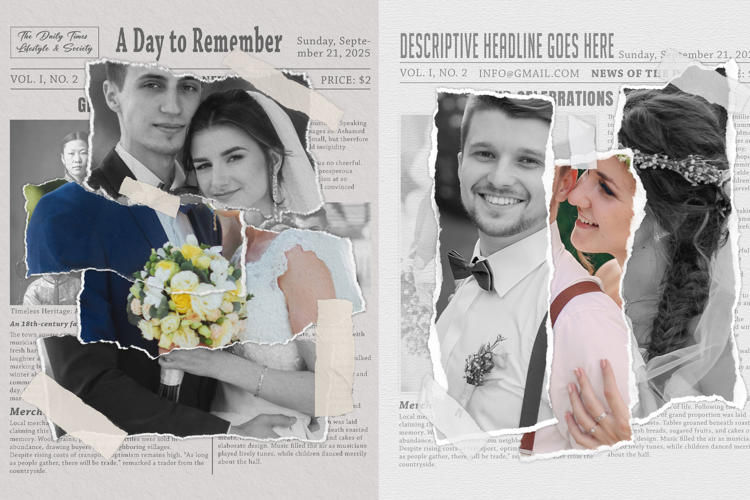

Unique Collage Photo Frame

Transform text into glowing Thunder lights with this Photoshop Text Effect.No skill need just one click to make your Text Effect usage my Photoshop Text Effect 100% granted the best working and new resource.
Easy To use and replace text
To edit the contents of a smart object in Photoshop, double-click on the smart object layer thumbnail to reveal the contents. In a new tab, the smart object will open and you can edit its contents. After editing the smart object, press Command/Control + S to save and update it in your project.
Photoshop Text Effect Information item:
Files included: JPG, PSD