
Rolled flowers SVG -9 rolled paper flower templates
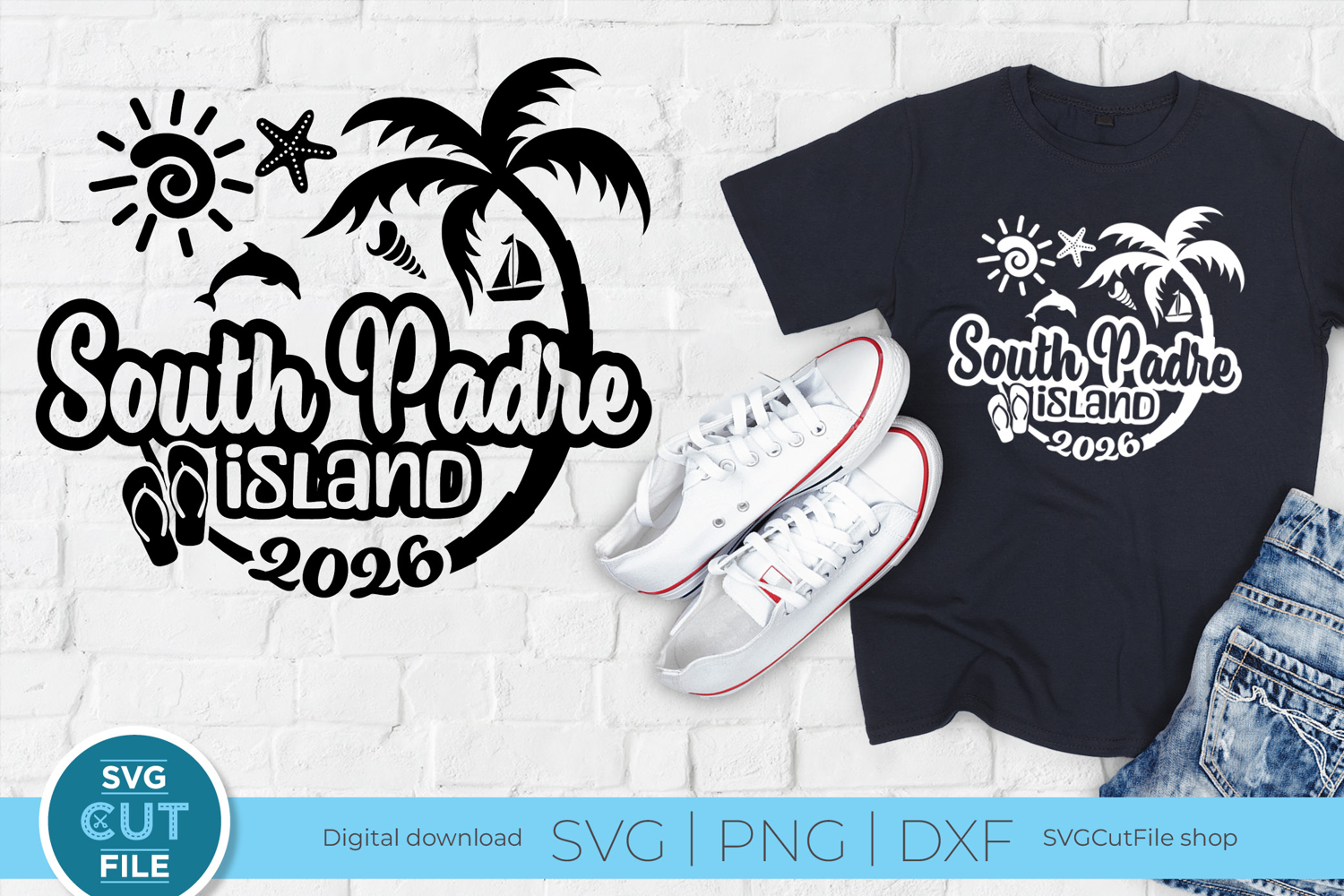
Instant Download: 2026 South Padre Island, Texas svg - Celebrate the beauty of South Padre TX with this SVG design! Perfect for cutting or sublimation on shirts and tote bags, this design features iconic South Padre Vacation elements like palm trees, flip flops, and ocean life.
This download includes 5 files:
1 SVG file
1 DXF file
3 PNG files for sublimation (black, ‘sunset’ and ‘neon’). Max size: 13” wide at 300 DPI
EasyWeld versions included for a ready-to-cut experience!
Files will be in a zipped folder - see below for instructions. Note: this is a digital file and no physical item will shipped.
HOW TO USE THE FILES:
1. Click Download link
2. The file will download somewhere on your machine, probably in 'Downloads.' The file will be a ZIP file.
3. Double-click the ZIP file, and your computer will 'unzip' it. There should be files inside that end with these letters: .svg, .dxf, .png.
4. Choose the file that matches your cutting machine's specs, and load into your machine's software
5. Enjoy!