
Knit Procreate Pattern Brush | Seamless Knitting Brush

What are you purchasing
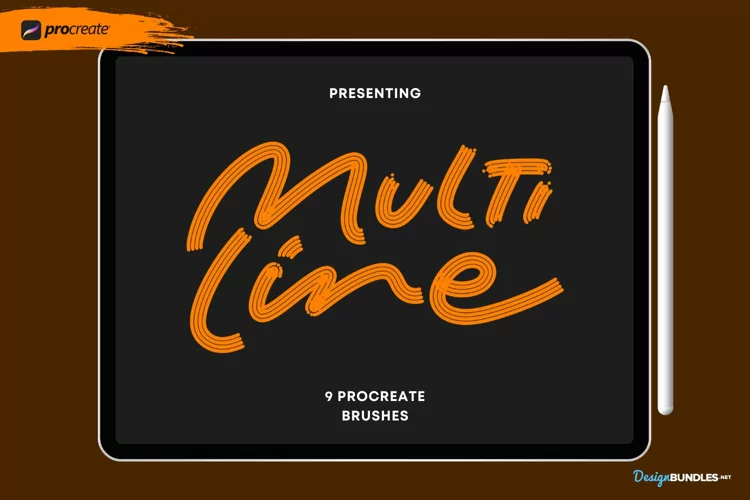
Multiline Procreate Brushes, Procreate rainbow brushes
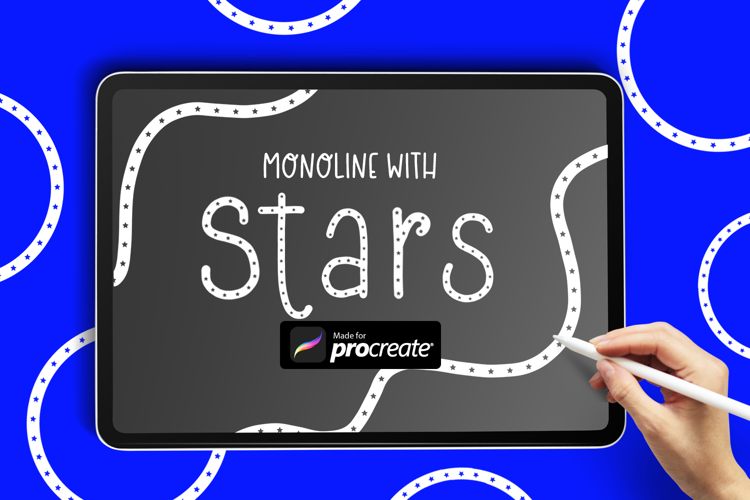
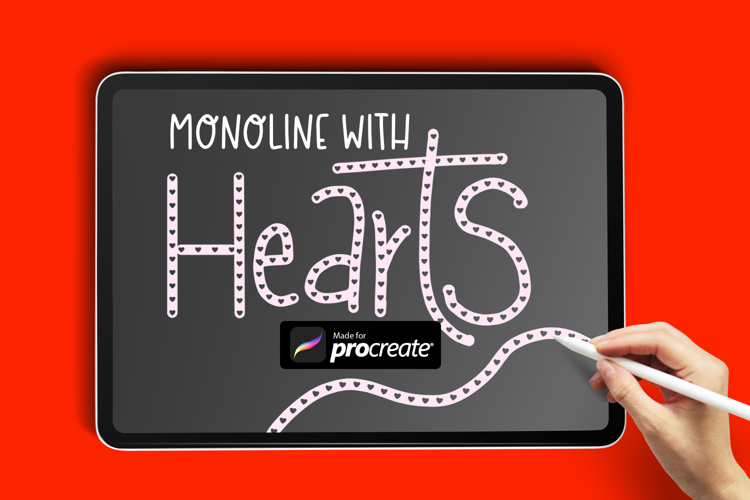
Transform your digital canvases with our Procreate Brushes. They are the perfect lettering brushes designed to give your pieces a cute hand drawn charm.
🖌️ What's Inside:
8 Multi Line Brushes for Procreate
How to Use:
Step 1: Save the .brushset file directly to your ipad.
Step 2: Open Procreate
Launch the Procreate app on your iPad.
Step 3: Import the Brush Pack
- In Procreate, open a canvas or create a new one.
- Go to the top toolbar and select the brush icon (usually represented by a paintbrush).
- In the Brushes panel, tap the '+' icon to create a new brush set.
- Choose "Import" from the menu that appears.
- Navigate to the location where you saved the brush pack in the Files app.
- Select the brush pack file (.brushset) you want to import.
Files included: BRUSHSET, PDF