
Chunky Lettering Procreate Brush | Nella Procreate Brush

What are you purchasing
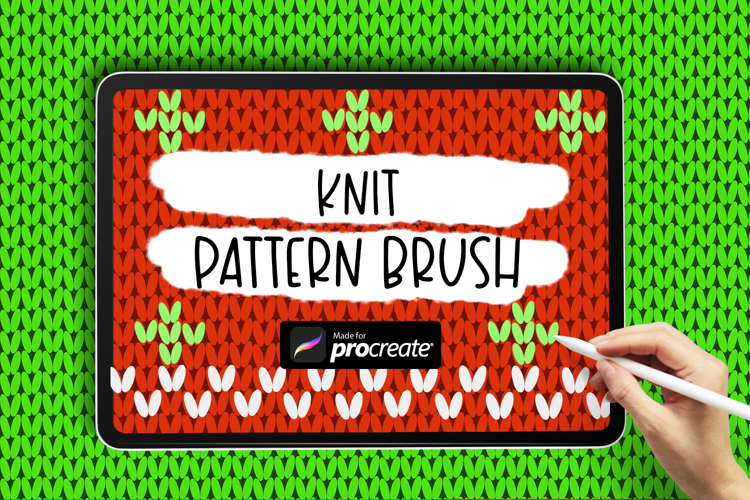
Knit Procreate Pattern Brush | Seamless Knitting Brush
Transform your digital canvases with our Procreate Checkered Brushes – a fun pack of Different Checkered handcrafted brushes and stamps designed to add that perfect touch of authenticity to your artwork.
🖌️ What's Inside:
3 Fixed Size Seamless Knit brushes (3 sizes included so you just grab the size you need for your project)
1 Dynamic Seamless Knit Brush (scales with the size of your brush)
How to Use:
Step 1: Save the .brushset file directly to your ipad.
Step 2: Open Procreate
Launch the Procreate app on your iPad.
Step 3: Import the Brush Pack
- In Procreate, open a canvas or create a new one.
- Go to the top toolbar and select the brush icon (usually represented by a paintbrush).
- In the Brushes panel, tap the '+' icon to create a new brush set.
- Choose "Import" from the menu that appears.
- Navigate to the location where you saved the brush pack in the Files app.
- Select the brush pack file (.brushset) you want to import.
Files included: BRUSHSET, PDF