
Procreate Brushes for Zendoodling with Bonus Pattern Brushes

When I post my designs to social media or list my products on sites, I create my mockups right in the Procreate app because it’s so much more than a drawing app. And now I’m sharing one of my favorites with you so you can use it for showcasing your designs too!
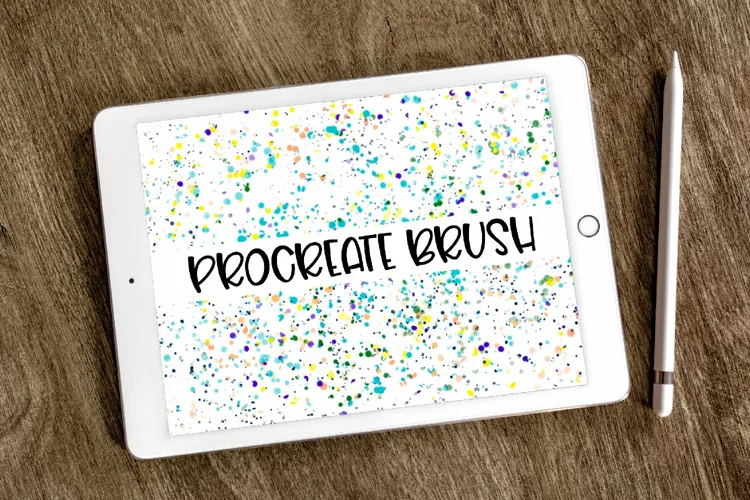
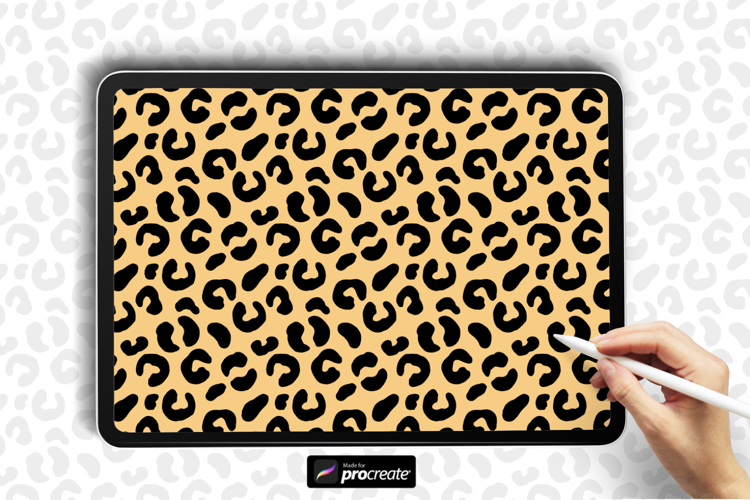
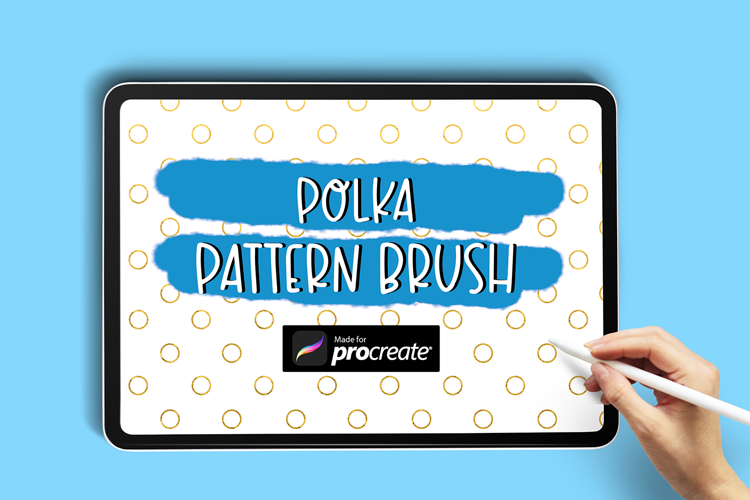
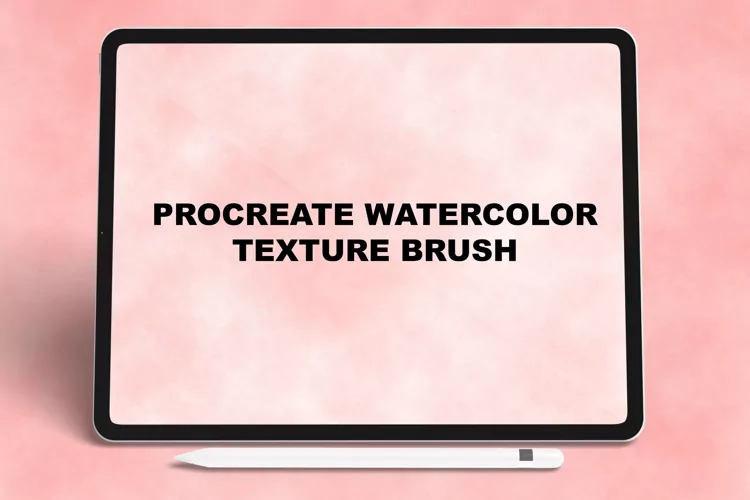
This flatlay mock-up is a handrawn realistic looking iPad Pro with a shadow for effect and includes 10 different backgrounds.
You can completely customize the scene creator by moving or resizing the iPad, inserting images or files, adding text, adding colors to the backgrounds, using clipping masks, playing with blend modes, and so much more!
The layers are organized and labeled for you to easily personalize the mockups or and make changes.
File includes one ZIP file with a layered .procreate canvas.
Canvas is 1500 pixels x 1000 pixels but can be rotated or cropped and resized right within the Procreate app. Resolution is 300 dpi for high quality images.
Make the backgrounds and colors fit your aesthetic or branding for eye-catching graphics you’ll be excited to share on Instagram, Pinterest, Facebook, and other social media sites.
If you’re a shop owner and sell digital products made on the iPad, this styled photo is a must have for professional looking images.
Files included: PROCREATE