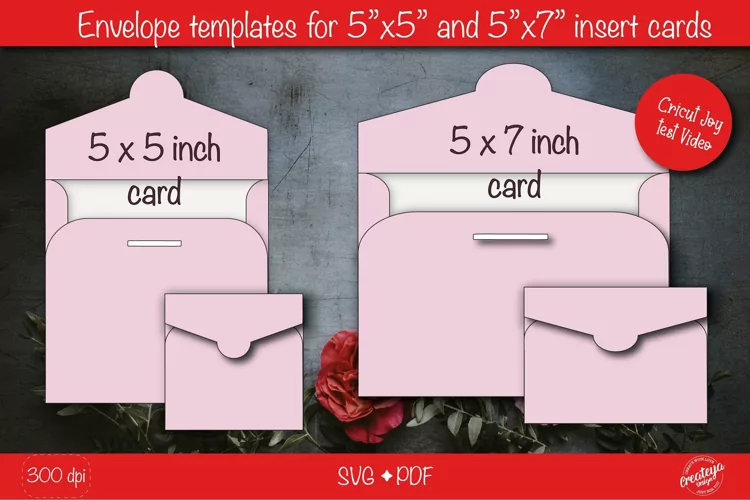
Envelope Template, Envelope svg, Printable envelope DIY
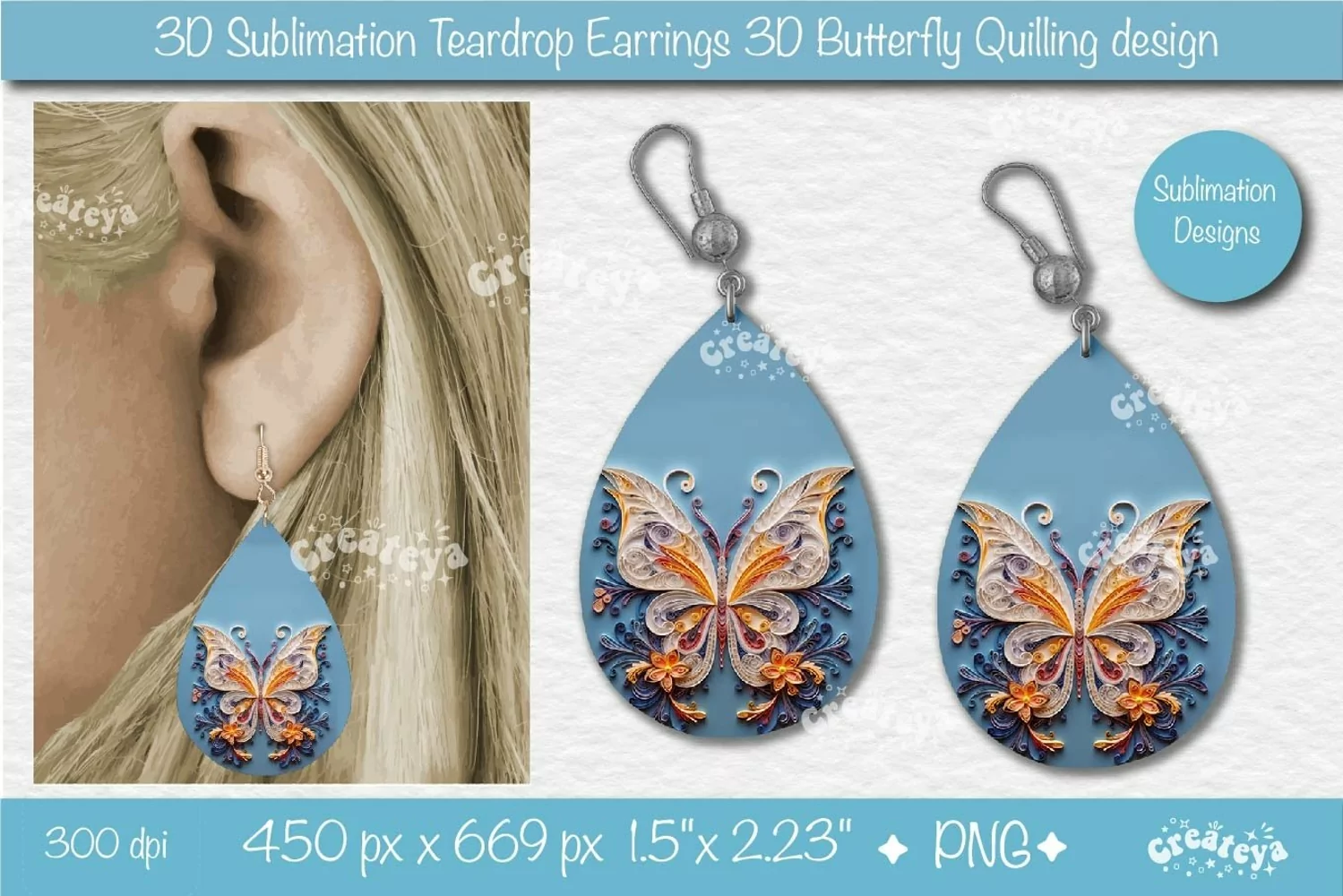
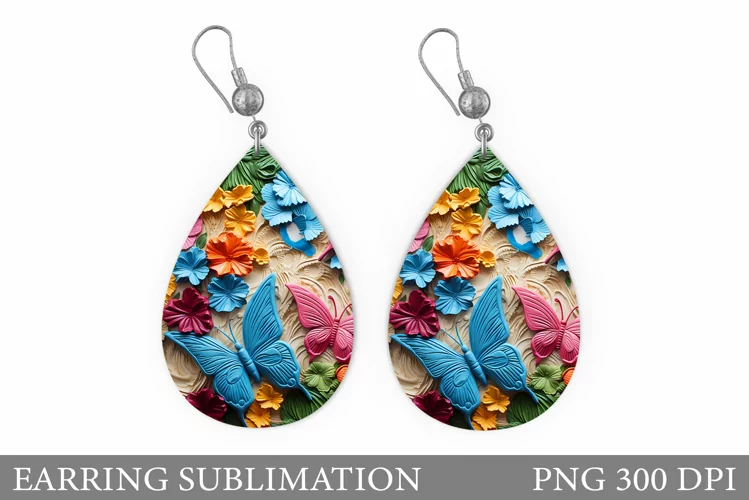
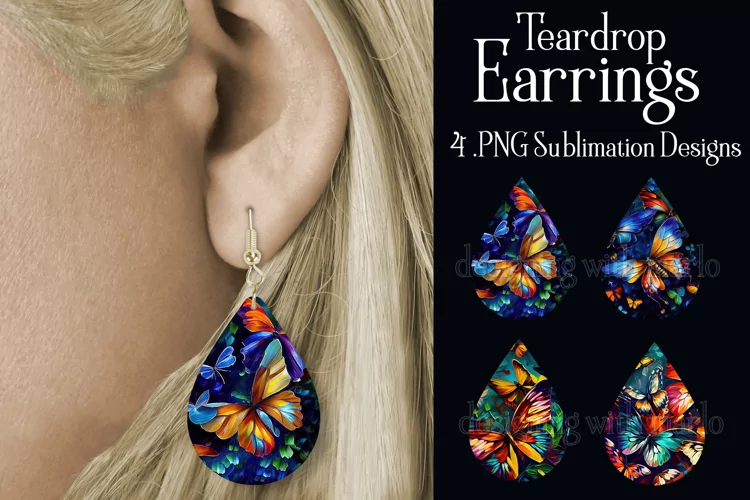
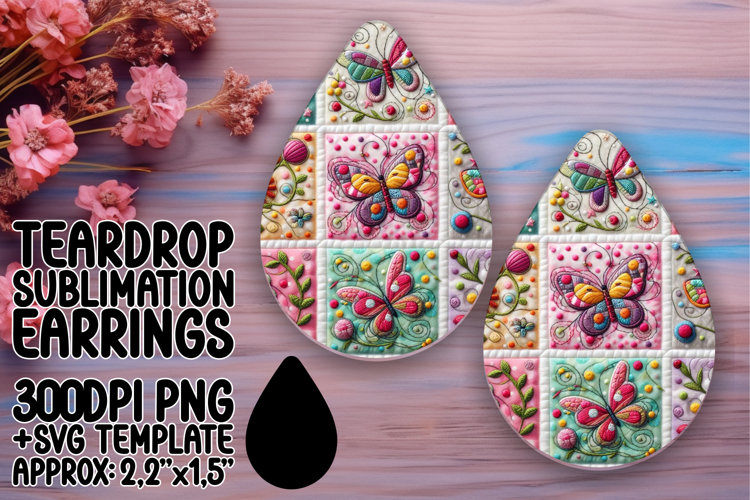
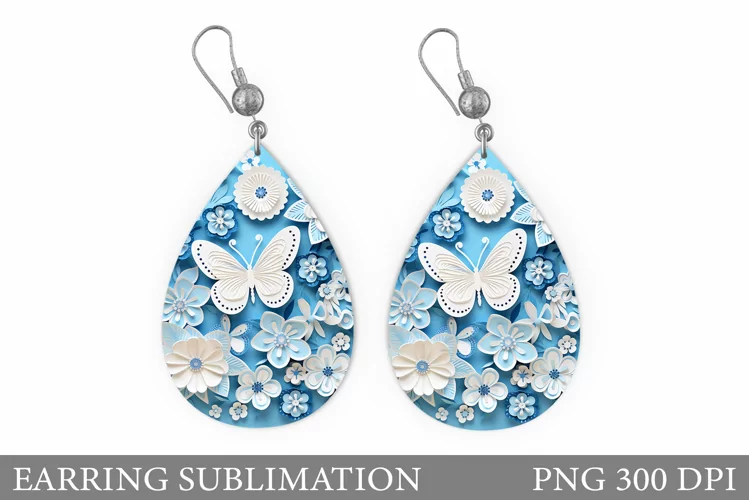
3D earring Teardrop sublimation with 3D Butterfly sublimation In Quilling paper style is perfect for summer teardrop earrings. Teardrop earring sublimation PNG. Cute earrings Design, Teardrop earring sublimation PNG Tear Drop Earring Printable Instant Download.
With a delightful butterfly design, these earrings are a lively celebration of life and style.
You will receive 1 ZIP folder with:
1 PNG file 300 dpi on a transparent background. Design is sized at 1.5'' x 2.23'' | 450x669 px
This file is NOT a cut file and will NOT work with Cricut Design Space.
This is a PNG digital download for a sublimation earring template. You will need a printer with sublimation ink and a high heat source to transfer the image. All downloads have a transparent background and can easily be sized in your favorite editing program to fit the sublimation earring blanks you have on hand. Please be sure you know how to resize a file before purchasing this item.
You can find Earrings Bundle here: https://designbundles.net/createya/3751425-3d-earrings-sublimation-bundle-3d-butterfly-teardr
You can find more Earrings designs here: https://designbundles.net/createya/earrings-sublimation-svg
***
If you have any questions, I will be glad to help you. Just let me know.
I hope you’ll find my project the perfect match for bringing your amazing ideas to life!
Have a good day and enjoy your new purchase!
* Please be sure to have the correct software for opening and using these file types.
Instant Download
The files will be available for instant download after purchase. This is a Digital Download of files. No physical items will be sent to you. Any backgrounds, logos, mock-ups, photos, framed or cut images are for illustration purposes only. All files are packed into Zip-archive. The ZIP files need to be extracted. Fonts are not included. The watermark will not be on your purchased image. You can use Illustrator 10 or above to open and edit the EPS and AI files. Depending on your computer’s monitor and resolution, colors may differ from the actual download. These files are all created in RGB color but may print differently due to different screen resolutions and printing inks.
Files included: PNG