Distressed Varsity SVG Alphabet| Varsity SVG Alphabet

 by Font Bundles
----------| Overview |----------
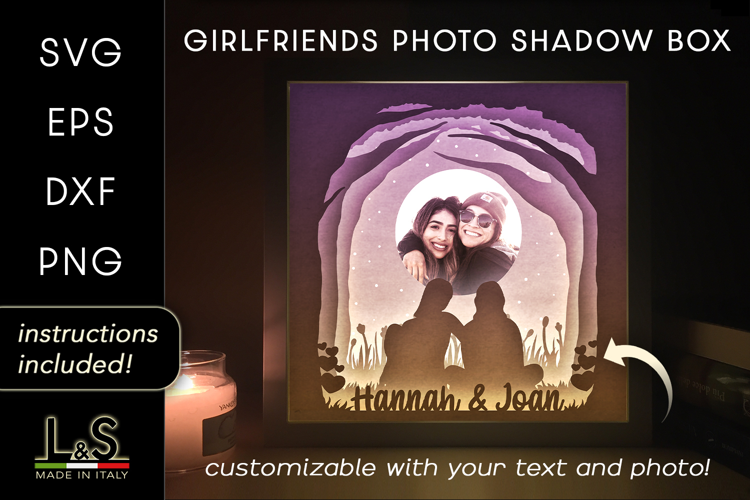
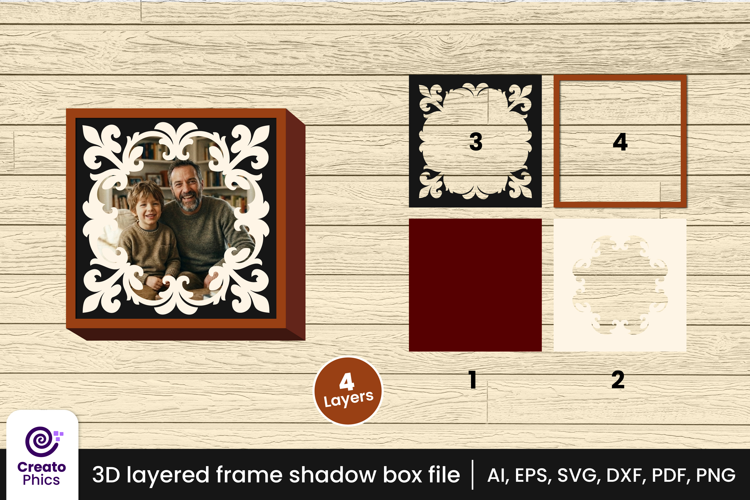
Instantly make your own photo frames and shadow boxes!
Listing includes files to make the square and hexagon shadow boxes.
----------| Item Specs |----------
Using the default size included on 12"12" paper will yield the sizes below
Square Box: 5.5" Outer edge
Hexagon Box: 7" Point to Point outer edge
Both can be scaled easily in your design software.
----------| Instructions |----------
Cutting by Hand:
1, Cut along solid black lines, score along dashed grey lines.
2, Follow along with video on my other platforms to see how to glue the box together.
Cutting Machine (Cricut):
1, There will be 2 layers for each file in your document when loaded into Design Space. Change the 'Operation' for the top file to "Score" and leave the bottom file (the actual box) as "Cut". If you are not using the scoring tool, you can delete the layer with the score lines and do this manually.
2, 'Attach' all layers
3, Make it!
**You will need to glue or tape the interior of the box/frame to hold the box in place. You can see in the video where I press down on the back in order to hold the glue. Let me know if you run into any issues here.
----------| Files |----------
These files will download in a compressed/zipped folder. You must be able to unzip a compressed folder in order to use this item. This software is likely already installed on your PC and you will simply need to right-click the folder and select "Unzip" or "Extract".
Files Included:
Square:
-SVG
-DXF
-EPS
-PNG
+PDF scaled for 8.5x11 hand cutting
Hexagon:
-SVG
-DXF
-EPS
-PNG
+PDF scaled for 8.5x11 hand cutting
**Pre-perforated files not included for hexagon, only the square box
This listing is ONLY for the shadow boxes. To purchase the square shadowbox AND envelope together please view my other listings
To purchase the Plants and Planters shown in the photos check out my Plant Bundle