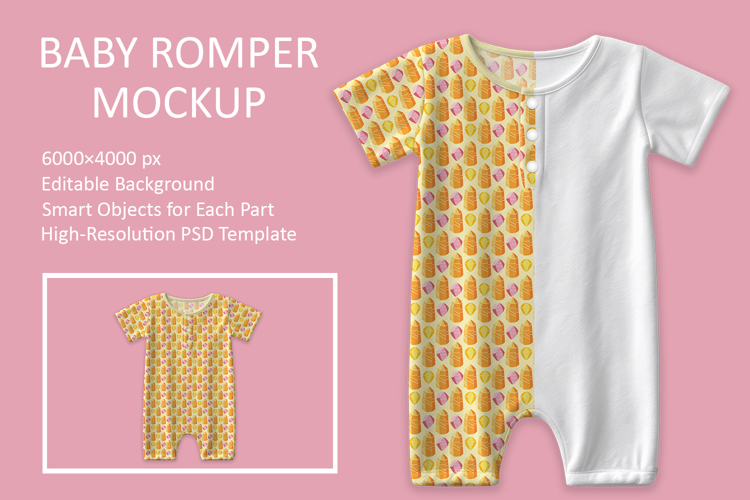
Included:
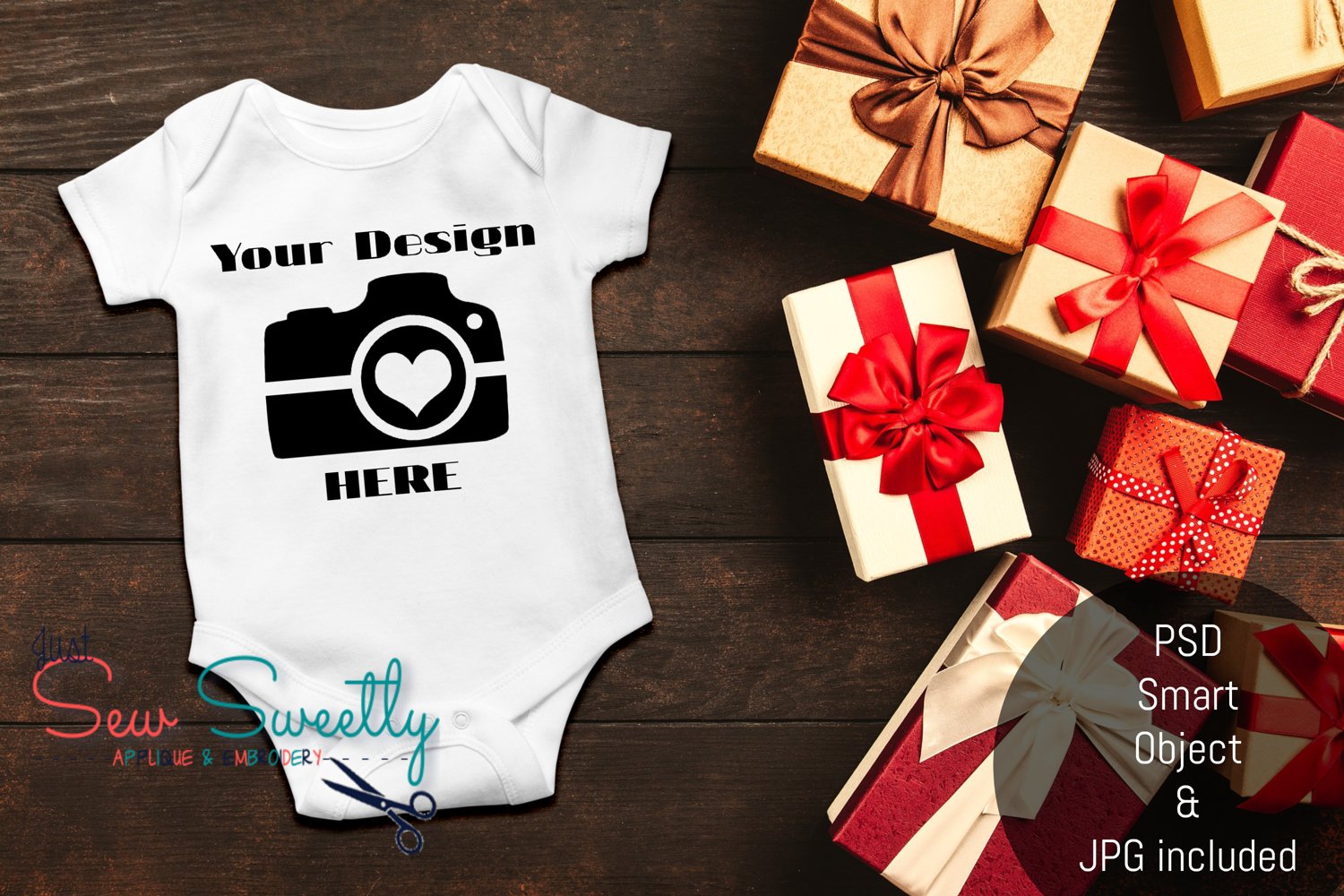
- JPG image mock up without watermarks or layers. (3000 X 2000 300dpi)
- PSD file that can be used to perfectly place your design image on the mock up and change the color of the shirt with ease.
- This can be accessed through Photoshop with Smart Objects or for free at photopea.com. Simply open your mock up file on photopea.com, double click on the "PLACE HERE" layer, insert/resize your image on the new smart object that opens, change romper color background or leave invisible for a white romper. Save your smart object to apply it to your mock up. **video tutorial coming soon**



 by Font Bundles