
Procreate Pattern Grab Bag

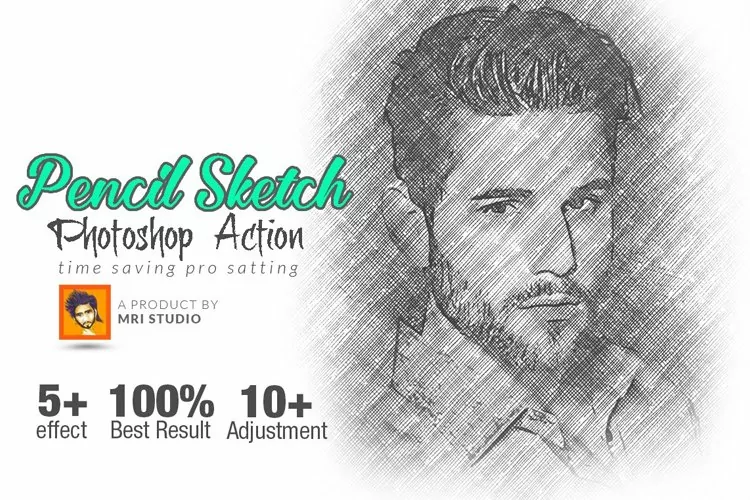
This is a Photoshop action to give your graphics a ‘rough sketch’ look.
This action will only work in Photoshop and has only been tested in Photoshop CC.
Helpful tips (not shown in previews) are included in your download to get you started.
Previews show examples of how I took a small jpg image, dragged it onto a 6000 x 6000 pixel document, enlarged it to fit the document, and then ran the action.
Images that are two colors, a dark color and a light color background (preferably black and white or black and a very light color) work best with this action such as public domain illustrations as seen in the previews.
After the action has run, there’s a ‘remove white’ action included so you can turn your graphics into transparent png files.
Files included: ATN, JPG