
Unique Collage Photo Frame

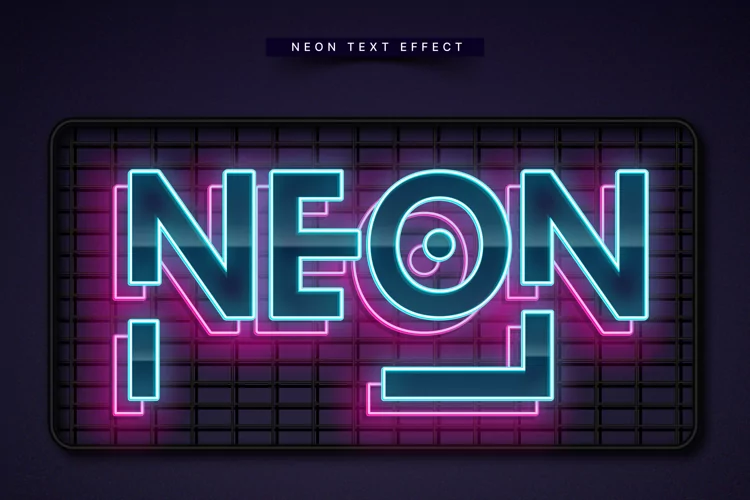
Neon Effect Creator will give any of your tax shape logo vectors a neon look within 30 seconds, without any hassle, natural looking and multi color, you can easily change the color completely with one click if you want, you can do one color setting if you want. Given a few backgrounds, he can change the background and use it, and if he has just included, he can use the cable if he wants, or he can just delete it, and if he wants he can do free-hand customization of the cable, if you want to mock up the logo Will, because we have given the shining option and the real color, if you use the logo, the serial color will be left and all the rest will be recruited, there are many options, you can set your own if you want, how to use our neon effect creator? And how to custom? It has a detailed video, although it does not require any skills to use it. You can use it only after opening the file in Photoshop.
No skill need just one click make your neon effect, Usage my Photoshop Neon Effect Creator 100% granted the best working and new resource.
Information Photoshop Neon Creator item:
Files included: JPG, PSD