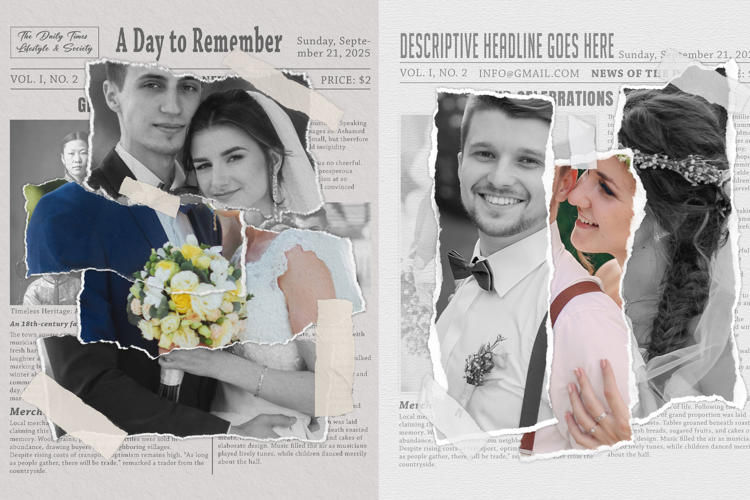

Unique Collage Photo Frame

Easy Blast Photo Effect Photoshop Actions
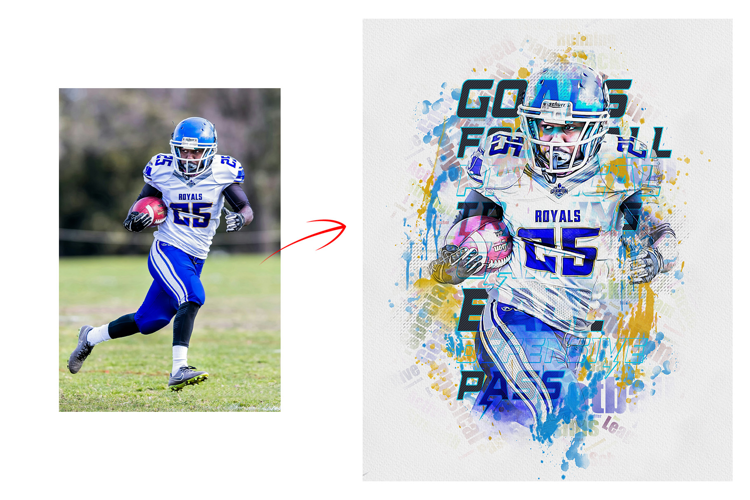
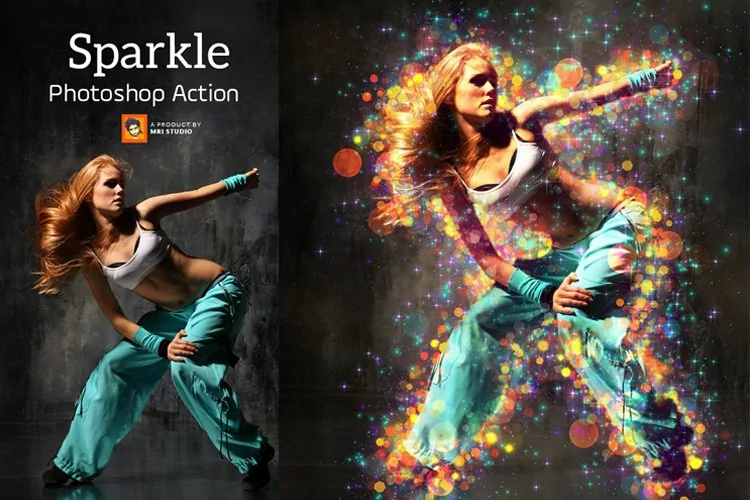
Easy Blast Photo Effect Photoshop Actions allow you to effortlessly transform your images into dynamic and explosive scenes with just a few clicks. These actions provide a user-friendly way to apply stunning blast effects, adding drama and impact to your photos without the need for intricate manual editing.
With a set of pre-designed layers, filters, and adjustments, these actions simulate the appearance of powerful explosions. You can instantly make your images appear as if they're caught in the midst of a fiery detonation, complete with smoke, debris, and shockwaves. The simplicity of these actions ensures that even those new to Photoshop can achieve professional-looking results.
Products information File Include:
• Photoshop Atn format (action file ) include file
• Photoshop Abr. format (brush file ) includes file
• Unlimited Effects Combined Setting Possibility
• 10+ Unique color adjustment
• Well-documented instructions included
• Easy to use one-click actions
• Step-by-step video tutorials are including
• Professional results and very easy to use
• You can Edit All layers Easily
• All layers are organized, named, and placed in groups to have complete control over each layer and each group.
My Working Software Version:
CC2015.5 English Version.
• These actions can use Your Design on both Mac and Windows versions of Photoshop. on Mac and Windows versions.
• Compatible with Photoshop CC2015.5, CC2017, CC2018, CC2019, CC2020, CC2021, CC2022, CC2023+ English Version.
Files included: ABR, ATN, JPG