
Unique Collage Photo Frame

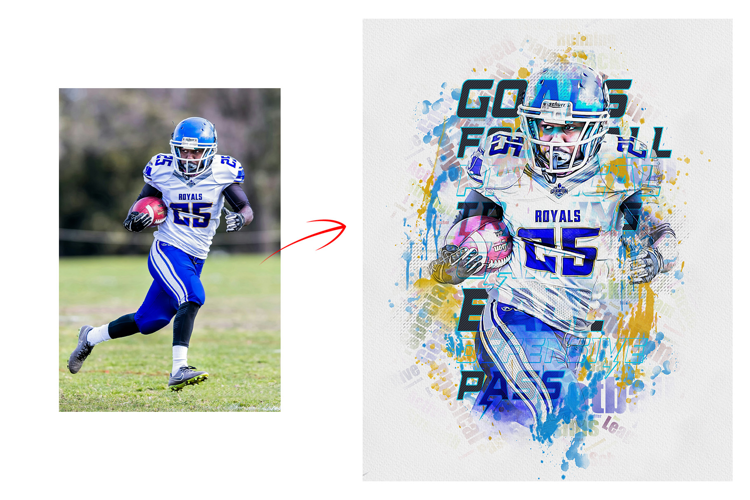
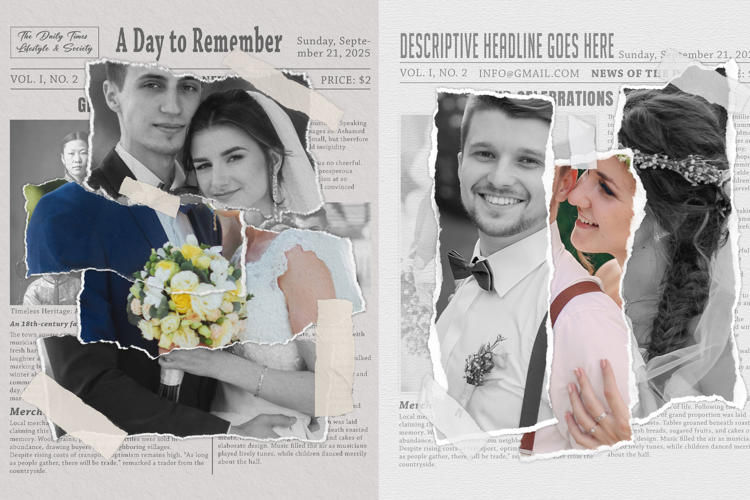
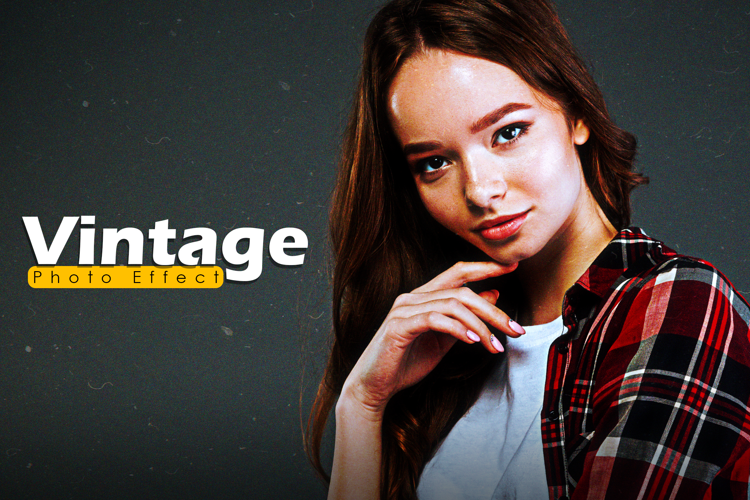
Easy Vintage Aesthetics Photo Effect Photoshop Actions
A Vintage Aesthetics Photoshop Action is a pre-recorded series of steps and adjustments that can be applied to your photos with a single click. It's a convenient way to transform modern images into a nostalgic, retro, or vintage look, capturing the essence of a bygone era. This action can save you time and provide consistent results, giving your photos an old-world charm.
The Vintage Aesthetics Photoshop Action typically includes:
By applying this action, your photos will evoke the ambiance of a past time, making them ideal for creating a timeless, vintage atmosphere in your visuals.
Products information File Include:
• Photoshop Atn format (action file ) include file
• Photoshop Pat. (Pattern file) Format includes.
• Helpfile includes how to usage video link include
• Unlimited Effects Combined Setting Possibility
• 20+ Unique color adjustment
• Well-documented instructions included
• Easy to use one-click actions
• Step-by-step video tutorials are including
• Professional results and very easy to use
• You can Edit All layers Easily
• All layers are organized, named, and placed in groups to have complete control over each layer and each group.
My Working Software Version:
CC2015.5 English Version.
• These actions can use Your Design on both Mac and Windows versions of Photoshop. on Mac and Windows versions.
• Compatible with Photoshop CC2015.5, CC2017, CC2018, CC2019, CC2020, CC2021, CC2022, CC2023+ English Version.
Files included: ATN, JPG, PAT