
Arrow Shape Design
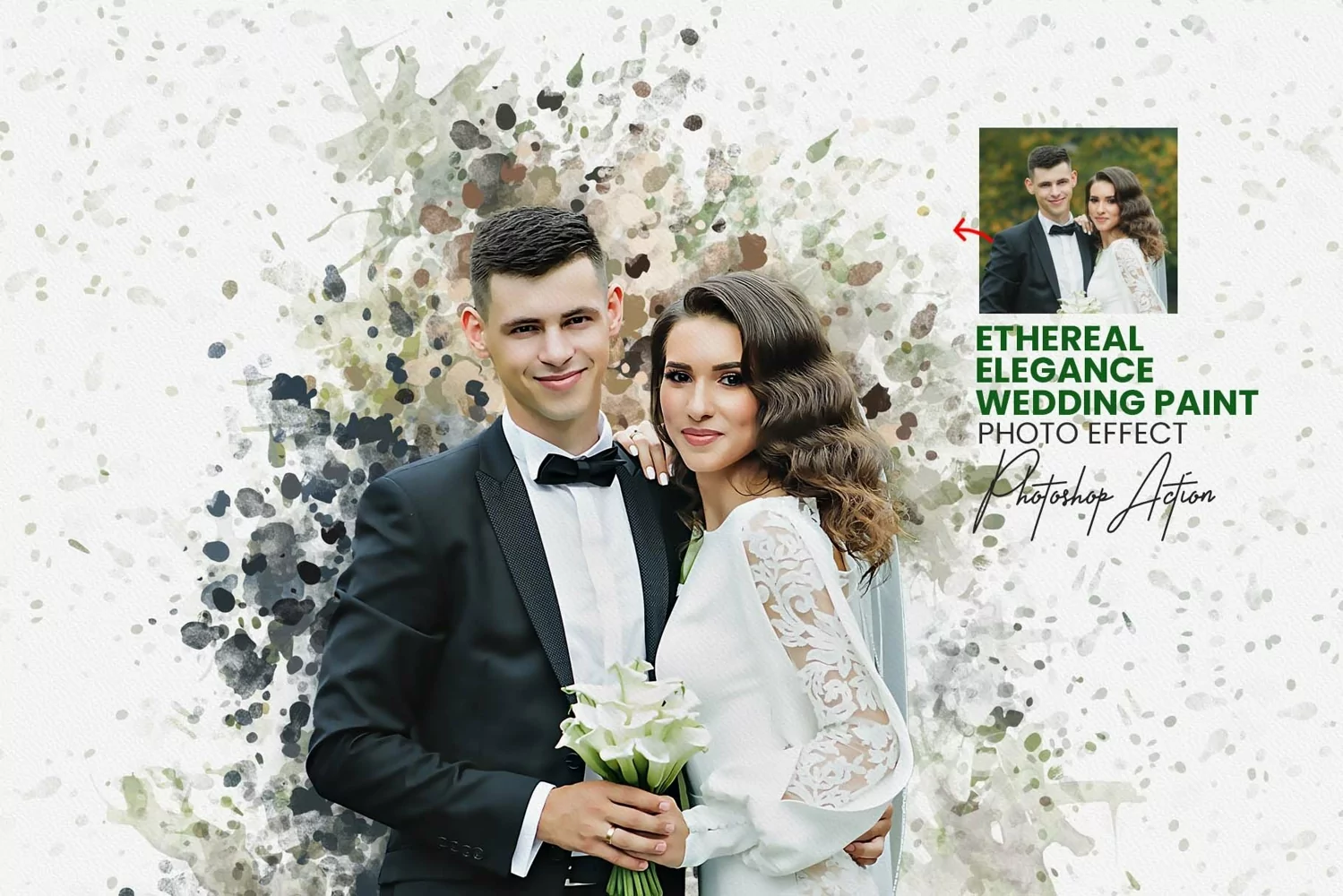
Introducing the Ethereal Elegance Wedding Paint Photoshop action, a mesmerizing tool designed to infuse your wedding photos with ethereal charm and elegance. This action effortlessly transforms your images into stunning digital paintings with a delicate watercolor effect. With no advanced skills required, anyone can use this action to elevate their photos to new heights of beauty.
Crafted with simplicity in mind, this action is easy to use, making it accessible to photographers of all levels. Each layer is meticulously separated, allowing you to customize and fine-tune every aspect of the painting to perfectly suit your vision. Whether you're a professional photographer looking to add a touch of magic to your wedding portfolios or a bride wanting to create timeless keepsakes, the Ethereal Elegance Wedding Paint Photoshop action is your go-to tool for creating breathtaking masterpieces with just a few clicks. Elevate your wedding photos to art with ease and grace.
Products information & File Include:
• Photoshop Atn format (action file ) include file
• Photoshop Abr. format (brush file ) includes file
• Photoshop Pat. (Pattern file) Format includes.
• Helpfile includes how to usage (video link include)
• 20+ Unique color adjustment
• Well-documented instructions included
• Easy to use one-click actions
• Step-by-step video tutorials are including
• Professional results and very easy to use
• You can Edit All layers Easily
• All layers are organized, named, and placed in groups to have complete control over each layer and each group.
My Working Software Version:
CC2015.5 English Version.
• These actions can use Your Design on both Mac and Windows versions of Photoshop. on Mac and Windows versions.
• Compatible with Photoshop CC2015.5, CC2017, CC2018, CC2019, CC2020, CC2021, CC2022, CC2023+ English Version.
Highly Detailed Video Tutorials
With an extensive and constantly growing library of Video Tutorials in 1080p, We now always have a video with each of our products, so that you can easily see the full details of how to use the product, as well as how you can customize the product to get higher level results.
Lifetime updates We always try to keep our products up to date, but in this case, we give the highest priority, to the products that sell us the most