AboutRetro Digital Art Print Photo Effect
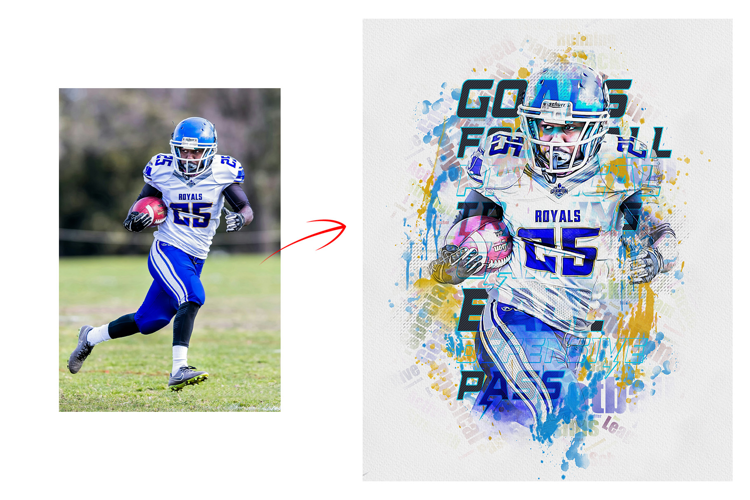
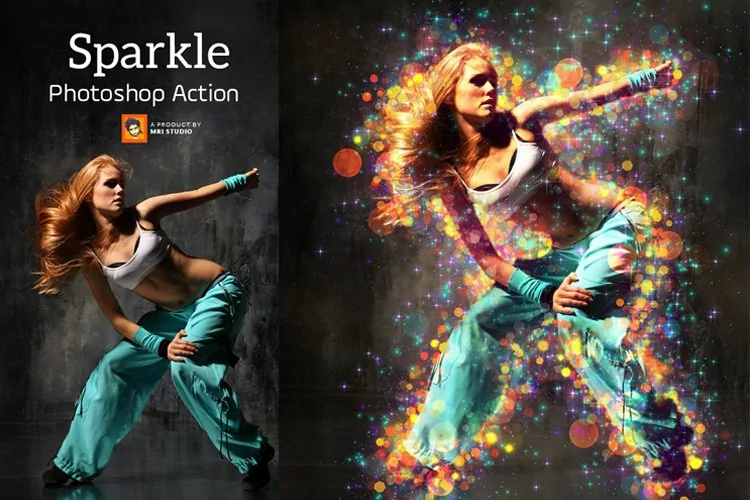
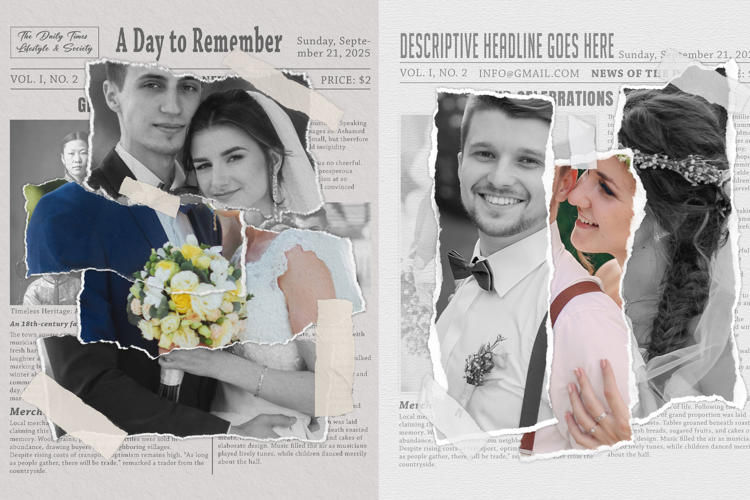
Transform your modern photos into a nostalgic masterpiece with our Vintage Newspaper Collage Portrait Art Effect. This professional-grade digital tool blends the gritty texture of old-world journalism with contemporary portraiture, creating a high-contrast, editorial look perfect for social media, wall art, or branding.
Key Features
- Authentic Textures: High-resolution overlays of aged newsprint, ink bleeds, and paper fiber.
- One-Click Transformation: Professional results in seconds with easy-to-use smart object layers.
- Customizable Layers: Adjust the "ink" density, paper yellowing, and collage density to suit your style.
- High Resolution: Perfect for both digital displays and high-quality physical prints.
Why Choose This Effect?
In a world of overly polished digital photos, the Vintage Newspaper Collage style stands out. It adds a layer of intellectual mystery and "indie" charm to any portrait. It is ideal for:
- Musicians & Artists: Create striking album covers or promotional posters.
- Content Creators: Level up your Instagram aesthetic with a cohesive, moody vibe.
- Gift Ideas: Turn a simple portrait into a meaningful, "retro-future" piece of art for printing.
How to Use It
- Upload: Drop your portrait into the designated Smart Object layer.
- Adjust: Choose your preferred newsprint overlay (Financial, Tabloid, or Classic).
- Export: Save your artwork as a high-quality JPEG or PNG.
What Is Include
- Photoshop RAW PSD File: Fully editable and layered for seamless customization, giving you complete control over your artwork.
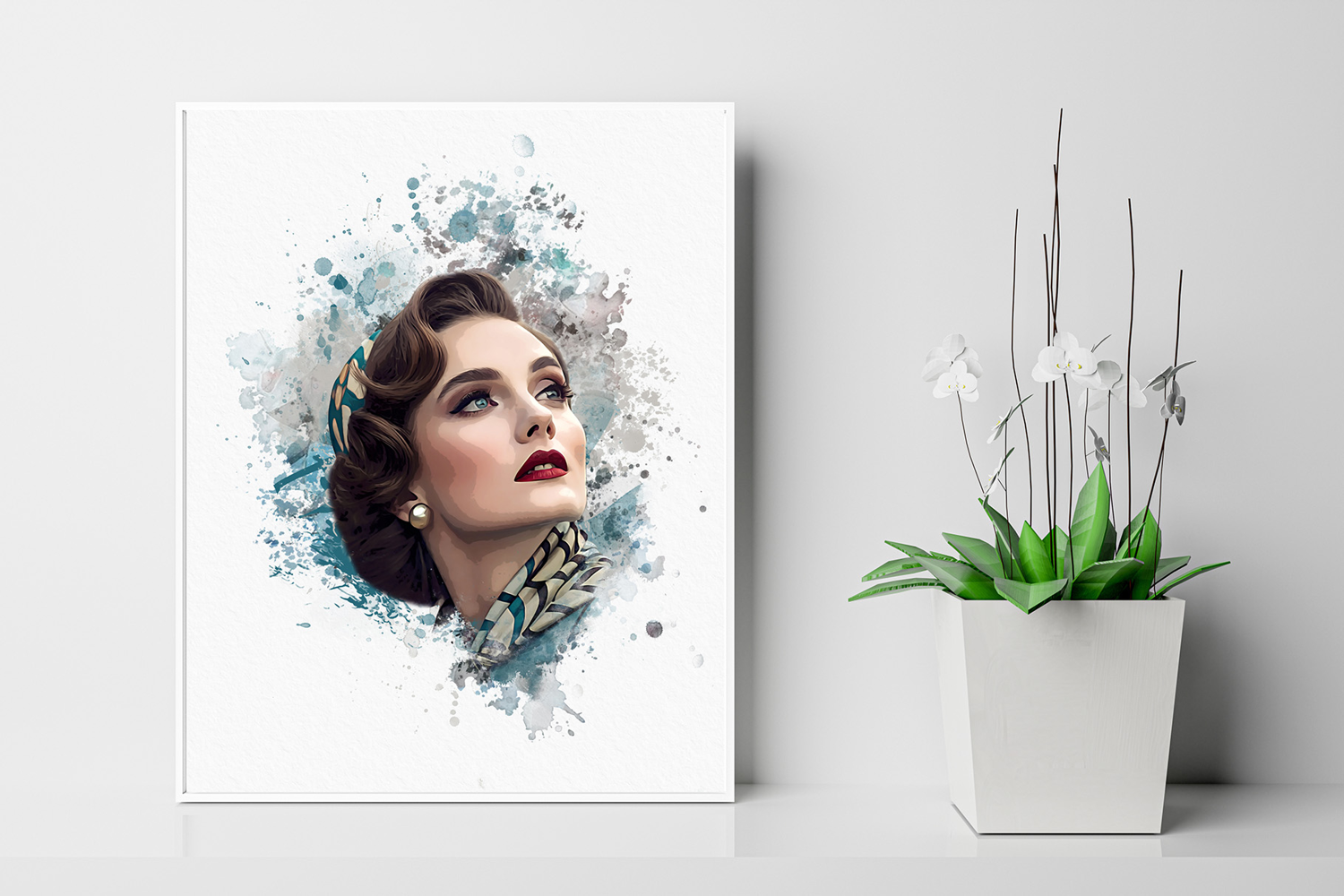
- Unique Watercolor Effects: Choose from five professionally crafted watercolor styles to enhance your wedding photos.
- Smart Object Placement: Effortlessly replace your photo, and watch the magic happen with one simple step.
- Artwork Size: Optimized for large prints at 2400x3000 Pixels, 300 DPI, ensuring high-resolution results perfect for framing.
Working Software Version
- CC2015.5 English Version.
- Software support version: CS4, Cs5.5, CS6, CC, CC2015.5, CC2017, CC2018, CC2019, CC2020, CC2021, CC2022, CC2023+Ink Splash