Unlimited Downloads 15% off Marketplace Purchases Exclusive Software Access Unlimited Downloads
15% off Marketplace Purchases
Exclusive Software Access
Start your Free Trial Start your Free Trial Maybe Later

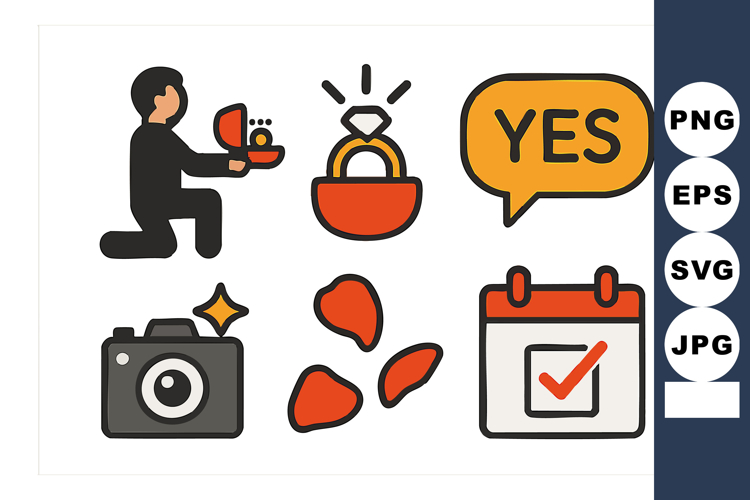
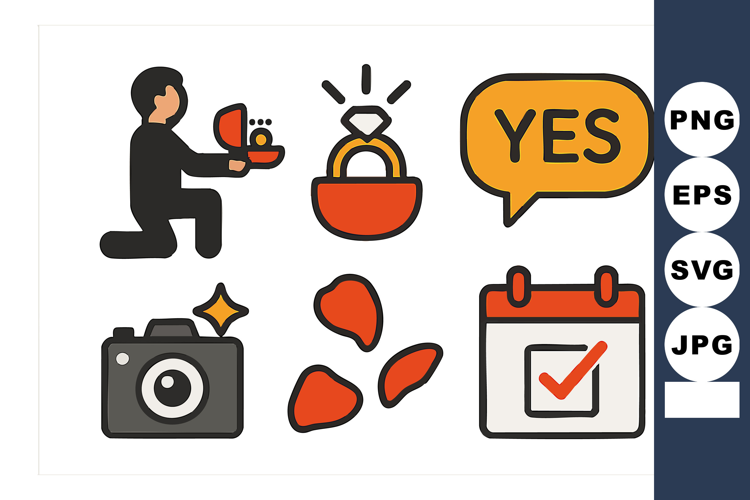
Engagement proposal vector icons with ring box camera petals

Join Plus For Unlimited Product Access
Access to over 1.6 Million Design Resources
Commercial & POD License Included
Thousands Of New Products Daily

Share this product

More information on this Design

Vector icons depict engagement proposal elements including a person kneeling with ring box, camera, rose petals, calendar with checkmark, and speech bubble saying yes. Cheerful mood.

Product Information

  • Release Date:
    3rd November '25
  • Updated Date:
    3rd November '25
  • Created By:
    Designer & AI
  • Product Tags:
    Proposal Rose Person Camera Calendar Petals Box Ring Kneeling Engagement
  • File Types Included:
    EPS JPG PNG SVG
  •  
    Report listing for infringement

Customer Reviews

For this Product
For this Store

There are no ratings for this product yet.

4.6
(17 Reviews)
5.0
13
4.0
3
3.0
0
2.0
0
1.0
1

How to use

Introducing Design School – our jam packed platform with its own mini search engine! Design School was made to help you learn all there is to know about fonts, graphics, templates, designs, file types, different software programs, Frequently Asked Questions and much much more.

Commercial use license

All Products can be used for Commercial Use! Read our licenses.

Five Star Technical Support

If our help center can't help you, our Customer Support staff will.

Unlimited Downloads

Your purchases are kept secure by us and can be downloaded an unlimited number of times.

store avatar
MustafaFerhatBeksen

More Design Resources by MustafaFerhatBeksen

Similar Design Products to Engagement proposal vector icons with ring box camera petals

Engagement proposal vector icons with ring box camera petals example image 1

Viewing Product

Engagement proposal vector icons with ring box camera petals

By MustafaFerhatBeksen

Help Center