Unlimited Downloads 15% off Marketplace Purchases Exclusive Software Access Unlimited Downloads
15% off Marketplace Purchases
Exclusive Software Access
Start your Free Trial Start your Free Trial Maybe Later
Royal Ability Avatar
Created By Royal Ability
Follow

Cherry Icons With Bows And Stars Vector

$3.00 USD
Premium License
Corporate License
Add to Cart - $3.00 USD
0

Share this product

More information on this Design

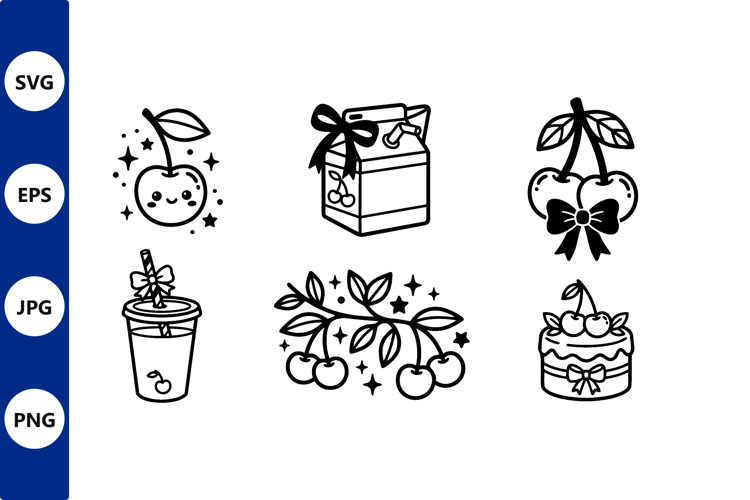
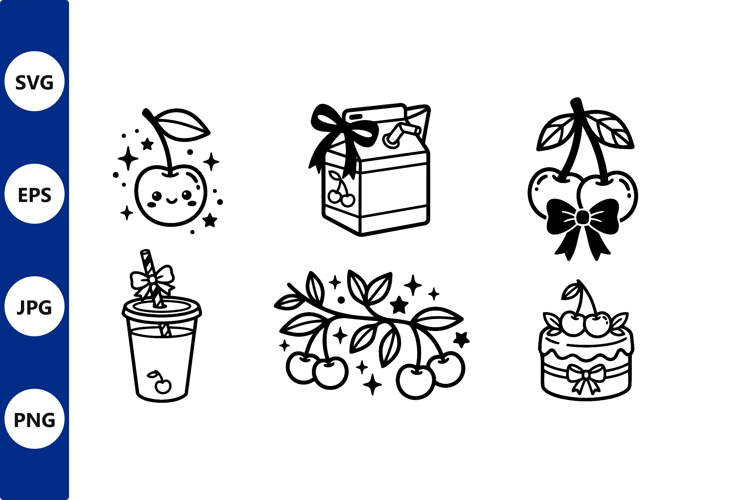
Black and white vector art featuring six cherry themed icons including smiling cherry with stars, carton with bow, cherries with bow, drink with straw, cherry branch, and cake with cherries and ribbon details.

Product Information

  • Release Date:
    26th June '26
  • Updated Date:
    26th June '26
  • Created By:
    Designer & AI
  • Product Sales
    0
  • Product Tags:
    Line Art Black White Cherry Icon Sparkling Stars Bow Ribbon Cake Design Fruit Vector Fruit Icon Drink Illustration Cute Cherries
  • File Types Included:
    EPS JPG PNG SVG
  •  
    Report listing for infringement

Customer Reviews

For this Product
For this Store

There are no ratings for this product yet.

5.0
(1 Reviews)
5.0
1
4.0
0
3.0
0
2.0
0
1.0
0

How to use

Introducing Design School – our jam packed platform with its own mini search engine! Design School was made to help you learn all there is to know about fonts, graphics, templates, designs, file types, different software programs, Frequently Asked Questions and much much more.

Commercial use license

All Products can be used for Commercial Use! Read our licenses.

Five Star Technical Support

If our help center can't help you, our Customer Support staff will.

Unlimited Downloads

Your purchases are kept secure by us and can be downloaded an unlimited number of times.

store avatar
Royal Ability

More Design Resources by Royal Ability

Similar Design Products to Cherry Icons With Bows And Stars Vector

Cherry Icons With Bows And Stars Vector example image 1

Viewing Product

Cherry Icons With Bows And Stars Vector

By Royal Ability

Add to Cart - $3.00 USD
Help Center