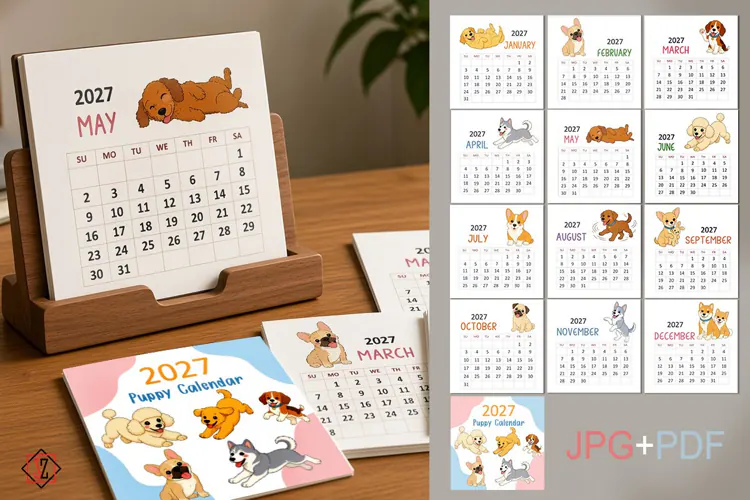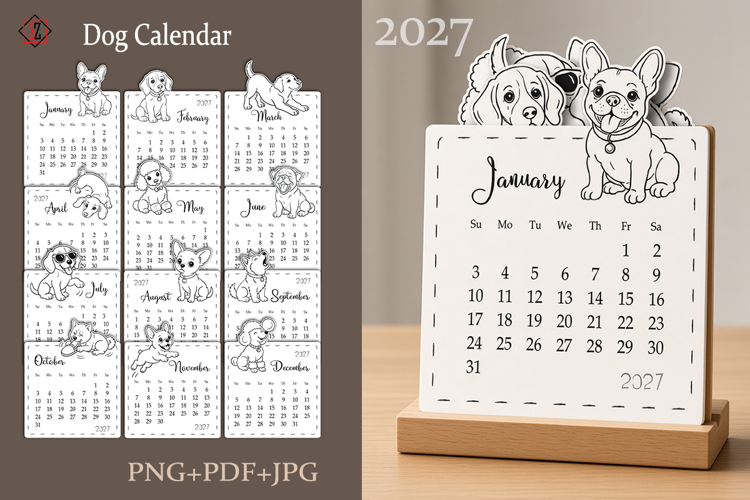
2027 Dogs Calendar

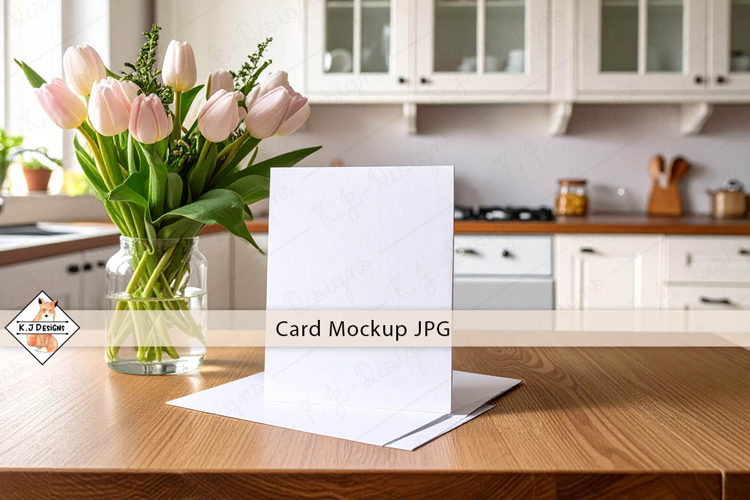
A mockup for showcasing a card on a grey background with a bouquet of white flowers.
You will receive two file options to present your product.
Features:
· 1 PSD style
· 1 PNG style
· High resolution: 3600x2400 pixels, 300 dpi.
· Simple and quick editing using smart objects in the PSD format and easy use of the PNG file.
· Organized layers and folders
How to present your design?
PSD:
1. Open the PSD file.
2. Double-click on the desired smart object layer.
3. Insert or create your artwork.
4. Save and close.
PNG:
1. Open the PNG file.
2. Place your image under the main background layer.
3. Save and close.
Thank you for visiting my shop.
Svetlana.