Unlock unlimited creativity with over 3.5 Million design resources, including 800,000 exclusive products only available on Plus. Get the keys to a treasure trove of top-quality fonts, svgs, graphics and templates ready to elevate your projects. Our world-class support is here to help you every step of the way.
Commercial & POD License Included
Bring your designs to life with our comprehensive Commercial and POD (Print on Demand) license, included at no extra cost. This means you can use our products commercially without worry, creating a wide range of physical items from t-shirts to mugs and far more! Sell your creations without any added expenses or complicated licensing terms. View Our Licenses.
Thousands Of New Products Daily
Stay ahead in your creative game with thousands of new, high-quality products added daily from some of the world's best designers. Imagine visiting a vibrant market every day, where the stalls are constantly updated with fresh and exclusive content you won't find anywhere else, that is Plus. Ensuring you always have the newest and best design assets at your fingertips.
Share this product
More information on this Design
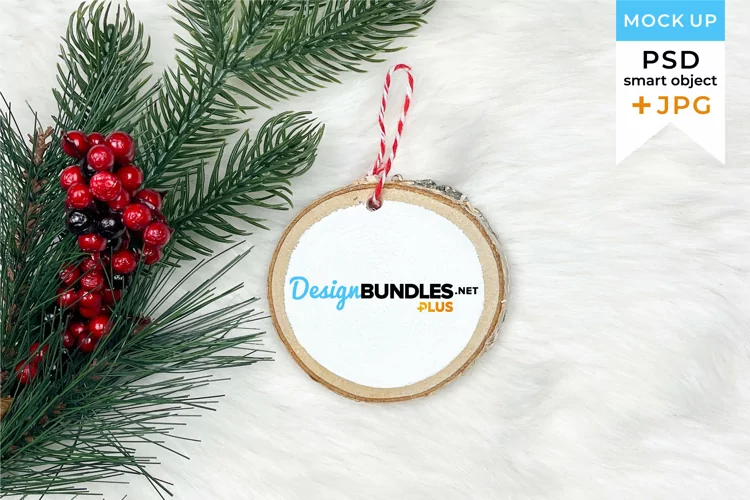
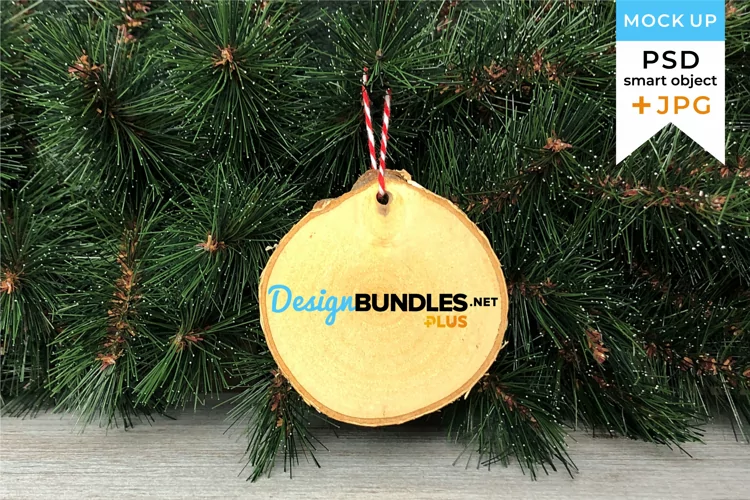
See all our mockups here: https://designbundles.net/svgcutfile/mockups/rel=DttU33 Instant Download: Round wood Christmas ornament mockup with buffalo plaid background - If you sell custom ornaments, this mockup is perfect for you! Our perfectly styled blanks showcase your design beautifully and easily - just overlay your design right on top of the image, and you're ready to go! ***This download includes 2 JPG files*** 1 zoomed out version, 1 cropped-in version 3009 × 2076 px 11 MB Please note:*This is NOT a smart object/PSD/Photoshop file.*This is a digital file and no physical item will shipped.*Photo props, items and backgrounds shown are not included in your purchase. This listing is ONLY for a digital file download. //HOW TO USE THE FILES: 1. Click Download link 2. The file will download somewhere on your machine, probably in 'Downloads.' The file will be a ZIP file. 3. Double-click the ZIP file (or right-click and choose Extract), and your computer will 'unzip' it. There is a file inside that ends with these letters: .jpg 4. Add your design to the .jpg file. 5. Enjoy!
Introducing Design School – our jam packed platform with its own mini search engine! Design School was made to help you learn all there is to know about fonts, graphics, templates, designs, file types, different software programs, Frequently Asked Questions and much much more.