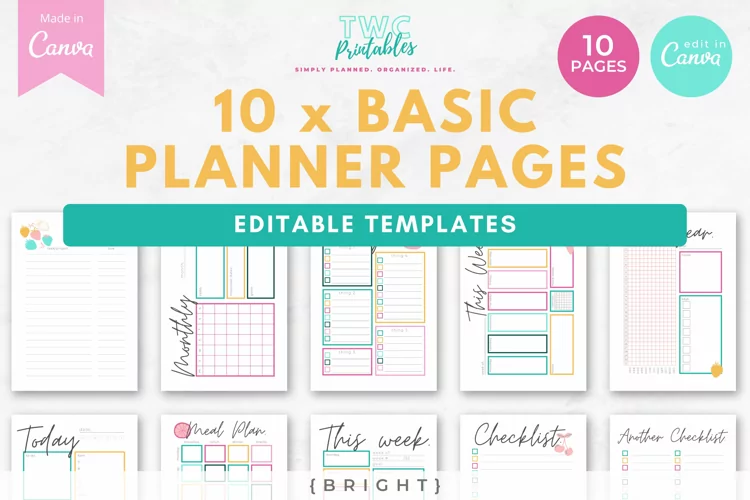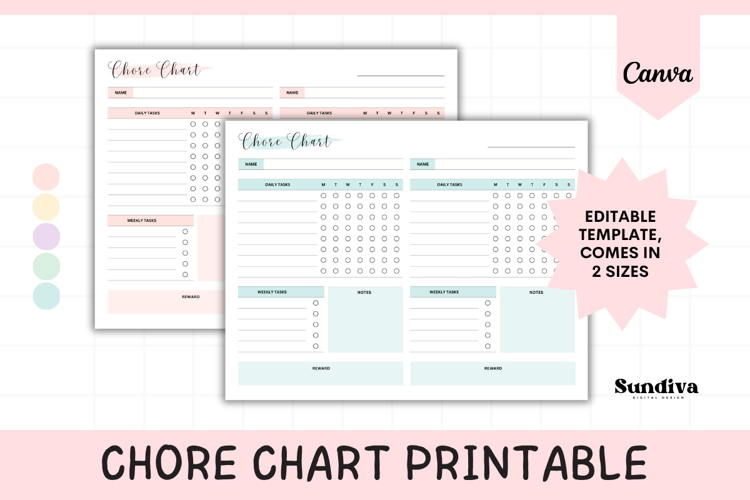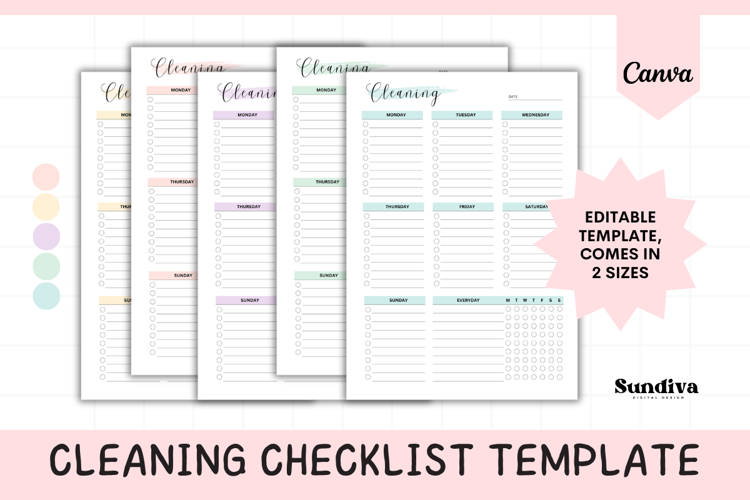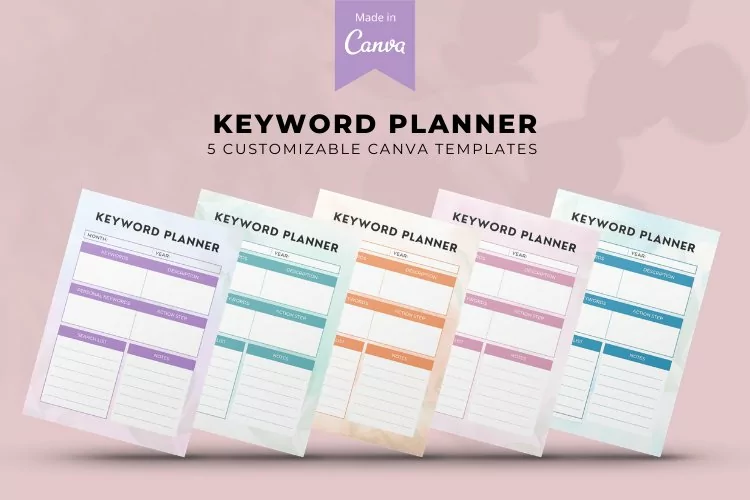

Study Planner Canva Templates | 48 Pages | TERRA

The Canva Keyboard Shortcuts are suited for Mac and Windows users, and will help you to work faster with Canva. The Editable Canva Shortcut Buttons pages are 100% editable. Create Printable Canva Shortcut Keyboard pages for your desk! Use these templates with Canva Pro and free. The Canva templates can be changed the way you like, printed out, laminated if you want, and used wherever you want to use Canva to design pretty things, fast!
What is included:
• 3 pages to edit in Canva, for both Mac and Windows
• Sizes: A4 + US letter included for both Mac and Windows keyboard shortcuts
🤩 FREE BONUS: 10 x free sheets to play around with - sign up via email! (A link to sign up is provided in the 'FREEBIE' PDF upon your purchase :)
♥ What is Canva? ♥
Free online design software to create anything you want to!
THE SUPER IMPORTANT STUFF:
• You will need a Canva account to edit these templates. Don't worry, it's free! Sign up at canva.com.
• Use a desktop to edit these templates in Canva (though they have an App, it is quite limiting)
• Canva links can NOT be resold, which means that you will need to change them up and download them as a final PDF, PNG, or JPEG.
HOW DOES IT WORK?
1. After purchasing you will be able to download the PDFs (one will contain the link to the template/s, and the other one is the Help Guide)
2. Open the link in the PDF to go to Canva.com, where you can start editing right away :)
3. See the Help Guide PDF in case you're new to Canva — I have added some easy steps with images!
©TWCprintables
Files included: PDF