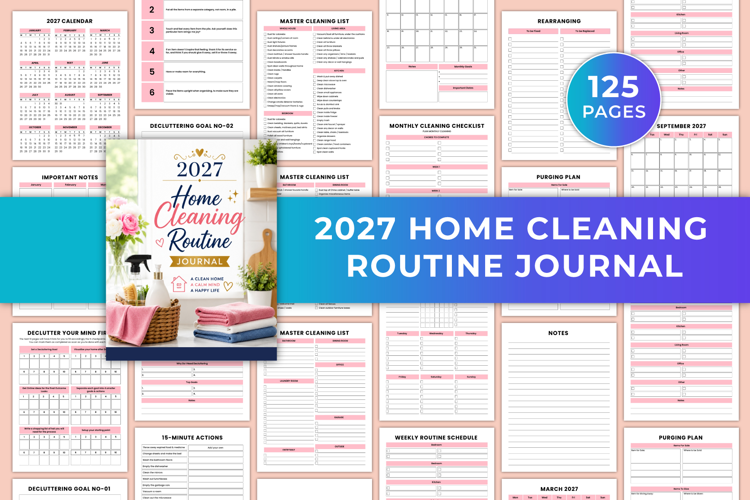
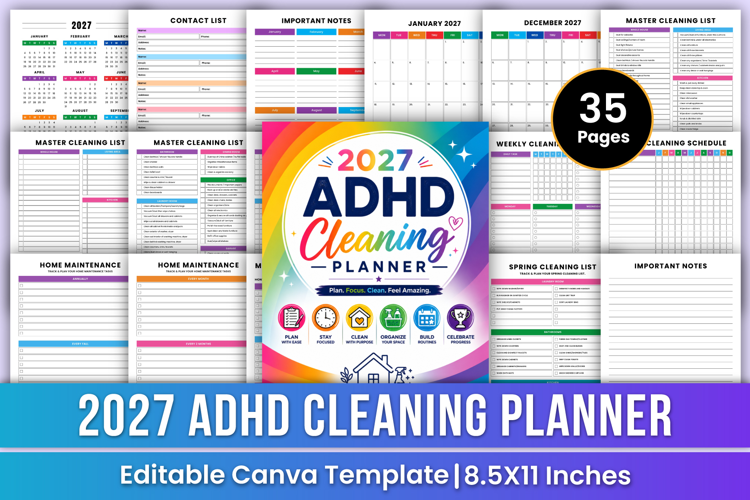
2027 ADHD Cleaning Planner | Routine
Canva Social Media Design Guide | Social Media Graphics, Instagram Posts, Facebook Designs, YouTube Thumbnails & Branding
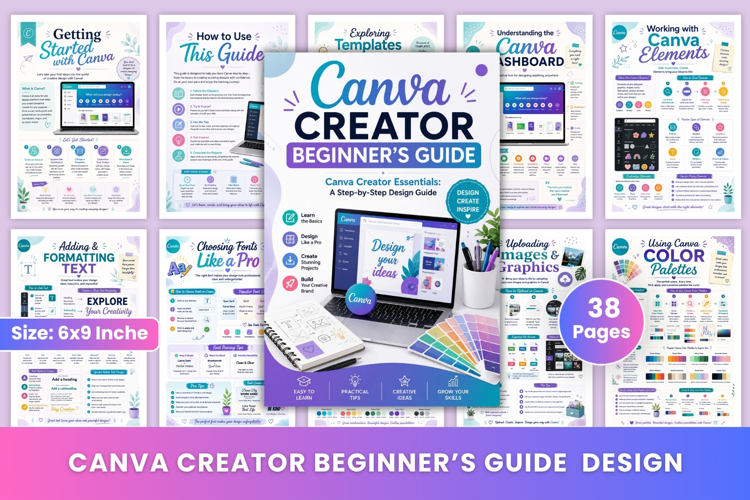
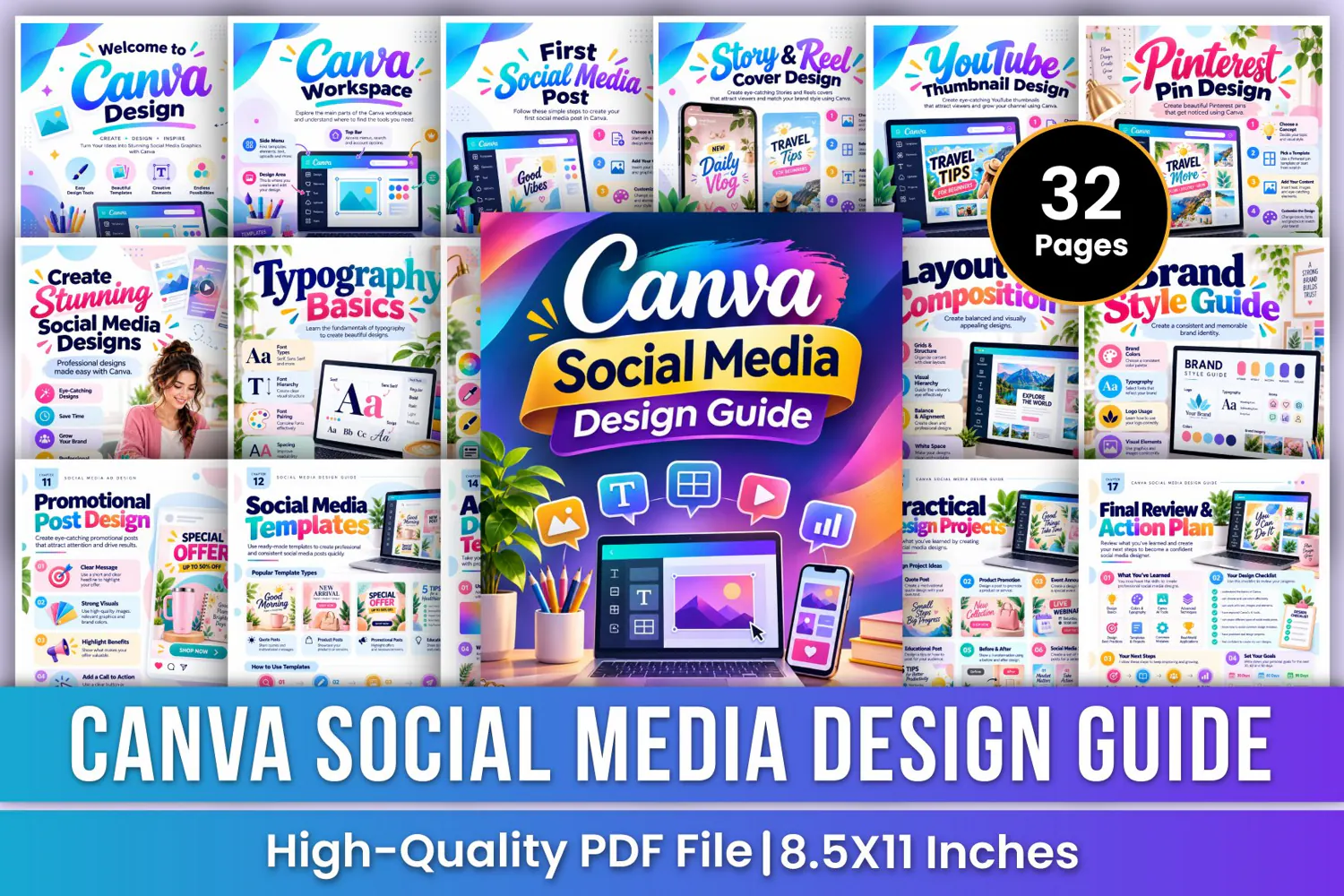
Create eye-catching and professional social media graphics with the Canva Social Media Design Guide—a colorful and practical design workbook created to help beginners, content creators, freelancers, entrepreneurs, and business owners develop their social media design skills. From understanding Canva's workspace and choosing the right social media dimensions to creating Instagram posts, Stories, Reels covers, Facebook posts, YouTube thumbnails, Pinterest pins, LinkedIn graphics, promotional posts, and branded templates, this guide provides step-by-step design instructions, creative examples, and practical exercises to improve your design workflow.
✨ Key Features
🎨 Social Media Design Basics
Understand four essential design foundations: purpose, audience, visuals, and consistency. Learn how to communicate your message, create audience-focused graphics, select eye-catching visuals, and maintain a cohesive design style.
📱 First Social Media Post
Learn five simple steps to create your first social media post: choose a template, add your content, customize the design, download your creation, and share your post.
📸 Instagram Post Design
Explore how to create attractive Instagram posts using templates, custom images, text, graphics, brand colors, and typography. Follow a five-step design process from concept selection to downloading and sharing.
🎬 Story & Reel Cover Design
Learn to plan engaging Story and Reel covers with vertical layouts, attractive images, clear titles, simple graphics, and consistent brand colors.
👥 Facebook Post Design
Create engaging Facebook posts for promotions, news, announcements, and other content. Explore template selection, content placement, visual customization, and essential design tips.
▶️ YouTube Thumbnail Design
Discover how to create eye-catching YouTube thumbnails using clear titles, relevant images, high-quality visuals, consistent fonts, and simple layouts.
📌 Pinterest Pin Design
Explore Pinterest pin creation with vertical layouts, attractive images, readable text, relevant graphics, and visually appealing designs that communicate your content clearly.
💼 LinkedIn Post Design
Learn to create professional LinkedIn graphics that communicate business ideas, build brand recognition, and present information using clear typography and relevant visuals.
✨ Create Stunning Social Media Designs
Explore the creative design process and learn how to combine templates, images, text, colors, and graphics to develop attractive social media content.
🚀 Advanced Design Techniques
Develop your design skills by exploring gradients, shadows, text effects, layers, frames, and visual hierarchy. Apply these techniques to create more polished and engaging social media graphics.
⚠️ Common Design Mistakes
Identify six common design problems: too much text, poor color choices, unclear messages, low-quality images, poor layouts, and using too many fonts. Learn practical ways to improve design clarity and consistency.
🎁 Perfect For
✔ Social media content creators
✔ Instagram post and Story designers
✔ Facebook post designers
✔ YouTube thumbnail creators
✔ Pinterest pin designers
✔ LinkedIn graphic designers
✔ Freelance graphic designers
📂 Files Include
✏️ 32 Pages
📄 High-Quality Print-Ready JPG & PDF
📏 Trim Size: 8.5 × 11 Inches
🎨 CMYK Color
❌ No Bleed
🙏 Thank you for visiting my product!