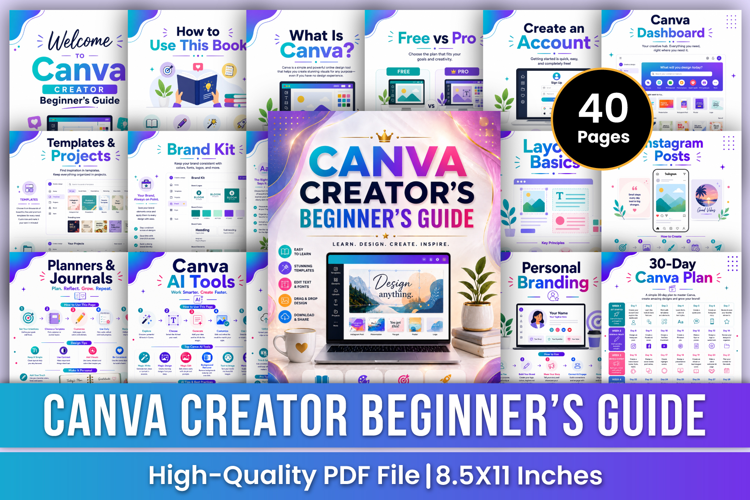
Canva Creator Beginner’s Guide | Design, Branding & Digital
Video Editing Skills Workbook | Video Editing Tutorials, Creative Techniques, Audio Editing, Color Grading & Project Practice
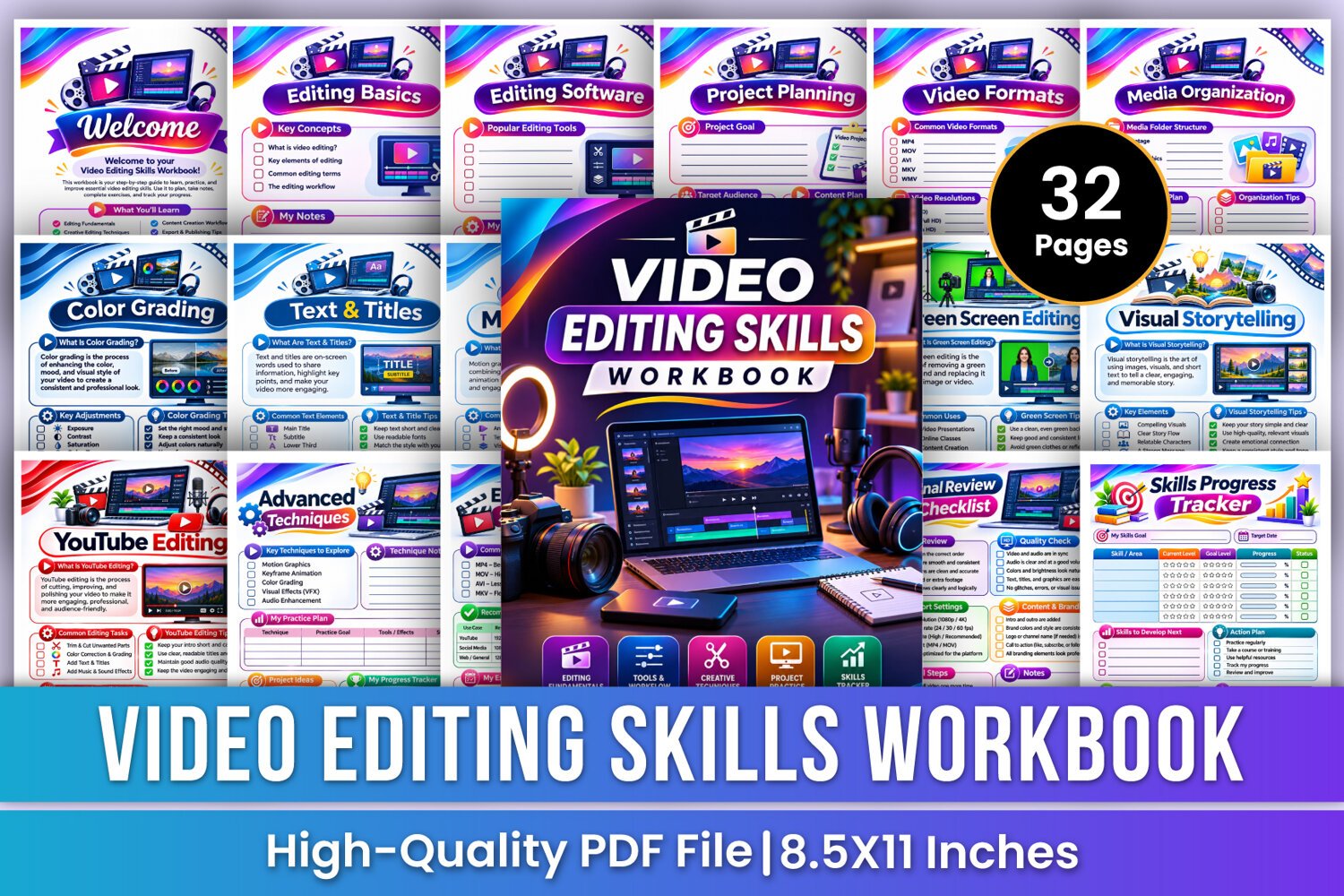
Develop your video editing skills and create professional-looking videos with the Video Editing Skills Workbook—a colorful and practical learning guide designed for beginners, aspiring video editors, content creators, YouTubers, and digital creators. From understanding video editing fundamentals and exploring editing software to organizing media files, editing timelines, trimming clips, adding transitions, enhancing audio, correcting colors, creating motion graphics, applying visual effects, editing green screen footage, and preparing videos for export, this workbook provides illustrated learning pages, practical planning worksheets, checklists, and skill-tracking activities to support your editing journey.
✨ Key Features
🎬 Video Editing Basics
Understand the fundamentals of video editing through four essential topics: what video editing is, key elements of editing, common editing and the overall editing workflow.
💻 Editing Software Guide
Explore popular video editing tools and software. Compare available options, record your preferred editing software, and document the reasons behind your software choice.
🎯 Project Planning
Organize your video projects by defining project goals, identifying your target audience, creating a content plan, and scheduling tasks with start dates and due dates.
📹 Video Formats & Resolutions
Learn about common video formats, including MP4, MOV, AVI, MKV, and WMV. Explore 720p HD, 1080p Full HD, and 4K Ultra HD resolutions, along with 16:9, 9:16, and 1:1 aspect ratios. Record your preferred project settings.
📁 Media Organization
Keep your editing files organized with a structured media folder system covering raw footage, audio, images and graphics, project files, and exports. Includes file naming plans, organization tips, and a media checklist.
⏱️ Timeline Editing
Learn essential timeline editing actions, including adding clips, trimming and splitting footage, arranging clips in the correct order, and removing unwanted parts. Plan clip order and organize editing notes.
🎨 Color Correction
Learn the fundamentals of color correction, including brightness, contrast, saturation, and white balance. Explore how to make footage look natural, balanced, and visually clear.
🌈 Color Grading
Discover how color grading helps establish mood and visual style. Explore exposure, contrast, saturation, color tone, and white balance while planning consistent color looks across your video scenes.
🔤 Text & Titles
Learn how to add main titles, subtitles, lower thirds, and on-screen text. Explore readable typography, text placement, font styles, and visual hierarchy to make your videos more engaging.
✨ Motion Graphics
Understand motion graphics and explore animated graphics, text animation, visual effects, and transitions. Learn to plan motion styles, assets, effects, and creative project ideas.
🎥 Video Effects
Explore visual effects, color effects, transition effects, and speed effects. Learn how to enhance storytelling, maintain consistency, and avoid overusing effects.
🟩 Green Screen Editing
Learn the basics of green screen editing, including removing a green background and replacing it with another image or video. Explore applications in video presentations, online classes, content creation, and live streaming.
🎙️ Voiceover Editing
Improve recorded voiceovers by removing background noise, improving voice clarity, adjusting volume levels, and adding voice effects when needed. Includes a dedicated voiceover editing plan.
✅ Final Review Checklist
Complete a detailed final review covering edit quality, audio and video synchronization, visual quality, export settings, content and branding, and final delivery preparation.
📊 Skills Progress Tracker
Monitor your editing development by recording current skill levels, goal levels, progress percentages, target dates, areas to improve, practice activities, milestones, achievements, and reflections.
📝 Notes Pages
Use the additional lined pages to record editing ideas, software preferences, creative techniques, project details, important reminders, and learning notes.
🎁 Perfect For
✔ Beginners learning video editing
✔ Aspiring professional video editors
✔ YouTube content creators
✔ Social media video creators
✔ Freelance video editors
✔ Digital content creators
✔ Video production students
📂 Files Include
✏️ 32 Pages
📄 High-Quality Print-Ready JPG & PDF
📏 Trim Size: 8.5 × 11 Inches
🎨 CMYK Color
❌ No Bleed
🙏 Thank you for visiting my product!