
Art Deco Borders Procreate Stamps, Procreate brushes
You will receive:
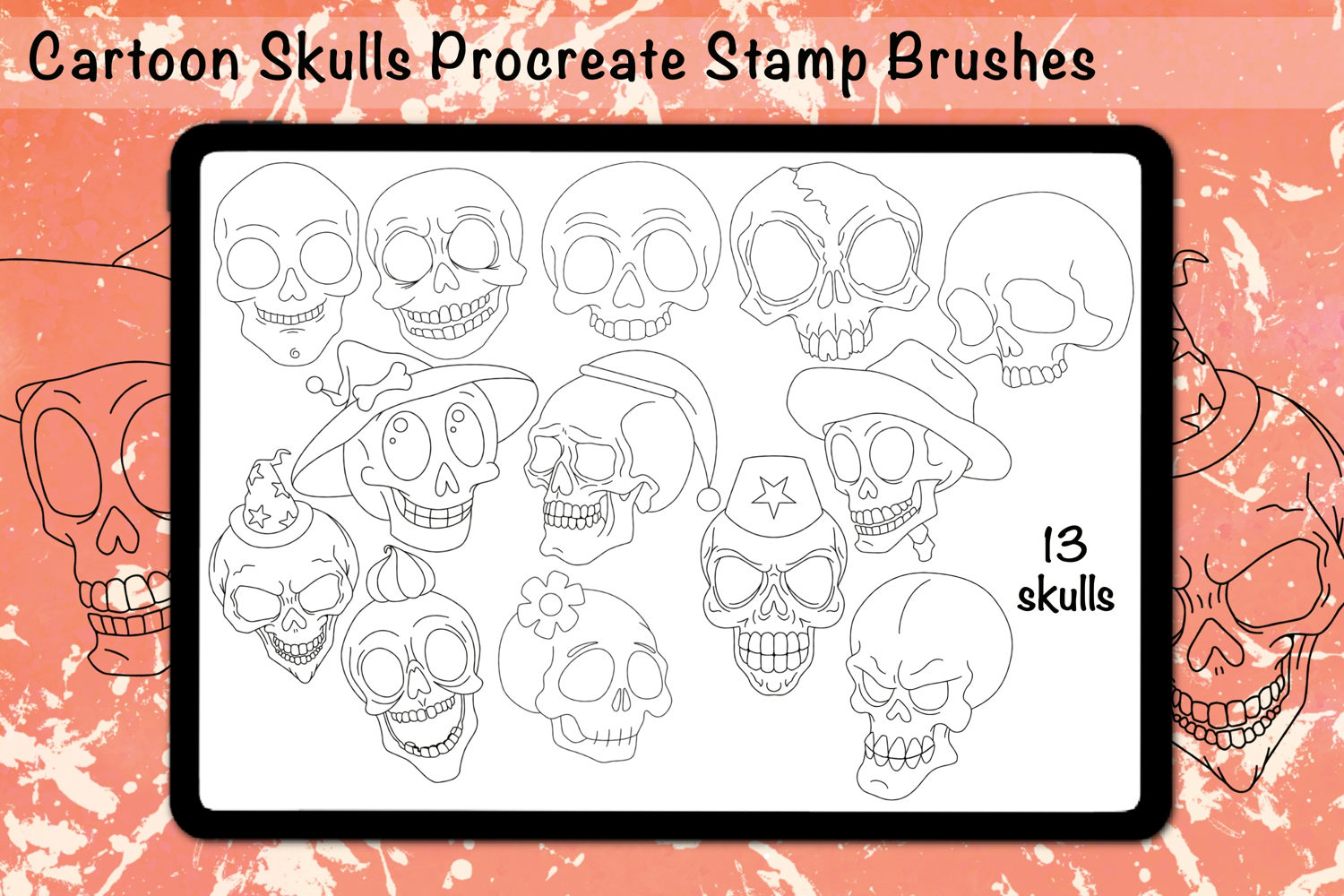
• A Procreate brushset file with 13 hand-drawn Cartoon Skulls Procreate Stamp Brushes. Rotate your canvas in Procreate to change the orientation of the stamps.
• Instructions for installing your brush set.
Use these cartoon skulls to create your own coloring pages, handmade Halloween card designs, repeating patterns or just for fun designs.
You will need the Procreate app on your iPad to use these skull stamps.
Installing Procreate Brush Sets (.brushset):
You'll need Procreate version 4.1 or higher to install .brushset files.
If you have a Mac (macOS 10.11 or higher), you can AirDrop the brush set from your computer to your iPad. From your computer, right click the file, choose Share…, then AirDrop, and select your iPad (make sure you unlock the iPad first). Your iPad will ask if you want to save the file to a folder or install it into Procreate. Select Procreate and you are ready to go.
From other computers, you will need to transfer the file to your Dropbox folder (or other sharing app you can access from your iPad).
On your iPad, open the Dropbox (or other sharing) app, then navigate to the folder where your brush set is. Tap on the file, then click the small [...] icon and click Export. Click Open In... and tap Copy to Procreate.
When you open Procreate, you'll see your new brush set in your brush library.
Thank you for visiting my shop!
Files included: BRUSHSET