Unlock unlimited creativity with over 1.6 Million design resources, including 800,000 exclusive products only available on Plus. Get the keys to a treasure trove of top-quality fonts, svgs, graphics and templates ready to elevate your projects. Our world-class support is here to help you every step of the way.
Commercial & POD License Included
Bring your designs to life with our comprehensive Commercial and POD (Print on Demand) license, included at no extra cost. This means you can use our products commercially without worry, creating a wide range of physical items from t-shirts to mugs and far more! Sell your creations without any added expenses or complicated licensing terms. View Our Licenses.
Thousands Of New Products Daily
Stay ahead in your creative game with thousands of new, high-quality products added daily from some of the world's best designers. Imagine visiting a vibrant market every day, where the stalls are constantly updated with fresh and exclusive content you won't find anywhere else, that is Plus. Ensuring you always have the newest and best design assets at your fingertips.
Share this product
More information on this Design
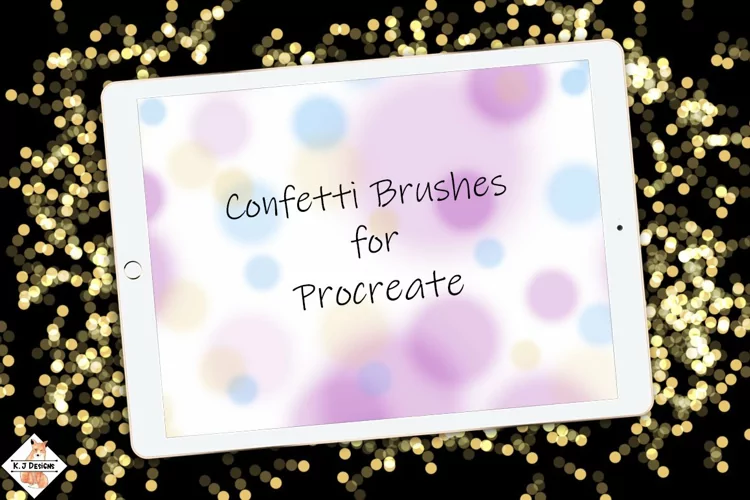
Love Bokeh and have none in your photo? You can fake it with these fabulous Bokeh Photography Photoshop Brushes created from genuine Bokeh in actual photos. These aren't the faked aperture circles like so many you see out there. These have the actual not quite circle shape and texture formed by the shape of a camera shutter that genuine bokeh highlights have. These high resolution Bokeh Photoshop Brushes are perfect for that finishing touch on your fine art photography, regular photos and some fun creative background effects. The bokeh brushes come in a variety of sizes to suit various size photos and can easily be resized.Use a light color with lowered opacity of around 45% (depends on your photo) and linear light blend mode to produce a genuine effect. The Photoshop brushes make it easy to adjust the size. Too sharp for your photo? Simply run a Gaussian blur filter over the bokeh layer. Each image is included in (.abr) Photoshop brush and (.png) image format. Photoshop Brushes are 300ppi and large in size for maximum usage options.Includes:
10 Bokeh Brushes in Photoshop .abr file
10 Bokeh Images in .png file format (black/grey for easy recoloring)

Product Information
Release Date:
13th April '18
Updated Date:
3rd July '25
Product Tags:
DecorativeWeddingElementsGrungeOrnamentBrushesArtPhotoshopScrapbookClip Art
Introducing Design School – our jam packed platform with its own mini search engine! Design School was made to help you learn all there is to know about fonts, graphics, templates, designs, file types, different software programs, Frequently Asked Questions and much much more.