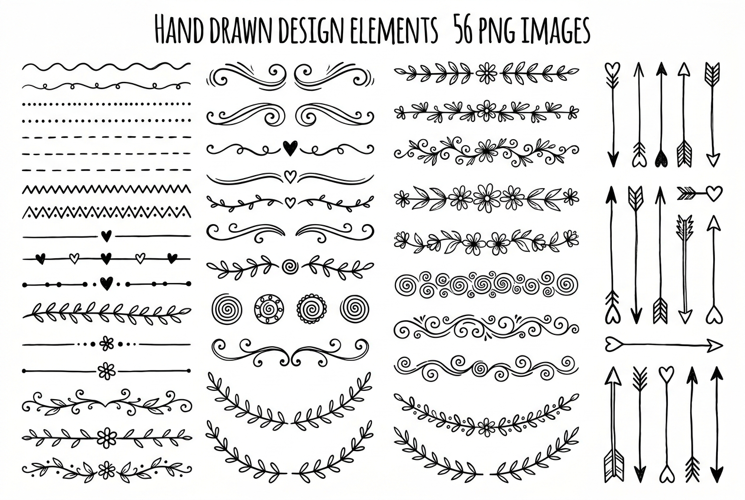
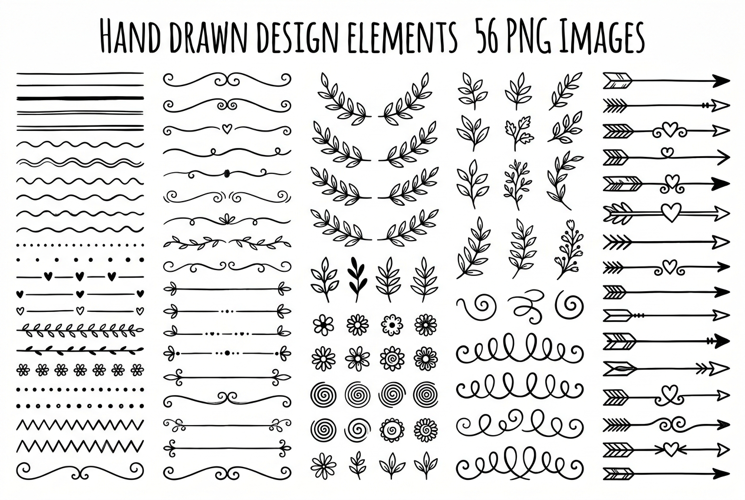
Hand Drawn Page Dividers and Flourishes

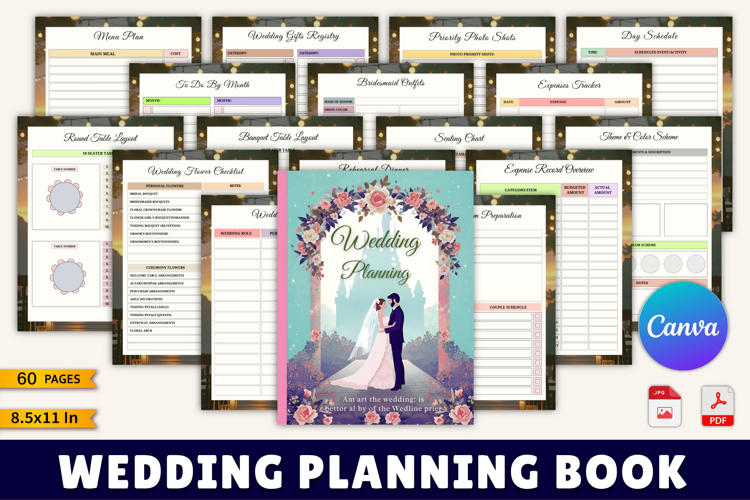
After purchasing you will get a pdf file. In this pdf file, you will get all editing information to have access to your files on CANVA right after purchasing. No software is needed and no fonts to install.
This listing is for a Canva Template. BASIC knowledge of Canva is needed. If you know how to drag, drop, move elements, and resize an image – you should have no problem.
• Fully layered Canva Template file
• EASY TO CUSTOMIZE all colors, graphics, and text
• Easy to “drag-&-drop” your images and upload your logos
WHAT CAN BE EDITED:
• Edit text
• Change fonts, font color & size
• Upload your own images and logo
• Move, add, remove, rotate, scale & edit all elements
•change the color of the elements …
• Edit on any computer right in your browser
• Share your workbook with the world!
• The template is saved in Canva, ready to use over and over again
Files included: PDF