
Procreate Color Palette| Skin Tones Vol 1

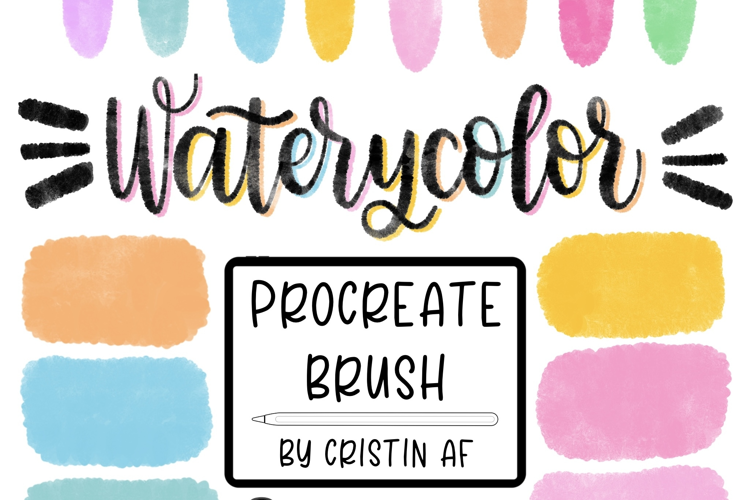
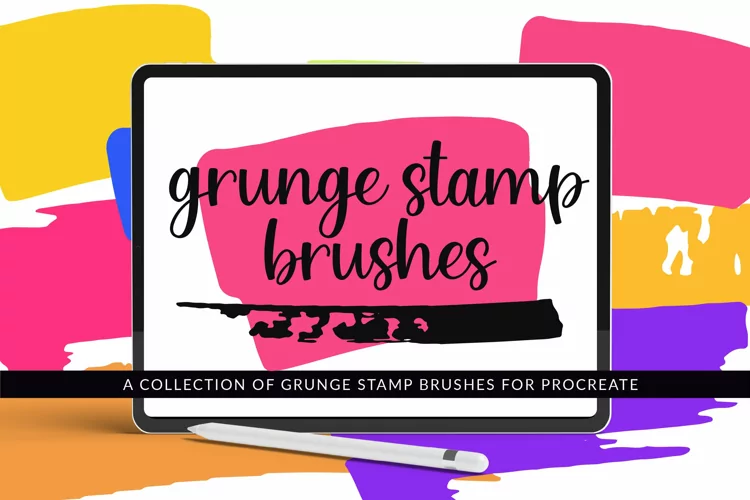
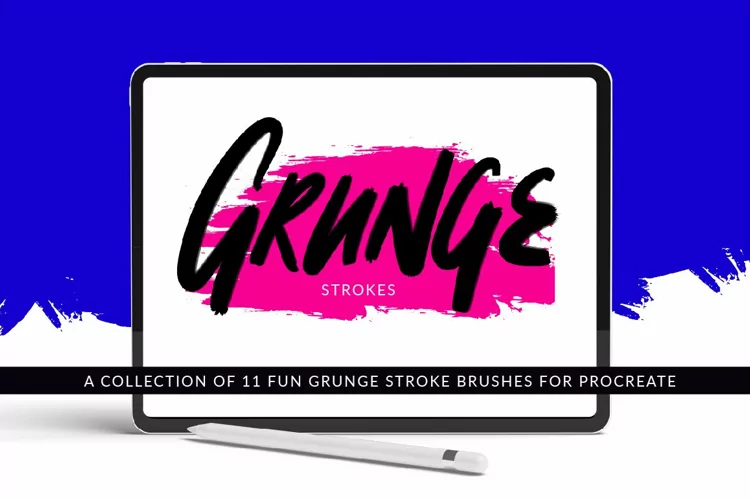
Color changing pressure sensitive brush with a grunge texture.This brush is for use with ipad and the Procreate app.How to Install Brushes in Procreate
Brush was created in Procreate 5 on 6th gen ipad and 1st gen Apple Pencil
If you need help downloading or unzipping please reach out to Customer Support:
https://designbundles.net/help-center/topic/127-how-to-contact-support
Please Follow us here at Design Bundles:
https://designbundles.net/dcd
A bit about me- I have been crafty my entire life and now have several years experience in digital design. I own a Silhouette Cameo, Sawgrass sublimation printer, BOSS laser, heat press , mug press with several attachments, including a tumbler attachment.
I hand draw most of my designs and love learning new design programs.
I am also an avid crocheter and occasionally dabble in sewing.
My product preview images are created using mockups to showcase an idea or two of what the design can be used for. Preview images are low resolution. Your purchased files will be high quality/ high resolution and will not be watermarked.
Thank you for stopping by my shop, I hope you will find something you love.
Happy crafting!
Files included: BRUSH