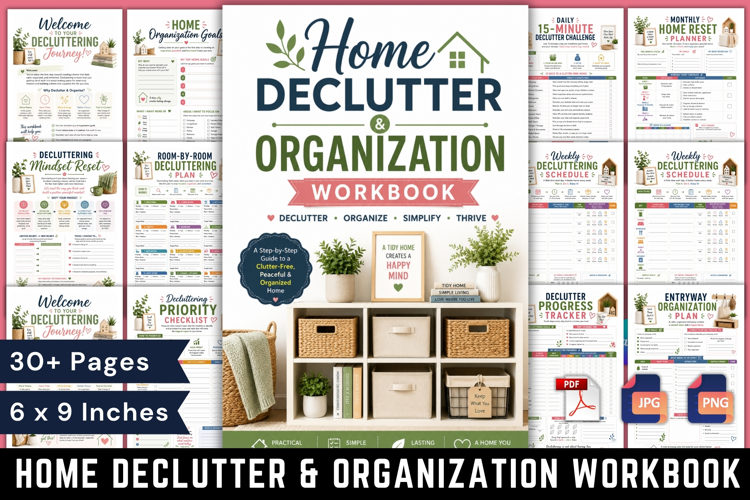
Home Declutter & Organization Workbook
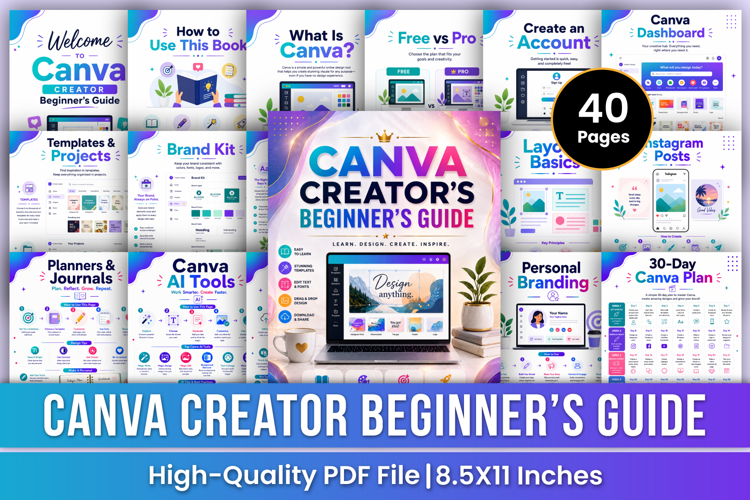
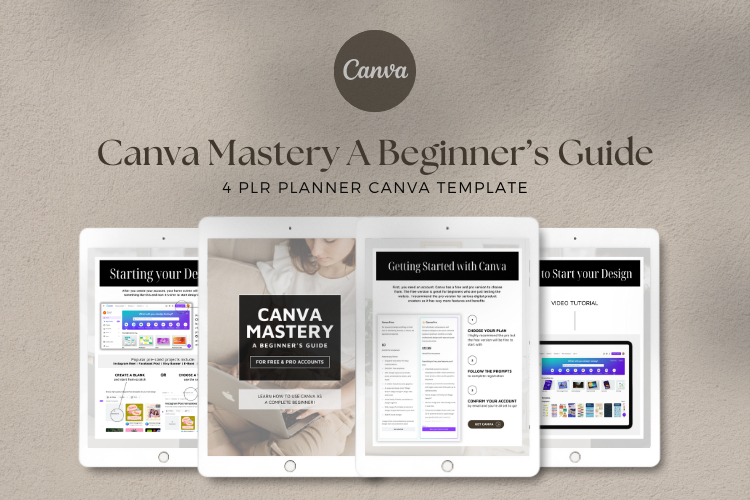
Canva Design Mastery: The Creative Workbook
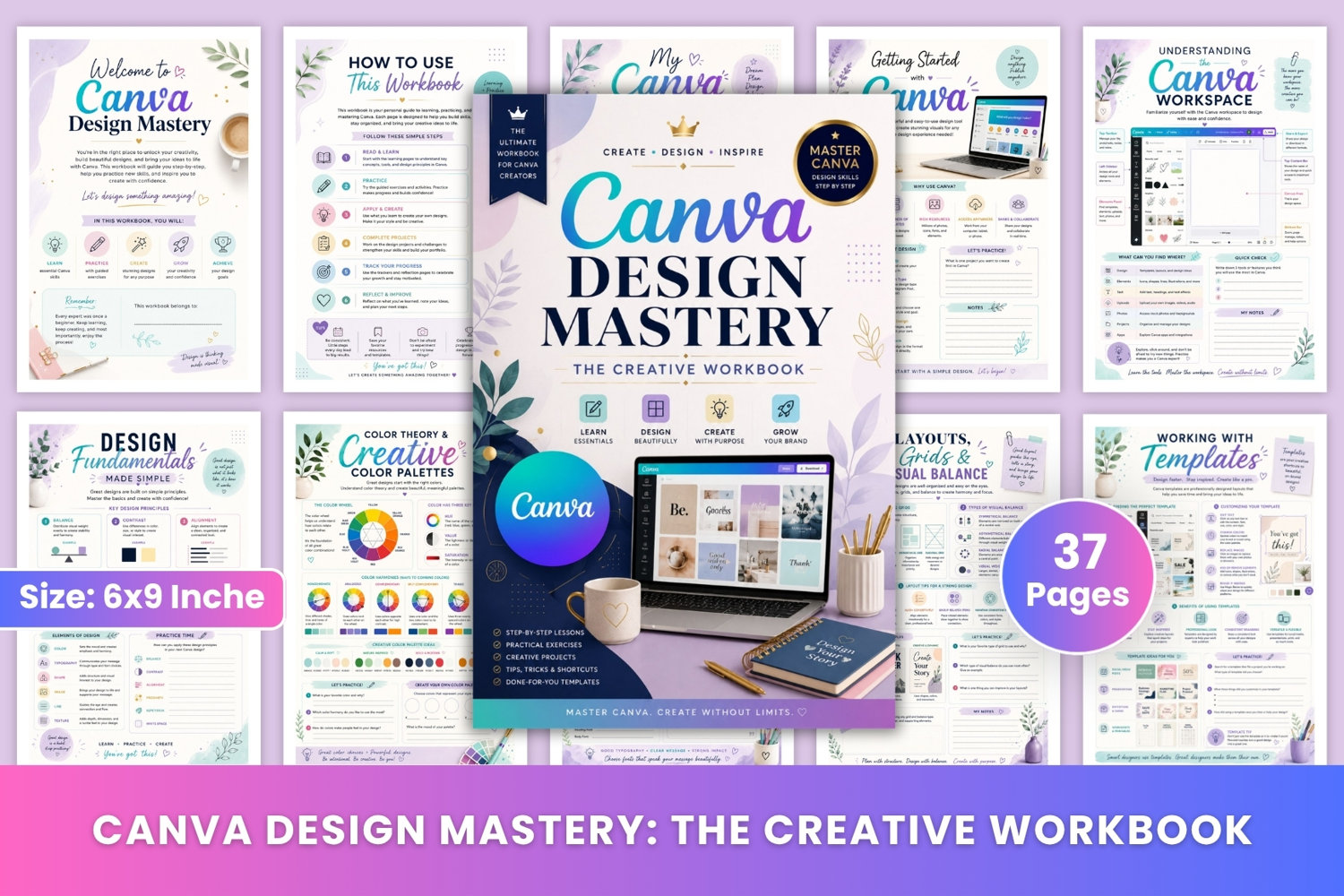
Canva Design Mastery: The Creative Workbook is a beautifully designed 37-page practical design workbook created to help beginners and aspiring creators learn Canva, practice essential design skills, build creative confidence, and create polished designs with greater purpose and consistency. The workbook combines step-by-step lessons, practical exercises, design challenges, project planning, progress tracking, and reflection activities.
Inside, you'll explore Canva basics, using the Canva workspace, design goals, design fundamentals, color theory and creative palettes, typography and font pairing, layouts and grids, templates, elements and graphics, images and backgrounds, shapes and decorative details, text and text effects, branding basics, branding, brand color palettes, signature fonts, social media design, engaging social media posts, stories and banners, professional presentations, marketing materials, print-ready designs, your first Canva design project, creative design challenges, design makeover challenges, Canva project planning, design inspiration boards, Canva tips and shortcuts, common design mistakes, Canva skills progress tracking, creative design reflection, final thoughts and next steps, notes, and a closing thank-you page.
✨ Key Features
🎨 Canva Design Fundamentals – Learn balance, contrast, alignment, proximity, repetition, and white space to create stronger designs.
🌈 Color Theory & Palettes – Explore color harmony, color properties, mood, and practical palette-building exercises.
✍️ Typography & Font Pairing – Learn font classifications, pairing principles, readability, hierarchy, and creating a consistent visual style.
📐 Layouts & Visual Balance – Understand grids, visual balance, hierarchy, spacing, and structured composition.
🖼️ Images, Elements & Backgrounds – Practice using photos, frames, graphics, shapes, backgrounds, and decorative elements effectively.
🏷️ Branding & Style – Build brand foundations, brand elements, color palettes, signature fonts, and a recognizable design style.
📱 Social Media Design – Create platform-ready posts, engaging content, stories, covers, banners, captions, and consistent visual branding.
📊 Professional Presentations – Plan presentation slides, improve visual hierarchy, organize content, choose fonts and colors, and prepare polished presentations.
📣 Marketing Materials – Explore flyers, brochures, business cards, posters, email templates, and promotional designs.
🖨️ Print-Ready Designs – Learn file setup, dimensions, color considerations, formats, print checks, and production preparation.
🚀 Creative Projects & Challenges – Apply your skills through a first Canva project, creative design challenges, and design makeover exercises.
💡 Design Inspiration Board – Collect colors, typography, patterns, textures, visual references, and ideas to inspire future designs.
⚡ Canva Tips & Shortcuts – Discover useful shortcuts, time-saving techniques, design tips, and workflow improvements.
❌ Common Design Mistakes – Recognize problems such as poor typography, weak color choices, overcrowded layouts, poor alignment, low contrast, and inconsistent styles.
📈 Skills Progress Tracker – Track Canva skills, progress, confidence, challenges, achievements, and the next skills you want to learn.
📝 Design Reflection & Next Steps – Review completed projects, identify what worked, reflect on challenges, record lessons learned, and plan future improvements.
🎁 Perfect For
Ideal for Canva beginners, aspiring graphic designers, content creators, social media managers, business owners, entrepreneurs, digital product creators, bloggers, students, freelancers, and anyone who wants to improve their Canva design skills through practical learning and creative exercises.
* High-quality Ready to upload PDF Files
* 37 Pages
* Page Size:6x9 Inches
* No Bleed
* 300 DPI
📝 Notes:
Thank you for visiting my product! If you love this planner, don’t forget to check out my store for more amazing tools to support your journey.