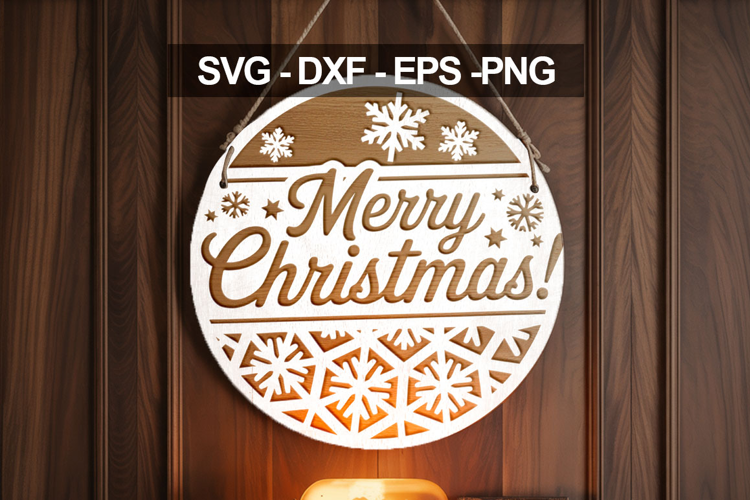

Merry ChrisTmas SVG | Christian Winter Design

Merry Christmas Rattan Cane Laser SVG | Glowforge Sign
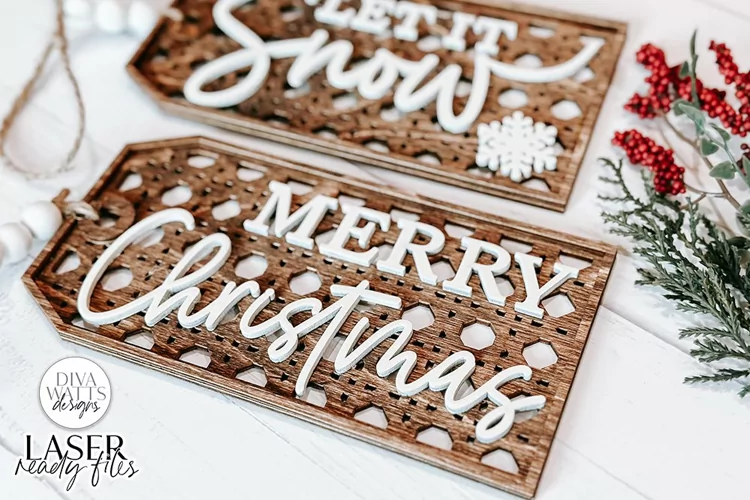
Created using 1/8" birch on the PG Basswood Medium Setting. Took approximately 22 minutes to cut using my Glowforge Pro. The example I cut was approximately 11.8"w x 3.95"h. You can choose to cut your sign smaller or larger if you want to use multiple sheets of wood or the passthrough slot.
*STANDS NOT INCLUDED but can easily be found. This is for the sign only.
You will cut all pieces except the outline of "merry" on the backer. This will be scored to help with placement. Once all pieces are cut you will paint and/or stain the pieces. You will align the frame to the backer first and glue in place. Then you will add the rattan letters to the center and glue in place. Afterwards add the outline of the letters to the rattan letters and glue in place. Once all is in place you will glue the "christmas" on top of the word "merry" centering until it looks "right" and glue into place.
For my design I painted the backer and the word "christmas" in white. Stained the outline of the letters and frame the same color. I left the rattan cane letters the natural wood tone.
This design WILL NOT work with Cricut or similar machines. It is a LASER file.
©Diva Watts Designs, LLC 2022 - Beyond
All Rights Reserved
Included File Types:
SVG
DXF
PNG
EPS
JPG
AI
Photos depicting finished products are examples of what you can make when using the design.
Files included: AI, DXF, EPS, JPG, PDF, PNG, SVG