
Printable Planner Templates

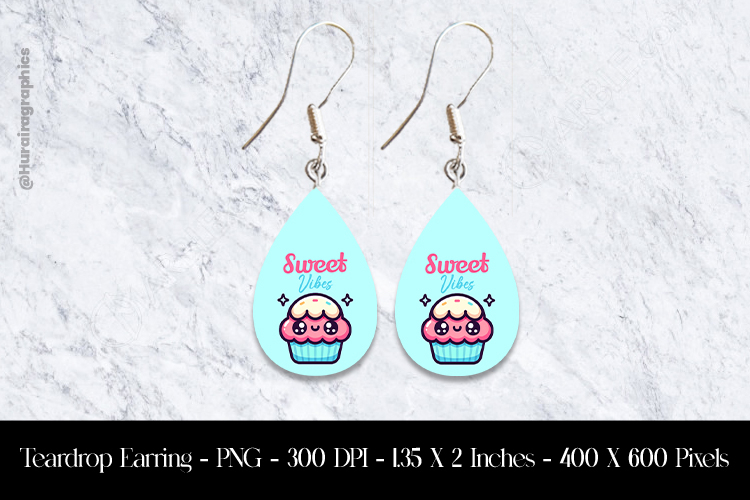
Crafters, if ya wanna show off your beautiful earring designs quickly, easily and professionally, check out this versatile mockup. You get multiple layers in formats psd, jpg and png, too. Included are some extra shapes for your earrings, different sizes and shapes for the card on which to display your master piece and hooks in both gold and silver.
Depending on your technical savvy and how much time you have, choose the format that will work best for you.
Slide the background into your software program and change the color if you like. Open the psd version from the pack and make any changes you want there like a different color card, bevels for the posts and earring shapes if you like. Pump up the shadows provided or add your own. When you've got it just the way you want, slide the layered version over to your background. You can then decide if you like the decorative extras layer with the plant and other desktop items. Feel free to erase any of those items from the png image for further customization. Pretty cool, right?
The psd version has smart object layers.
If you're limited for time, use our various jpg versions.
You can use this mockup for other crafty sublimation items, too! If you're digging those designs I used in my example, I designed them for Plus. Look for Day of the Dead papers and printables.
Thanks for checking out the shop. I've got more versatile mockups with layers as well as flat, jpg mockups for all kinds of crafts and sublimation projects.
Happy crafting!