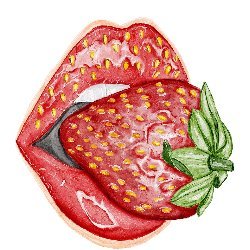

Craft Paper Brushes for Procreate

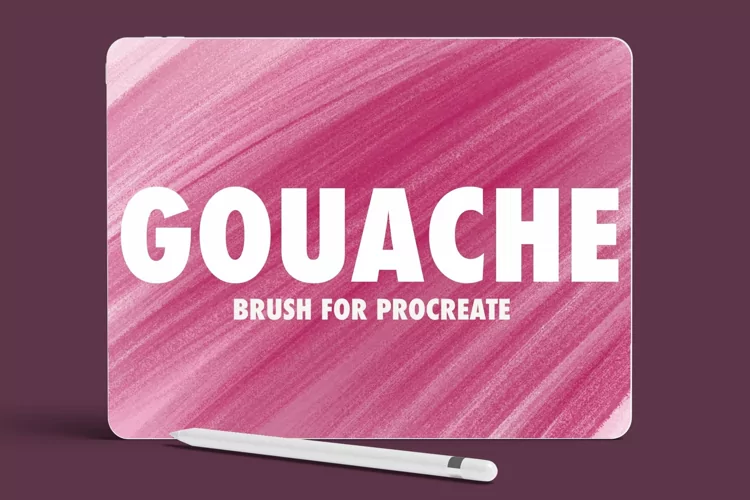
Try Gouache Canvas for Procreate allows you add natural gouache texture look to your art instantly. Speed up your workflow and create aesthetic stylish artwork in seconds.
How to use canvas? Its simple! Just open the Procreate document, start drawing on the “Draw Here” layer or post already created art under the texture folder. You will instantly notice the result. You also can adjust the intensity of the textures by modifying the opacity of the texture effects layers or turn layers off if you don’t need them.
Included in this set:
1 Procreate canvases in 2 sizes (.procreate files)
4763px x 3590px, 300 dpi
6300px x 4950px, 300 dpi
Files included: PROCREATE