
Watercolor Vintage Red Truck Illustration Jpeg

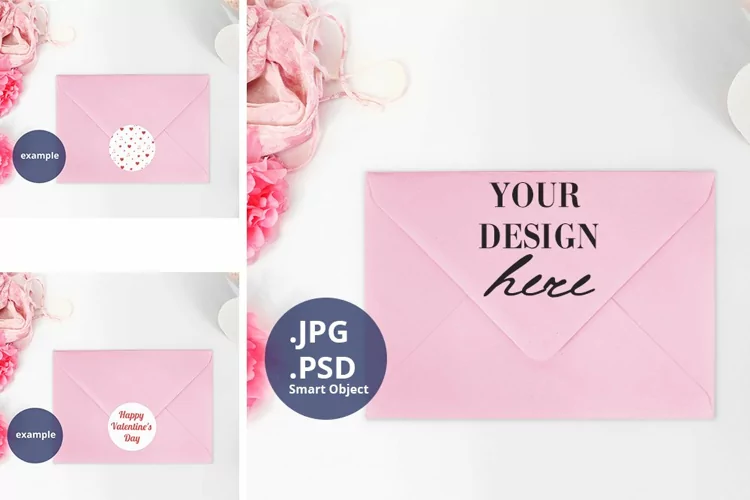
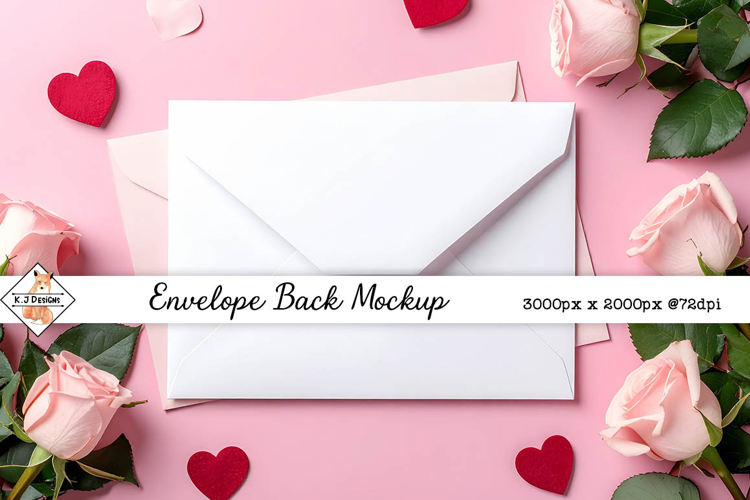
Envelope Liner Mock-up PSD with a Smart object. Designed for using in Adobe Photoshop or Photopea. The size 2000x2000 pixels 72dpi RGB is great for most of preview on Instagram, online shop, etc. Also I provide PDF with the link to access this template on Canva. It contains a custom frame where you can place your own design. Watch my short video How to use this mockup in Canva.
So what YOU GET in this product:
PSD contains the following layers:
You can change background color and place your own background; add your design to Liner and save the ready image.
How to work with a Smart object:
Files included: PDF, PSD