
Bride & 4 Bridesmaids Illustration w Separate Characters

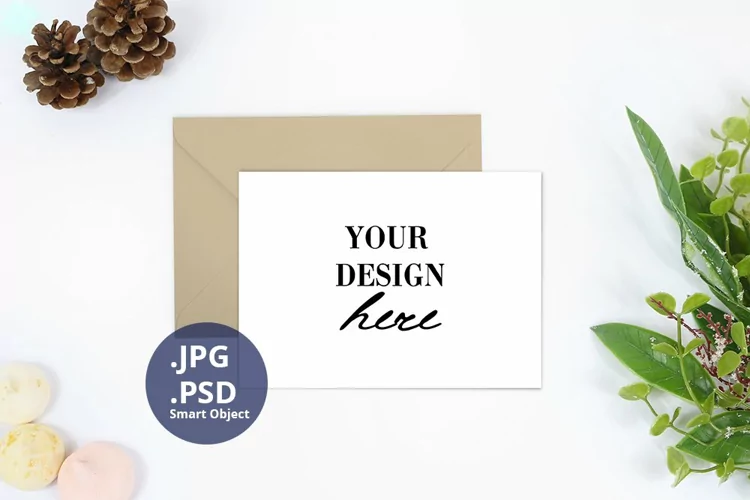
Groomsman Card Mock-up PSD with a Smart object. Designed for using in Adobe Photoshop or Photopea. The size 2000×2000 pixels 72dpi RGB is great for most of preview in online shop, Instagram, etc.
Also I provide PDF with the link to access this template on Canva, where you can place your own design on a blank white card.
What YOU GET in this product:
– One PSD file with layers and a smart object
– Two JPEGs with a blank card: white and beige
– One PDF file with a link to Canva template.
How to work with a Smart object:
1. Double click on a Smart object. It will open in a new file.
2. Place there you design and Save.
3. Go back to the Mock-up. Your design automatically appears on a Liner.
4. You can adjust the Gradient Overlay Effect for better and realistic Look.
5. Also you can adjust the Shadows.
Files included: JPG, PDF, PSD