About the Product
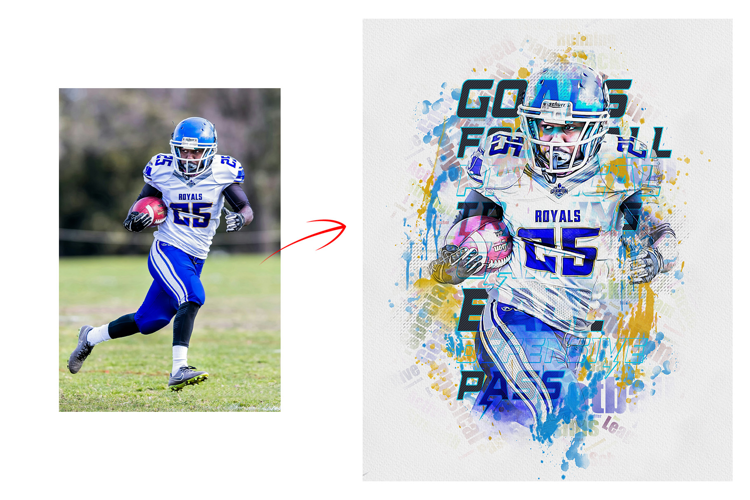
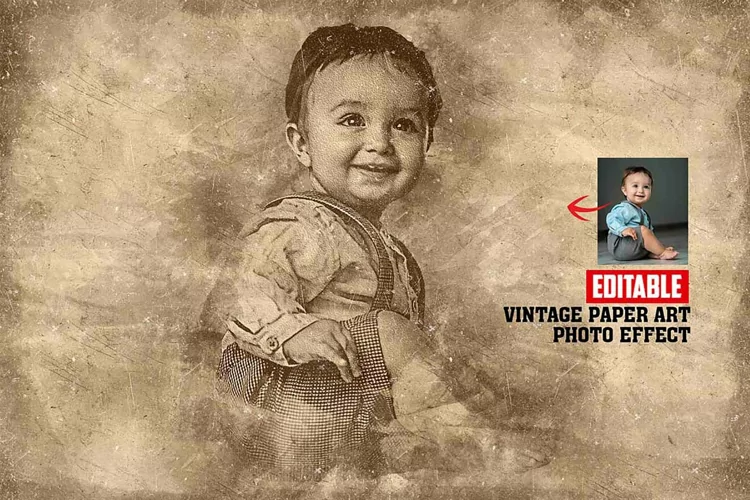
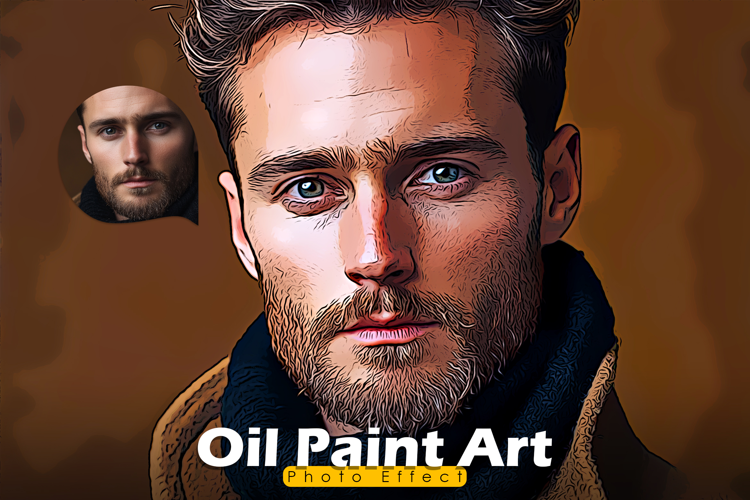
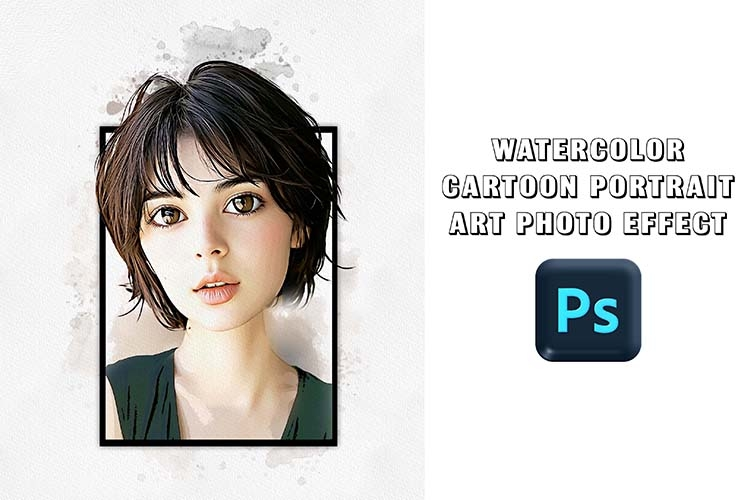
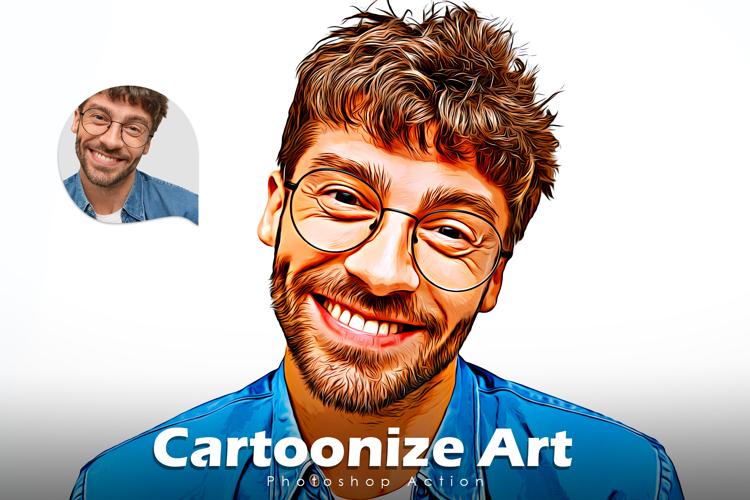
Make realistic digital printing of your photos without any skills in just one click using our Photoshop action photo effects.
Photoshop Painting Effect Information:
- Photoshop Atn. (Action file) Format includes.
- 4+ Effect Include
- Unlimited color version in one-play
- Time-saving pro option
- Help file include.
- Photoshop Working Software Version: CC2015.5 English Version.
- Photoshop Software support version : CS5.5, CS6, CC2015.5, CC2017, CC2018, CC2019, CC2020, CC2021, CC2022, CC2023+ Version.
Photos: Photos are not included.
Special Note: You can use the product very nicely in our mentioned Photoshop versions
How To Use Photoshop Actions in Photoshop
- Click the action you would like to run.
- Navigate to the Bottom of the Actions palette.
- Find the button shaped like a triangle lying on its side.
- Click the “Play” button and wait for the action to complete.
- Need to more clearance check help file we write details with screen preview include