
Pet Oil Painting Photoshop Action

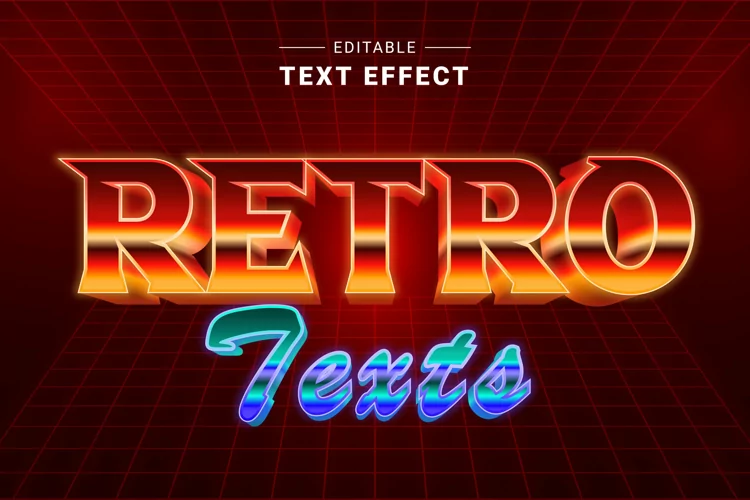
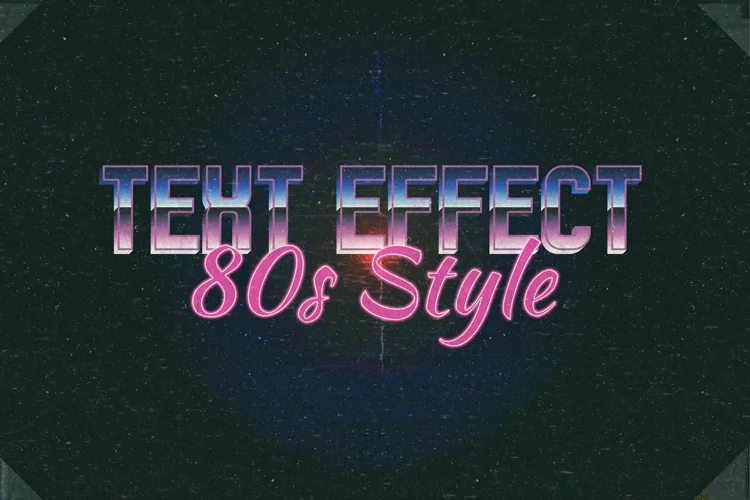
Travel Back to the 80s with Our Adobe Illustrator 80s Text Effects
Step into the neon-drenched world of the 80s with our retro-inspired text effects created exclusively in Adobe Illustrator. Designed to evoke the nostalgia of the era, our collection offers a fast and authentic representation of old-school style, perfect for giving your designs a vibrant and energetic edge.
Key Features:
Authentic 80s Style: Our text effects capture the essence of the 80s aesthetic, complete with bold colors, dynamic gradients, and playful patterns reminiscent of the era's iconic design trends. Fast and Easy: With just a few clicks, you can instantly transform your text into eye-catching 80s-inspired masterpieces. Say goodbye to time-consuming manual editing and hello to effortless retro charm. Versatile Use: Whether you're creating posters, flyers, social media graphics, or website banners, our 80s text effects are versatile enough to suit any project. Add a dose of nostalgia to your designs and watch them come alive with personality. Customization Options: Tailor the effects to your liking with customizable features that allow you to adjust colors, gradients, and textures. Experiment with different combinations to achieve the perfect retro look for your designs. Ideal for:
Graphic designers Marketing professionals Social media managers Content creators Retro enthusiasts Transport your audience back in time with our Adobe Illustrator 80s Text Effects. Download now and unleash the power of retro-inspired design in your projects!
Vector Text Effect Information item:
Working Software Version:
Files included: EPS