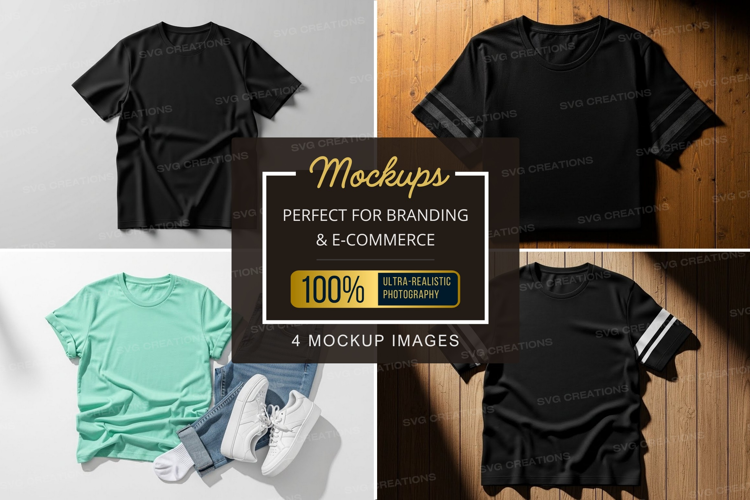
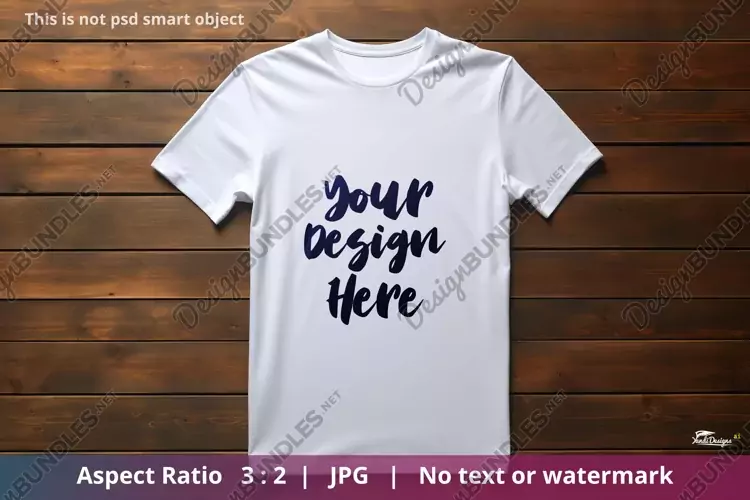
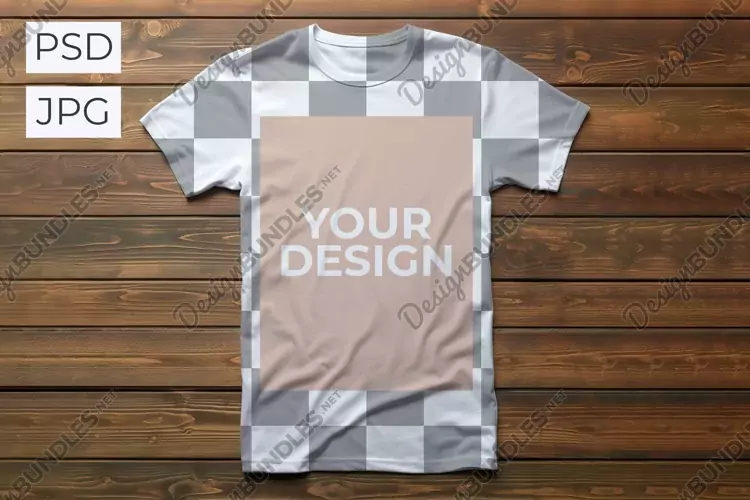
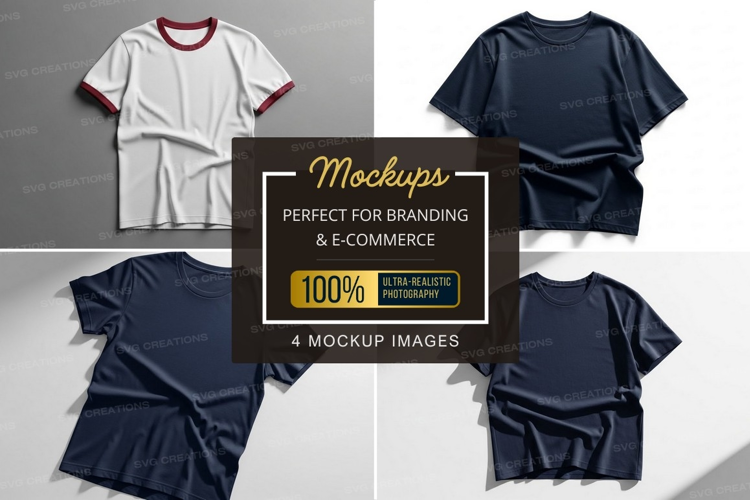
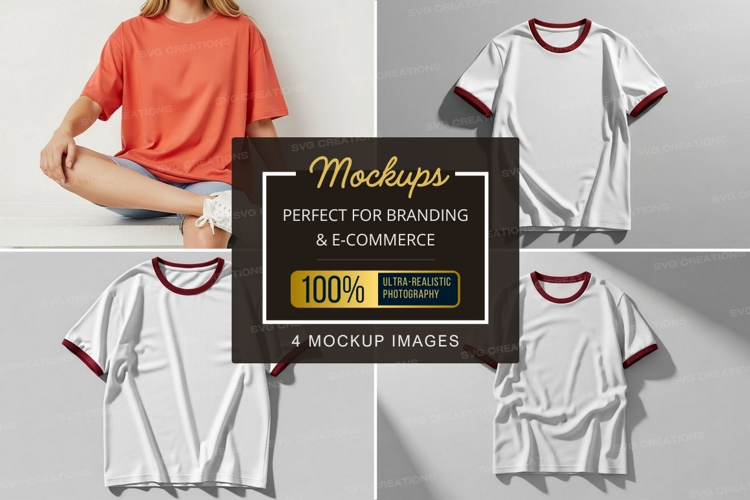
Design Freedom Meets Realistic Embroidery: The Ultimate T-Shirt Mockup (PSD)
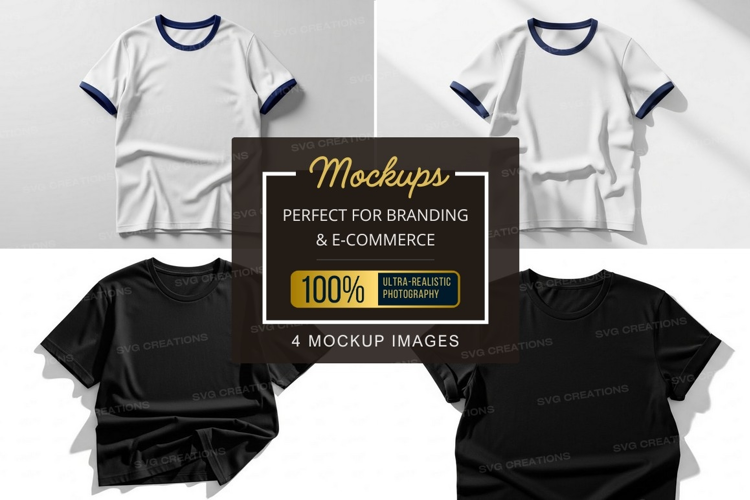
Unleash your creativity with this versatile Photoshop PSD mockup template for a classic T-shirt! This mockup offers the best of both worlds:
- Realistic Embroidery Effect: Showcase your embroidery designs with a stunning stitched appearance.
- Flat Design Versatility: Use the template for non-embroidery designs as well!
And that's not all! You can customize:
- Inside Label Design: Brand your creations with a personalized label.
- Top Band Color: Choose from various color options to match your design theme.
Here's why this T-shirt mockup is a must-have:
- Effortless Customization: Easily personalize colors, shadows, and backgrounds.
- High-Resolution: Ensure crisp presentations for print and digital use.
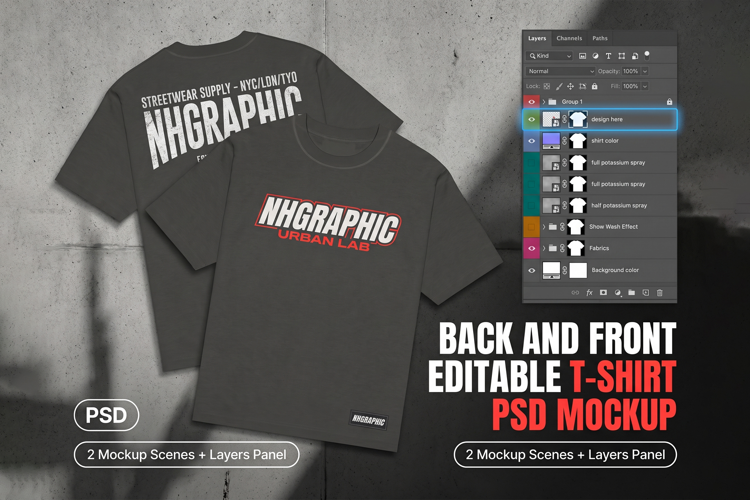
- Editable Layers: Maintain complete control over the design elements.
- Realistic Embroidery: Elevate your design presentations with lifelike stitching.
- Multiple Customization Options: Design flexibility for both embroidery and flat designs.
Perfect for:
- T-shirt designers: Showcase your latest creations in a professional setting.
- Apparel brands: Create compelling product presentations for marketing materials.
- Print-on-Demand businesses: Generate realistic previews for your POD products.
- Social media marketing: Attract customers with high-quality visual content.
How to work
Open the file. Choose the YOUR DESIGN HERE folder, choose the part and click twice. Drag your design into the opened document. Save and close. See the result! Repeat the action with the rest smart layers. The BACKGROUND color can be changed to any color you like.