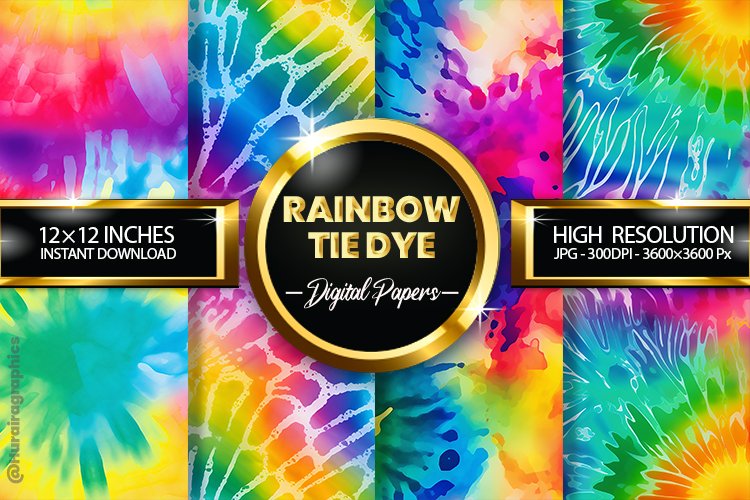
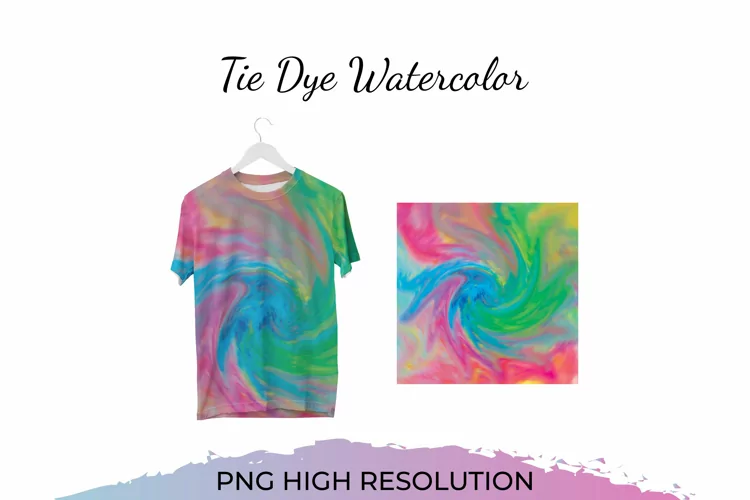
The art of Tie Dye dates back centuries, crossing the globe, from Africa, to Asia, to the Americas. In the 60’s, Tie Dye went through a revolution, introducing bright and bold colors. I’m always looking for something new and “eye-popping” in my designs. I started out with a texture pack, but quickly realized that I needed something more. The ability to instantly add a Tie Dye effect to any design became my desire. From that desire, blossomed the Feelin’ Groovy Tie Dye Bundle. With these styles, you can apply a Tie Dye effect to any text or object, all with 1 Click! I hope you enjoy this Tie Dye bundle as much as I enjoyed creating it! What You Get: • 100 Tie Dye Photoshop Layer Styles in both web resolution (72 dpi) and print resolution (300 dpi) contained within 2 .ASL files. • 2 “Chameleon” Layer styles so you can add a tie dye effect to any color • 100 Tie Dye Textures as seamless 1800 x 1800px jpeg files • 30 “Groovy” vector images in a single .PSD file, formatted as vector shapes so you can drag and drop them into your project. I have also included all of these images as PNG files. • 40 Photoshop brushes contained within 2 .ABR files. One file contains the 30 vector images, conveniently made into Photoshop brushes for quick use. The other file contains 10 Scatter brushes for a fun effect. • Detailed instruction sheet for Loading and Using Styles (jpeg). • Color Guide for a quick view of the different styles (jpeg). All files come in a zip folder. _____________________________________________________ Required Software: Adobe Photoshop CS2 or Higher Thank you for Visiting OldMarket! ~Shannon