Christmas Tree SVG Design / Christmas Dog SVG Cut Files
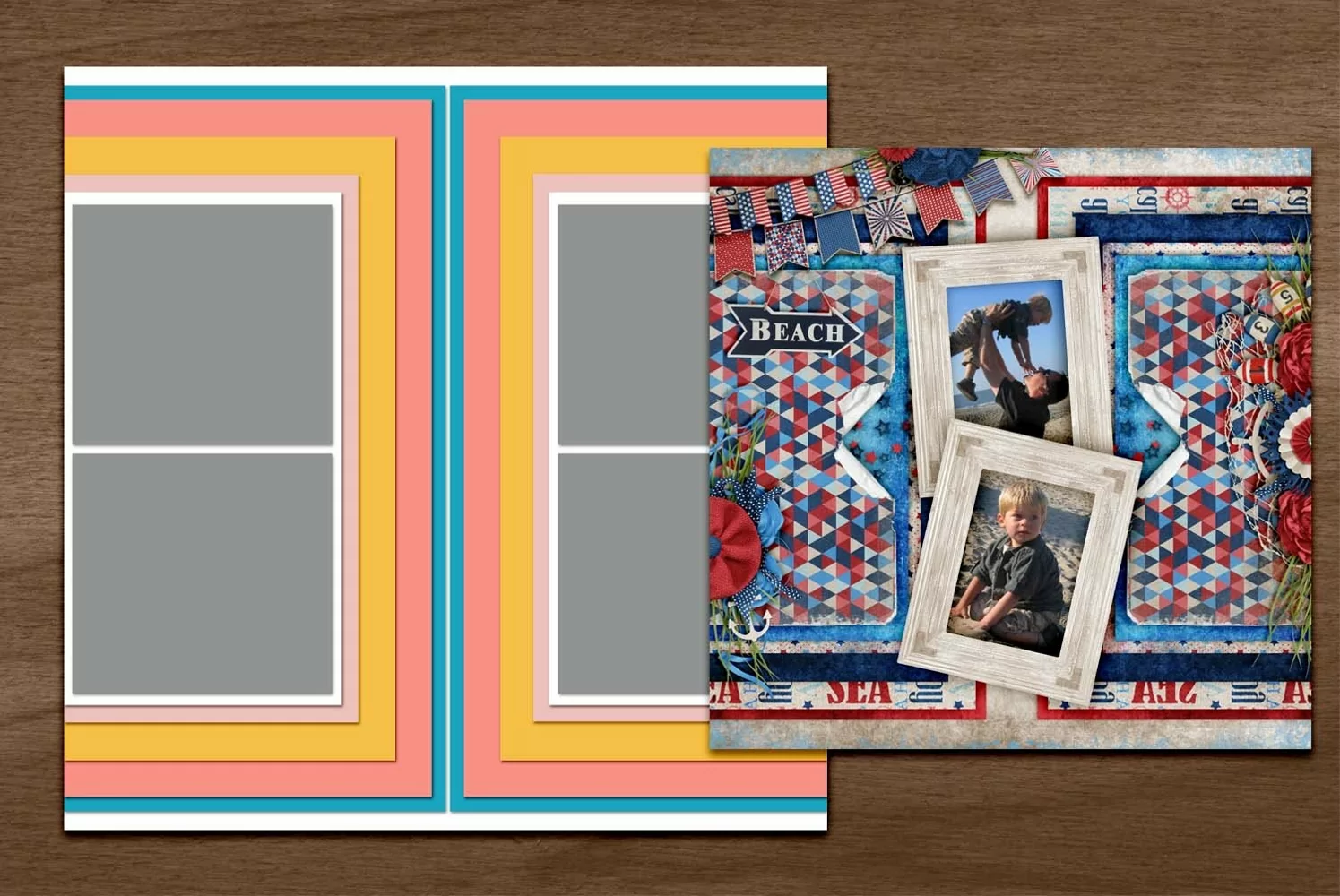
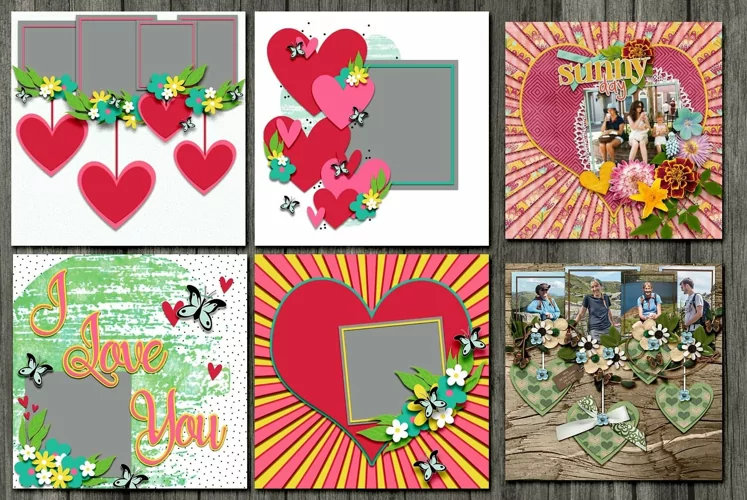
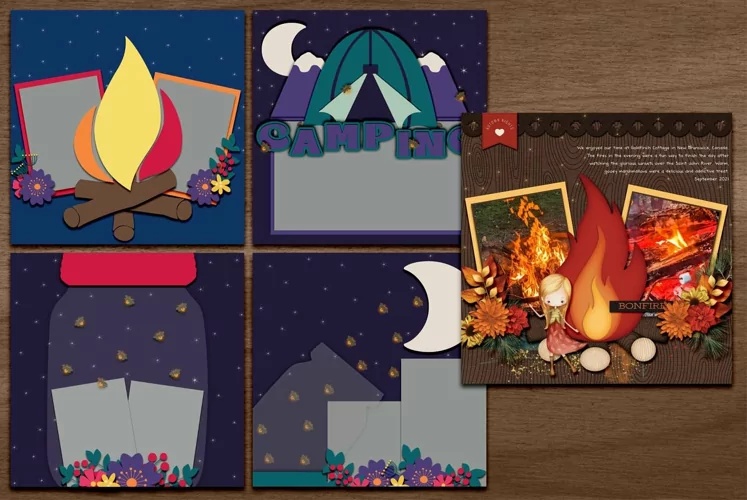
Digital scrapbooking doesn't get much easier than when you use digital templates for page layouts. Simply slide in your desired papers over the selected layer, crop or clip it in and keep on building. Add your fabulous pictures and some elements if you like and you're all scrapped. No more thinking about what kind of layout you want to use. It's all finished for you. Photo spots are also much easier to get just right when you use a template.
We've got many more templates in Plus. Design entire albums quickly by downloading all of them. Use them for cards and other crafts if you like. You'll love the versatility and the fact that you can use them over and over, again. Just remember to change the name of your file or duplicate it.
In this download, you will receive 1-page template in formats psd, jpg and a folder full of pngs. They are all on a 12x12 inch page.
Scrap happy with Plus and Kreative Design Studio. Scroll further to the video link on how to use templates like this.