Christmas Tree SVG Design / Christmas Dog SVG Cut Files
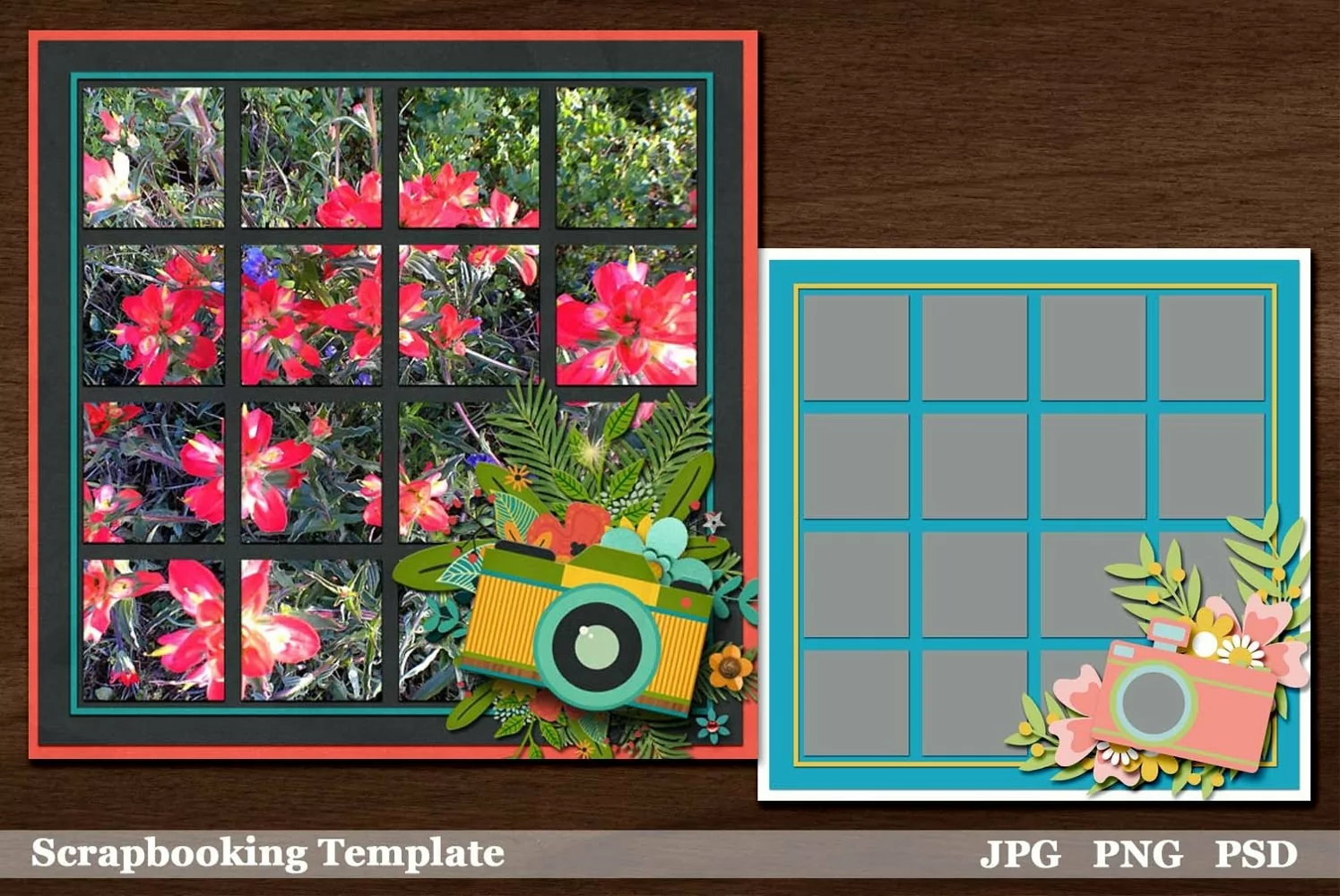
And here's our last template in the Cut Up series, scrapbookers. You are going to love how fast, easy and beautiful your page will come out. You can add a photo in the large spot OR you can add a pretty paper and put your photo or photos over the top of that. Cool, right? Get creative how you use this super fun graph-like photo spot. It's a big one!
Let me share some tips with you. Using a scenic photo is ideal. A photo with a lot of background can be great, too. Try a close up of something with a lot of detail like the example we've shared. Use digital scrapbooking templates for cards and invitation designs.
In this download, you will receive one 12x12 inch template in formats psd, png and jpg. The psd format comes with customizable shadows. The photo spot is merged, but by using a clipping mask command, you can add a different picture to each spot as well.
There are three other templates in this series and we've packed Plus with all kinds of other fantastic templates, paper, embellishments and other digital scrapbooking goodies.
Check out our video for some help if you've never scrapped digitally. It's SO easy!