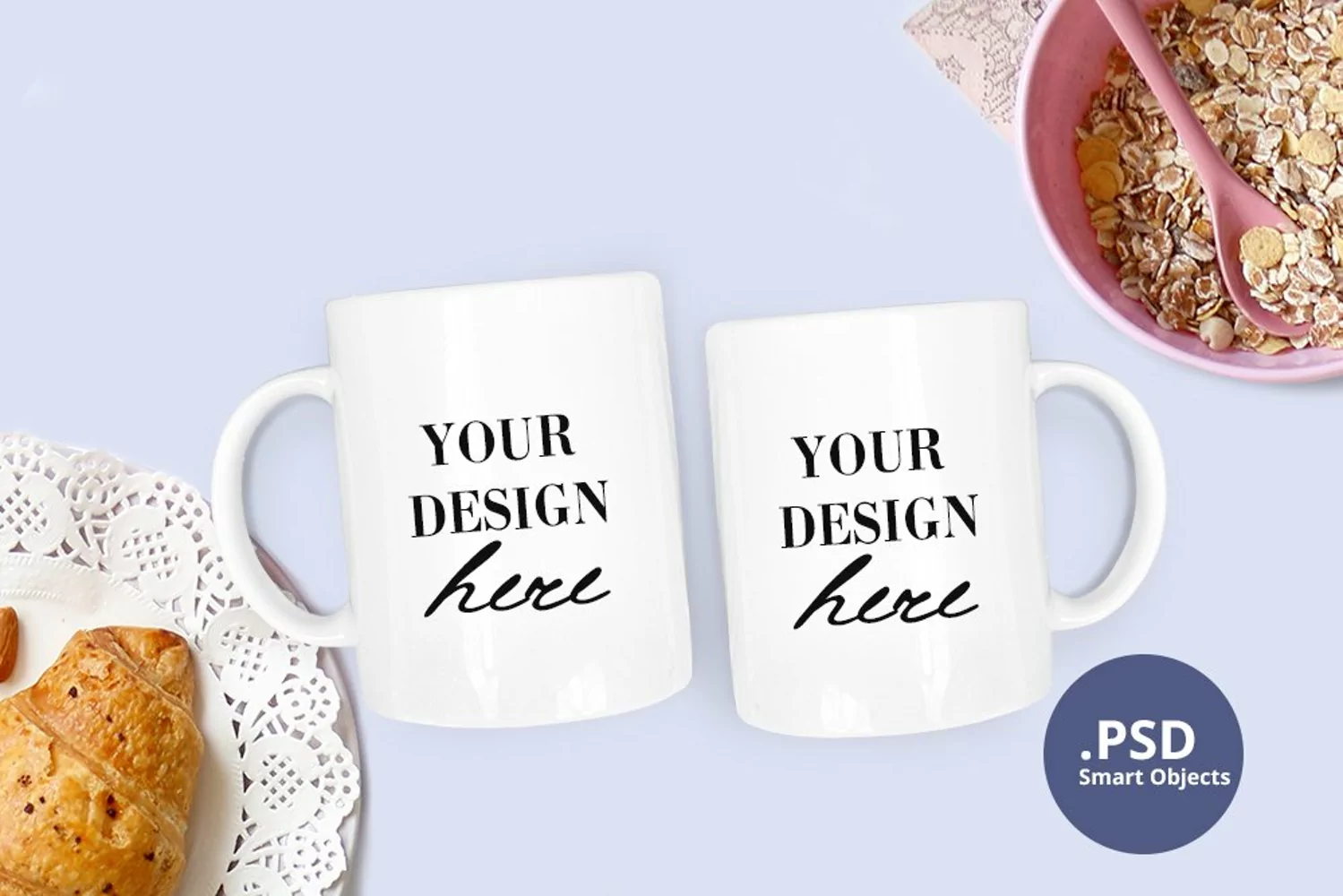
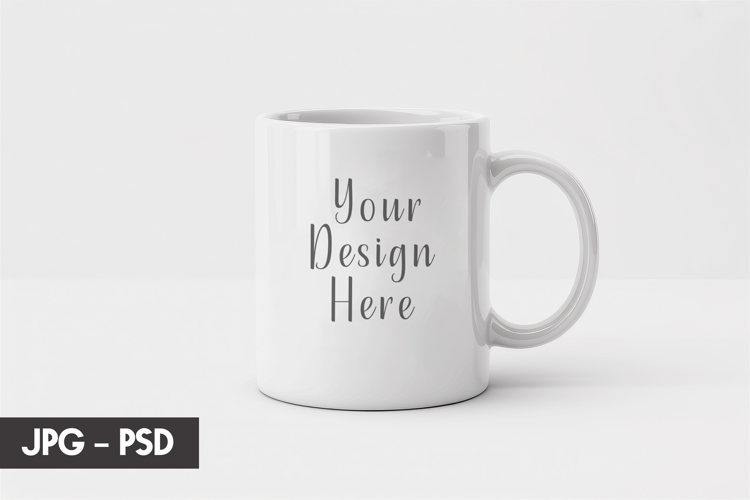
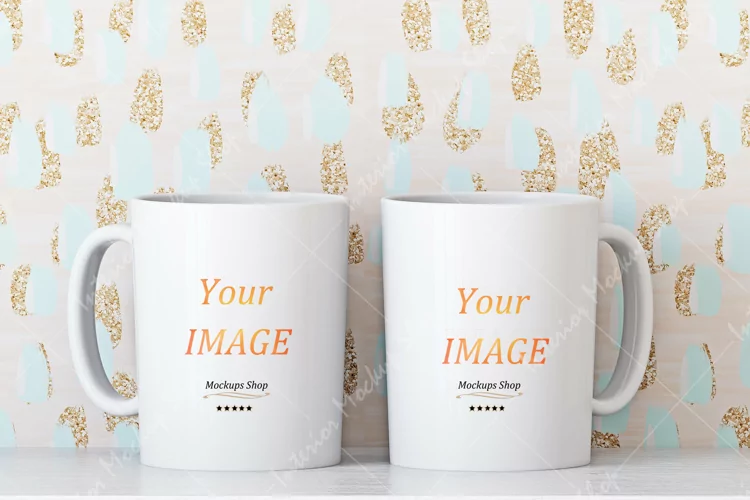
Not sure how to make your clipart or SVG files to sell better? Let this 2 Two mugs mockup PSD help you inspire your customers for their next craft product idea!
・Included in this mockup・
- 1 JPG file - high resolution, 3500 x 2333 px , 300 DPI - Just open the JPG file and insert any images or texts over it.
- 1 PNG file
- 1 PSD file with Smart Objects - Open the PSD file in Adobe Photoshop. Double click on the Smart Object Thumbnail to open the Smart Object in a new file. Place your design there. Save. Go back to the main PSD file to enjoy your design!
・What can you do with the PSD file・
- the 2 coffee mugs are each separate layers / layer groups, so you can:
- move / hide / scale / rotate them
- change the color of the whole mug
- insert a picture and make it full wrap
- change the handle color