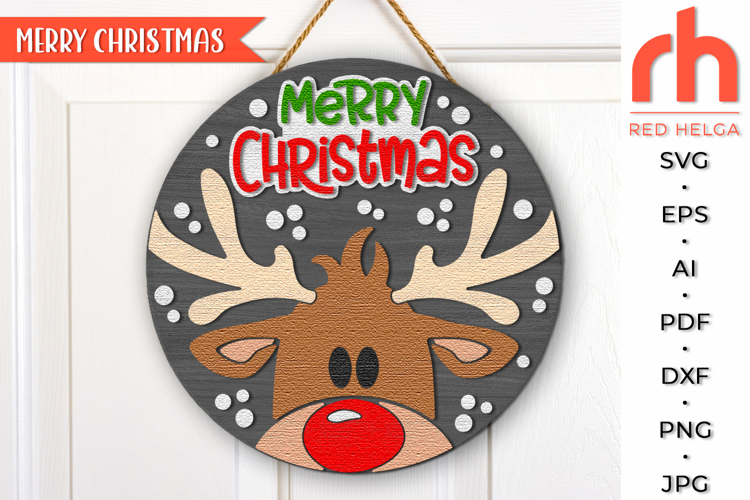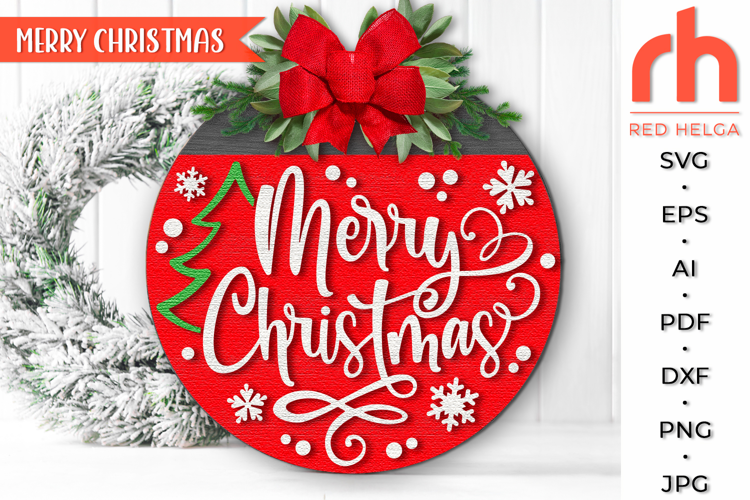

Merry Christmas SVG, Reindeer with Baubles DXF, Xmas Window
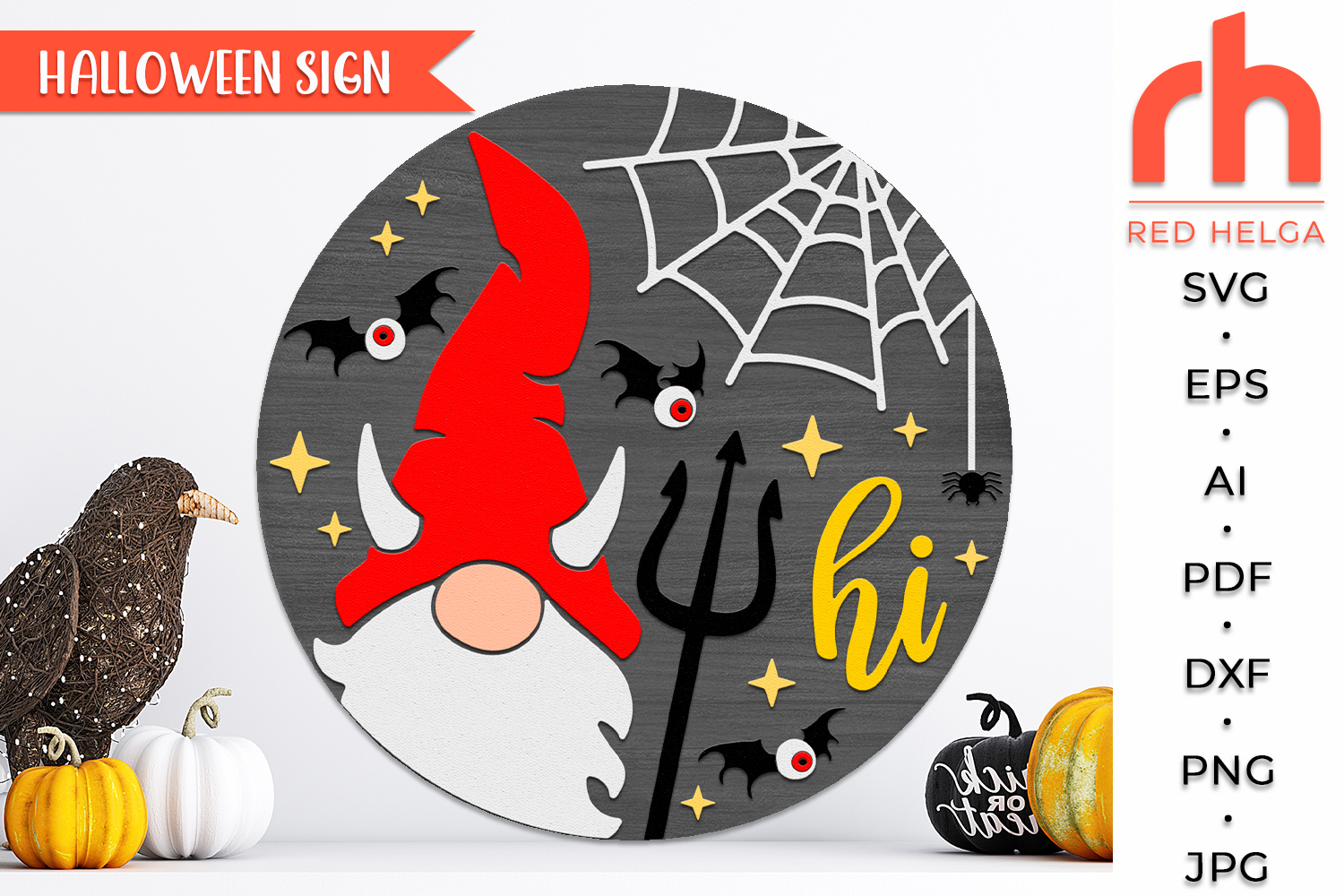
Hi Devil SVG, Halloween Door Sign Cut File, Devil Gnome Silhouette, Layered Spooky Hanger DXF, Holiday Decor, Fall Hanging Sign - Silhouette cut file, Cricut cut file - Png, Jpg, Dxf, Eps
Add a playful twist to your Halloween decor with this Hi Devil SVG featuring an adorable devil gnome silhouette! Perfect for crafting layered door signs, this digital design is ideal for spooky season decorating, DIY holiday gifts, or adding a bit of mischievous fun to your home. Great for porches, entryways, or Halloween parties, this file brings charm and creativity to any fall craft project.
🦇 Why You’ll Love This Design:
😈 Fun & Whimsical Devil Gnome – A lighthearted take on classic Halloween characters.
✂️ Layered for Extra Depth – Designed for standout 3D-style signs with easy assembly.
🖨️ Cutting Machine Compatible – Works with Cricut, Silhouette, and other popular machines.
🎨 Customizable Colors – Use bold reds, blacks, and glitter vinyl for extra spooky flair.
🏡 Perfect for Seasonal Decor – Great for doors, patios, mantels, and party displays.
📦 Included File Formats:
1 SVG file
1 DXF file
1 EPS file
1 AI file
1 PNG file
1 PDF file
1 JPEG file
🎃 Great for Crafting:
👻 Halloween Door or Wall Hangers
🎁 Handmade Gifts for Gnome Lovers
🛍️ Fall Craft Fair Products
🕸️ Party Decorations & Seasonal Displays
⚠️ Please Note:
Files are available for instant download upon purchase.
Get creative with your Halloween crafts using this quirky and spooky Hi Devil SVG! A fun way to celebrate the season with a little devilish charm! 🎃😈🕷️
The watermarks and shadows will be removed.
If you have any problems downloading your purchase, please reach the Help-center, by following the link below:
https://designbundles.net/help-center
In case you need more help on how to use your files with the various software, you can find a lot of useful information at the Design School:
https://designbundles.net/design-school
Thank you for visiting!!!