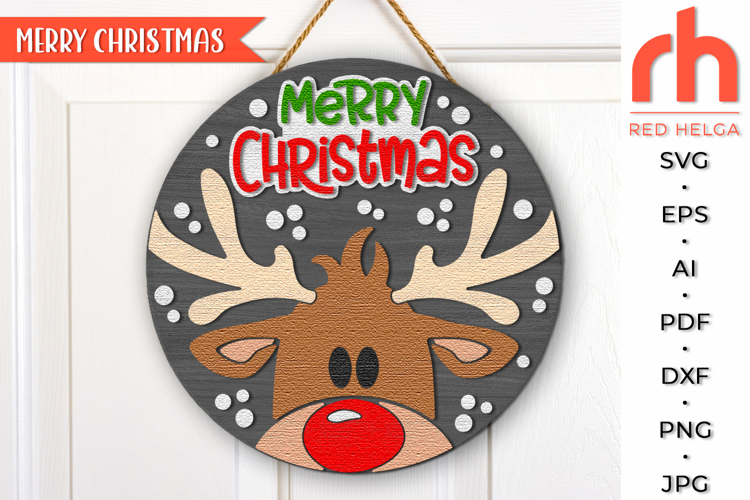

Merry Christmas SVG, Reindeer with Baubles DXF, Xmas Window
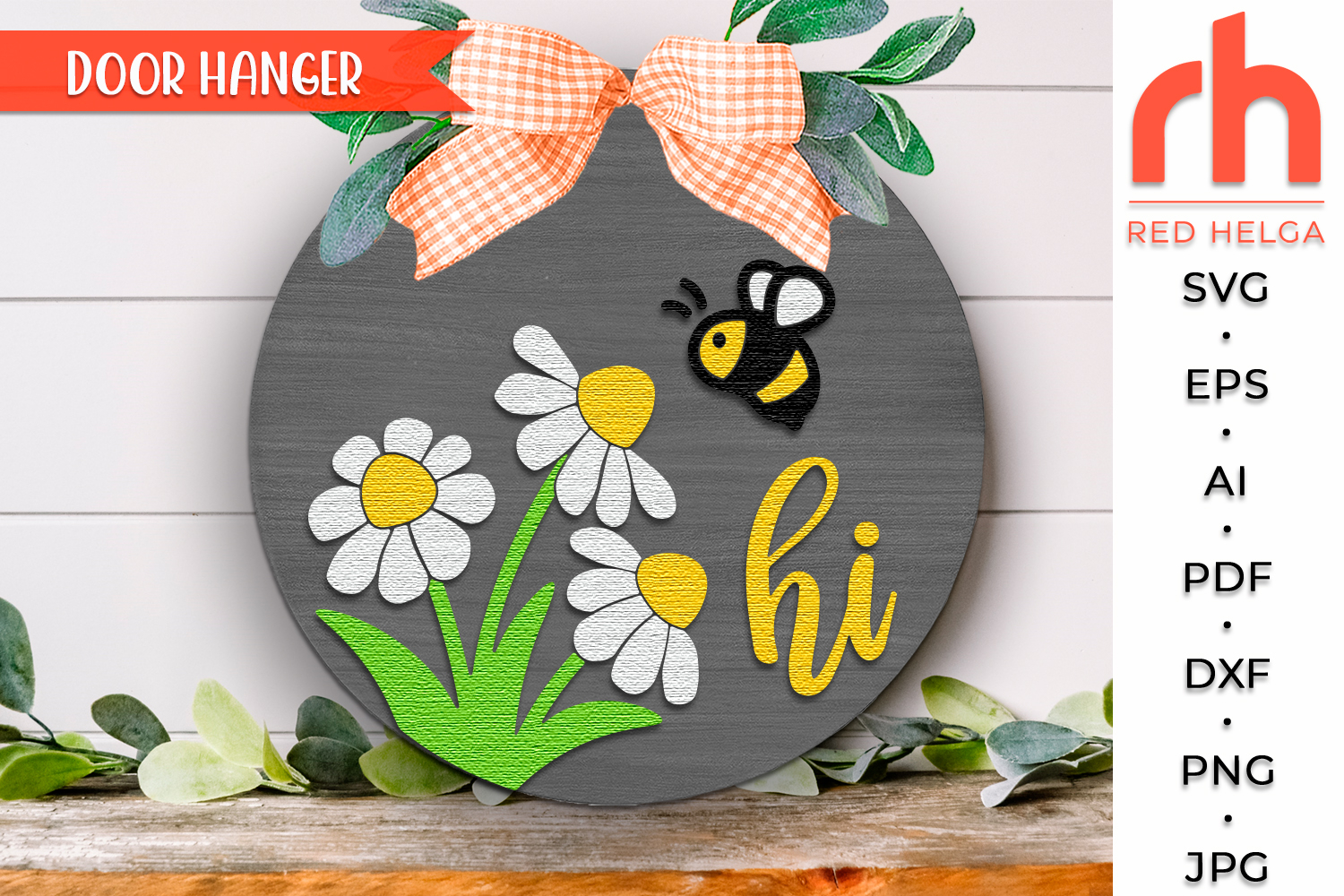
Hi Bee and Daisy SVG, Layered Door Sign Cut File, Spring Round Hanger DXF, Bee and Daisy Silhouette, Countryside Hanging Sign - Cricut cut file, Silhouette cut file
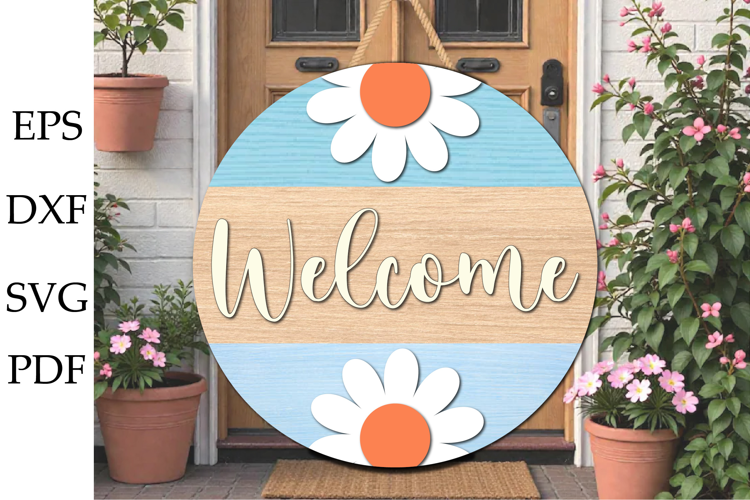
Welcome guests with a cheerful touch of spring! 🌸 This Hi Bee and Daisy layered door hanger SVG features sweet daisies, a buzzing bee, and a friendly “hi” greeting - perfect for farmhouse doors, spring décor, and countryside-inspired crafts. The layered design creates a beautiful dimensional look for wood signs, laser projects, or DIY door hangers. 🐝🌼
This design is ideal for Cricut, Silhouette, Glowforge, and other cutting machines, making it easy to create charming porch décor for spring and summer. 🐝✨
🌼 WHAT YOU WILL RECEIVE
Your download will include the following file formats:
• SVG – for Cricut, Glowforge, and other cutting machines
• DXF – for Silhouette users (basic edition)
• EPS – scalable vector file
• AI – Adobe Illustrator file
• PDF – easy viewing and printing
• PNG – high-resolution with transparent background
• JPG – high-resolution preview
All files are neatly organized and ready to use for your crafting projects.
🐝 DESIGN FEATURES
• Layered round door hanger design
• Cute bee and daisy spring theme
• Friendly “Hi” greeting for welcoming guests
• Perfect for farmhouse, garden, and countryside décor
• Ideal for wood signs, porch décor, and DIY gifts
• Designed for laser cutting and craft cutting machines
🌸 PERFECT FOR
• Spring door hangers
• Porch and entryway décor
• Farmhouse style home decorations
• DIY wooden signs
• Craft fairs and handmade gifts
• Laser cutting and CNC projects
⚠️ IMPORTANT NOTES
• Basic knowledge of your cutting machine software may be required.
• Colors shown in the preview are for display purposes; you may customize them as desired.
Bring a sweet spring garden vibe to your home décor with this adorable bee and daisy door hanger design! 🐝🌼 Perfect for welcoming guests all season long.
The watermarks and shadows will be removed.
If you have any problems downloading your purchase, please reach the Help-center, by following the link below:
https://designbundles.net/help-center
In case you need more help on how to use your files with the various software, you can find a lot of useful information at the Design School:
https://designbundles.net/design-school
Thank you for visiting!!!
Files included: AI, DXF, EPS, JPG, PDF, PNG, SVG