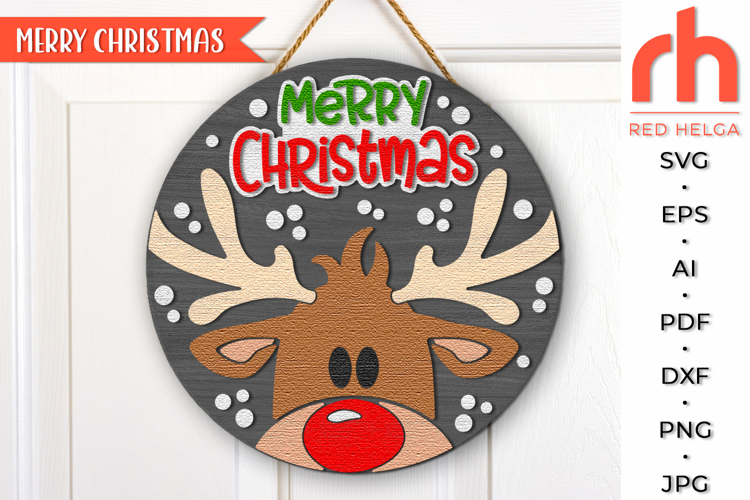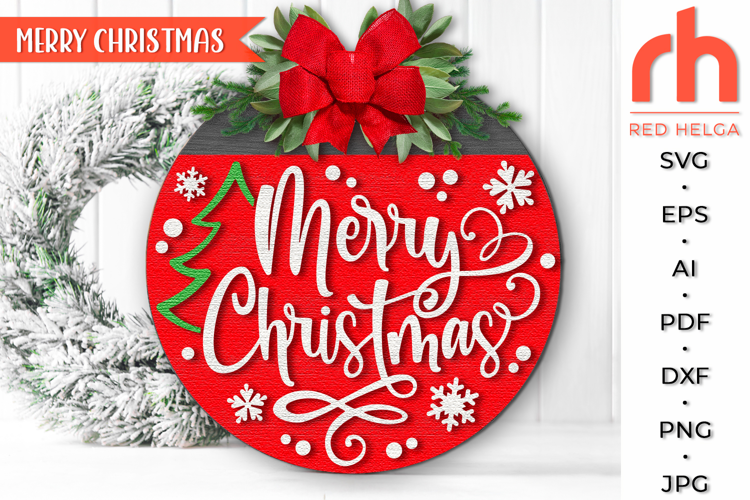

Merry Christmas SVG, Reindeer with Baubles DXF, Xmas Window
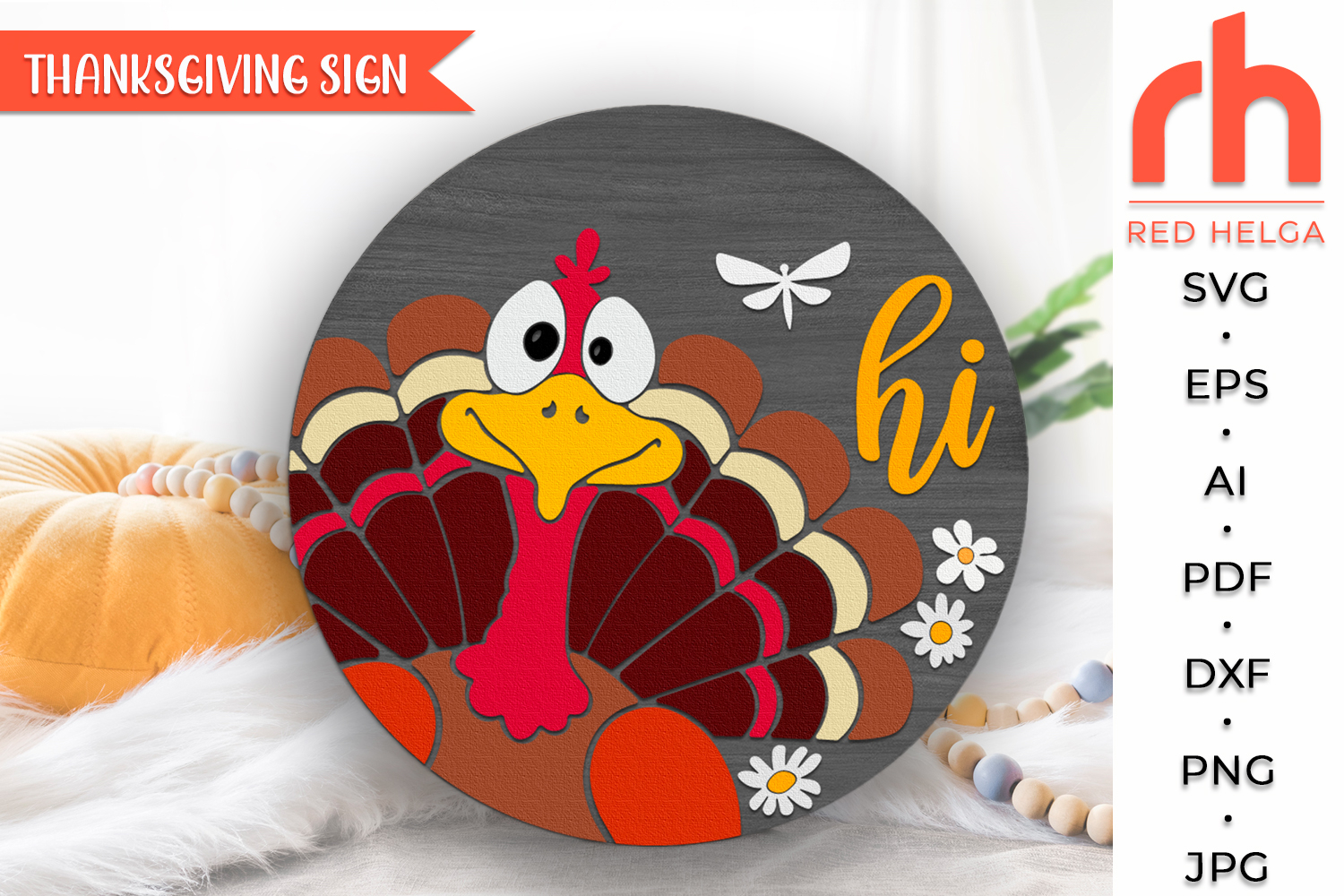
Turkey Hi SVG, Layered Farm Door Sign Cut File, Thanksgiving Round Hanger DXF, Crazy Turkey Silhouette, Fall Hanging Sign - Cricut cut file, Silhouette cut file
Created using a 10x10 canvas.
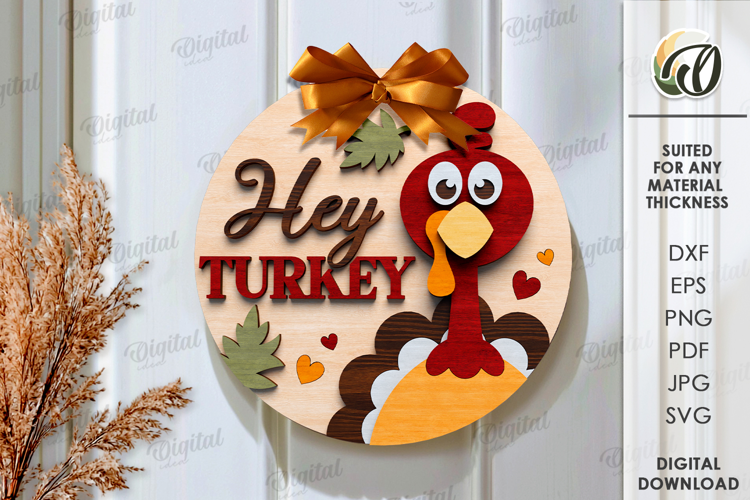
Welcome your guests with a laugh using our "Crazy Turkey Hi" Layered Door Hanger. This multi-layered digital cut file is designed specifically for laser cutters (like Glowforge), CNC routers, and craft cutting machines (Cricut/Silhouette). Whether you’re looking to create a 3D wood sign or a festive decal, this versatile file is perfect for your Thanksgiving DIY projects.
This design features a quirky, wide-eyed turkey peeking out with a friendly "Hi," making it the perfect farmhouse-style accent for your front door, entryway, or kitchen.
✨ WHAT’S INCLUDED:
• This is a DIGITAL DOWNLOAD only. No physical item will be shipped. You will receive a ZIP folder containing the design in the following formats:
• SVG – Perfect for Glowforge, Lightburn, Cricut Design Space, and Silhouette Designer Edition.
• DXF – Ideal for Silhouette Studio Basic Edition and CNC software.
• EPS – Vector format for professional editing (Adobe Illustrator, CorelDRAW).
• PNG – High resolution (300 dpi) with a transparent background for mockups or printing.
• PDF – For easy viewing and printing templates.
🛠️ PRODUCT FEATURES:
• Layered Design: Created with multiple layers for a beautiful 3D effect when cut from wood or acrylic.
• Scalable: Vectors can be resized to any diameter (10", 12", 15", 18", etc.) without losing quality.
• Clean Cutting Lines: Optimized for smooth, fast cuts on laser machines and vinyl cutters.
• Easy Assembly: The layers are designed to fit perfectly, making painting and gluing a breeze!
💻 COMPATIBILITY:
• This file is tested and compatible with:
• Laser Cutters: Glowforge, xTool, Aeon, Thunder, Muse, etc.
• Cutting Machines: Cricut Explore/Maker, Silhouette Cameo/Curio, Brother ScanNCut.
• Software: Adobe Illustrator, Inkscape, CorelDRAW, Lightburn, and more.
Happy Crafting! 🦃🍂
If you have any problems downloading your purchase, please reach the Help-center, by following the link below:
https://designbundles.net/help-center
In case you need more help on how to use your files with the various software, you can find a lot of useful information at the Design School:
https://designbundles.net/design-school
Thank you for visiting!!!
Files included: AI, DXF, EPS, JPG, PDF, PNG, SVG