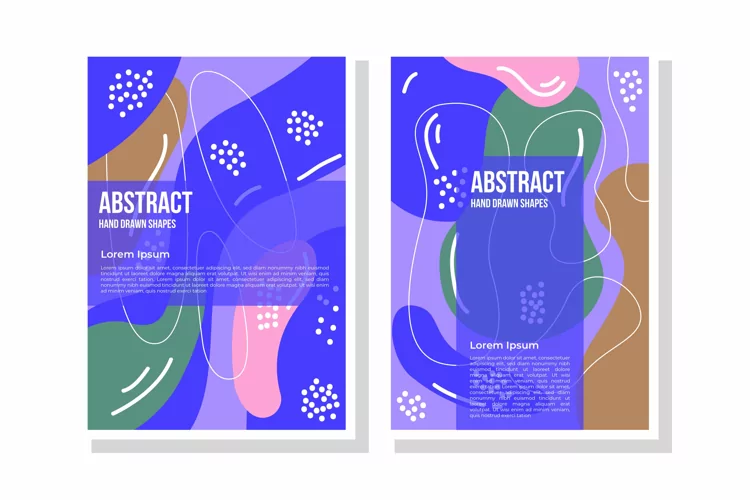

Trendy Metallic Art Brushes for Illustrator.
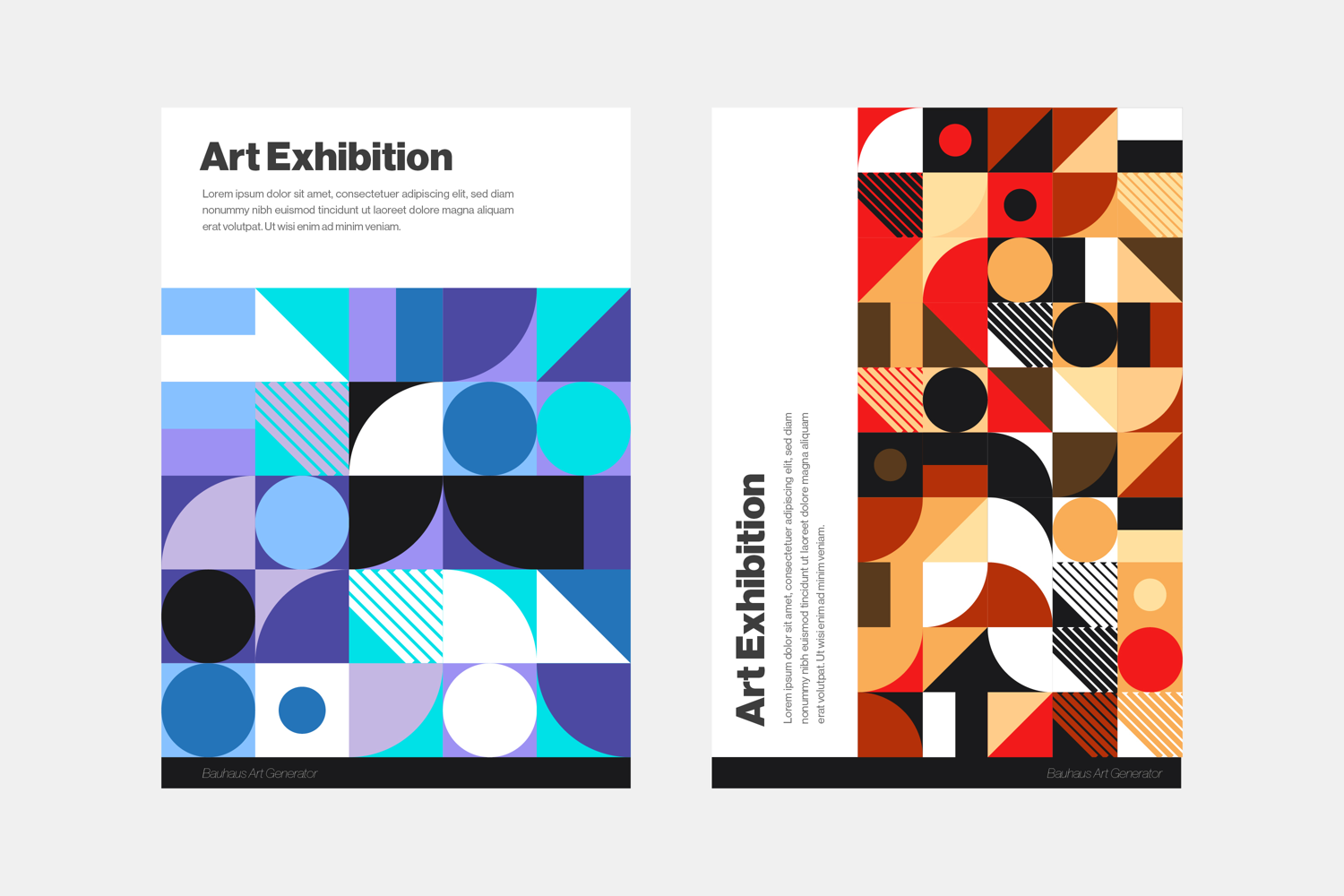
Vector Bauhaus Art Generator Script for Illustrator.
How to run instruction:
1. Open Illustrator: Launch Adobe Illustrator.
2. Run the Script:
Go to File > Scripts > Other Script...
Navigate to where you saved the file and select it.
3. Result: add width and height resolution and document will be created automatically with a unique generative composition.
Note: You can run the script multiple times to generate different random layouts.
Files included: AI, EPS, JPG, JSX