
Book stamp brushes for Procreate, books stamps

Autumn owl with books stamp brush for Procreate included 1 stamp for coloring and 1 swatches.
Bonus: 1 PDF for printing (A4 coloring page)
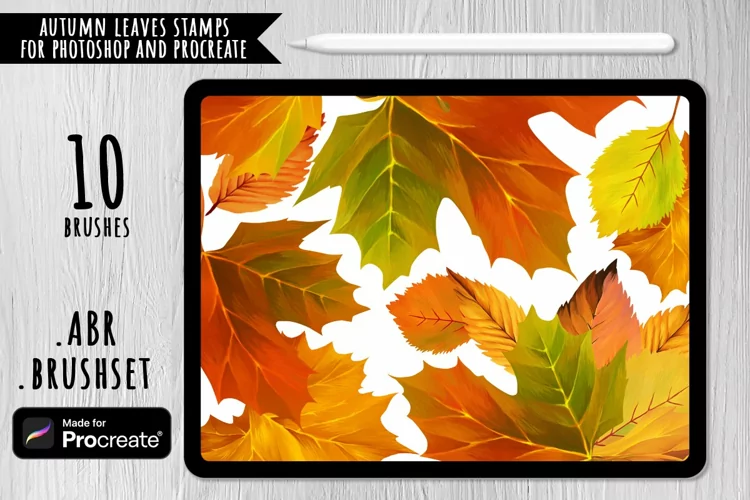
Stamp brush and swatches is only for iPad Procreate.
You will receive: 1 brush file, 1 swathes
How Installing Procreate Brushes (.brush and brushset)
Use this option if you have an older iPad or Procreate version 4.0 or earlier. Here's how:
1. Download folder .brush file to your folder on your iPad
2. Open the folder and choose .brush files
3. Tap and hold with your finger or apple pencil
4. Choose "Share" from the menu
5. If the option "Open in Procreate" is missing, click on "More"
6. Scroll and find the option "Open in Procreate" and click on it
7. Open your project in Procreate and click on brush icon at the top right corner
Or
1. Open Procreate, click new collection – brush – import
2. Find folder with download brush, choose it, added in Procreate.
© Let's Art ♡
Files included: BRUSHSET, PDF, SWATCHES