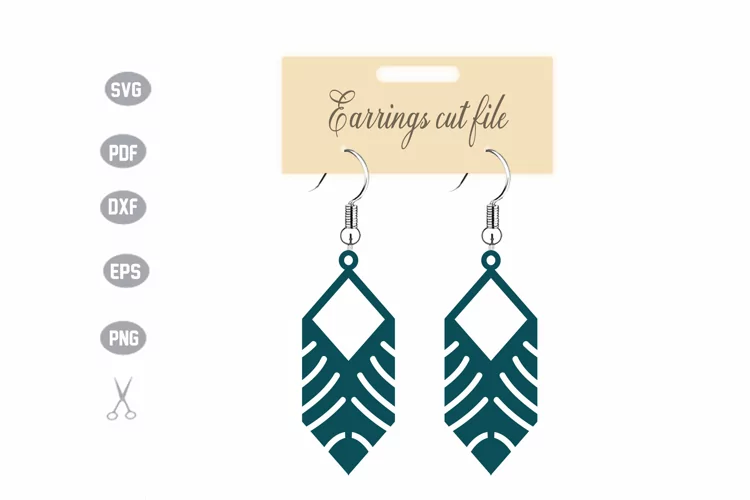

Doodle svg, Flourish svg, squiggle svg, swoosh svg, swirl

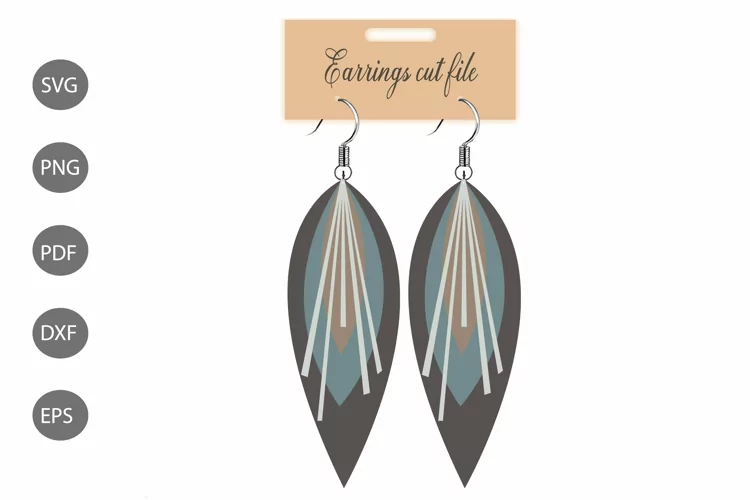
Make beautiful leather earrings with this stacked earrings SVG bundle! The earring templates come two ways: with holes and without holes and line up at the top. The earrings SVG files can be cut with a paper / vinyl cutting machine like the Cricut, Silhouette and Brother Scan'n Cut, or laser cutters.
Before purchasing, please make sure your cutting machine cuts faux leather.
//DETAILS
This download includes 6 files in a zipped folder:
1 SVG file with 9 stacked earring designs and 2 earring display cards - earrings have holes (all bundled on one page)
1 SVG file with 9 stacked earring designs and 2 earring display cards - earrings have NO holes (all bundled on one page)
1 SVG file with 9 stacked earring designs and 2 earring display cards - earrings have holes (all bundled on one page)
1 SVG file with 9 stacked earring designs and 2 earring display cards - earrings have NO holes (all bundled on one page)
1 PNG file with 9 stacked earring designs and 2 earring display cards - earrings have holes (all bundled on one page)
1 PNG file with 9 stacked earring designs and 2 earring display cards - earrings have NO holes (all bundled on one page)
See below for instructions. Note: this is a digital file and no physical item will shipped.
//HOW TO USE THE FILES:
1. Click Download link
2. The file will download somewhere on your machine, probably in 'Downloads.' The file will be a ZIP file.
3. Double-click the ZIP file, and your computer will 'unzip' it. There will be folders with files inside that end with these letters: .svg, .dxf, .png.
4. Choose the file that matches your cutting machine's specs, and load into your machine's software
5. With this download, all images are 'bundled' on one page. Here's a quick tutorial on how to separate them: https://youtu.be/JEFMDE-XNX0?t=57
6. Enjoy!
Files included: DXF, PNG, SVG