
Galaxy Creator Kit for Procreate

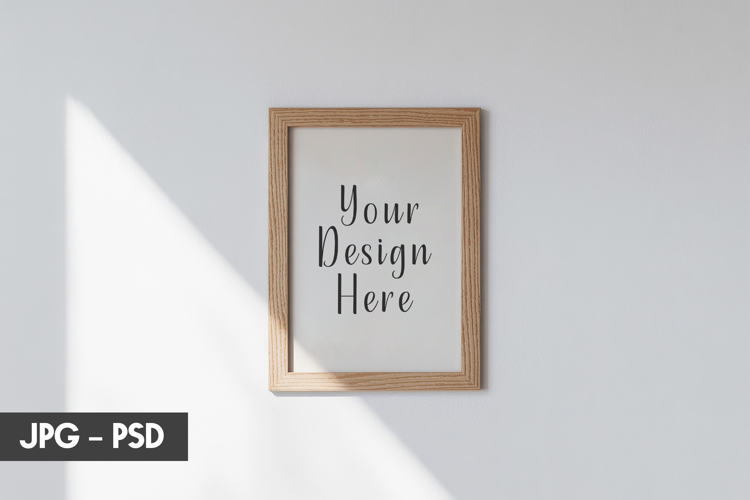
1. Open the PSD file in Photoshop.
2. Double click the layer which says "Your Text Here"
3. This will open a new window. Place your artwork here and save ( Ctrl or Cmd + S)
4. Voila, it's done! Go back to the original file where the artwork will have been placed.
Files included: JPG, PSD