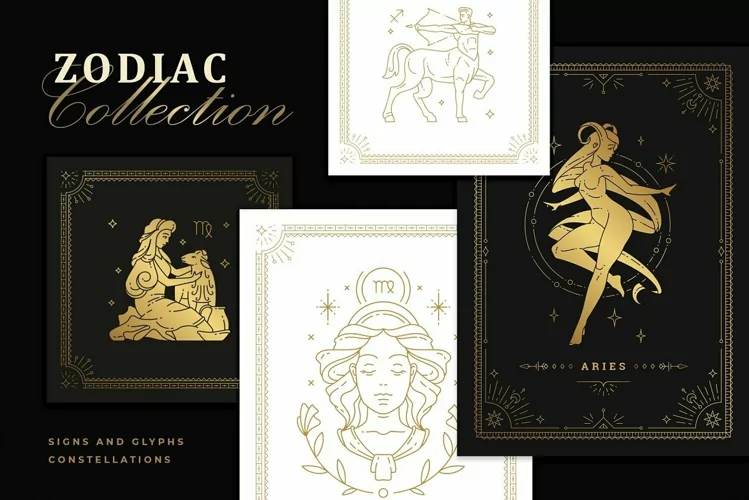

Magic Woman Feminine Line Art Illustrations
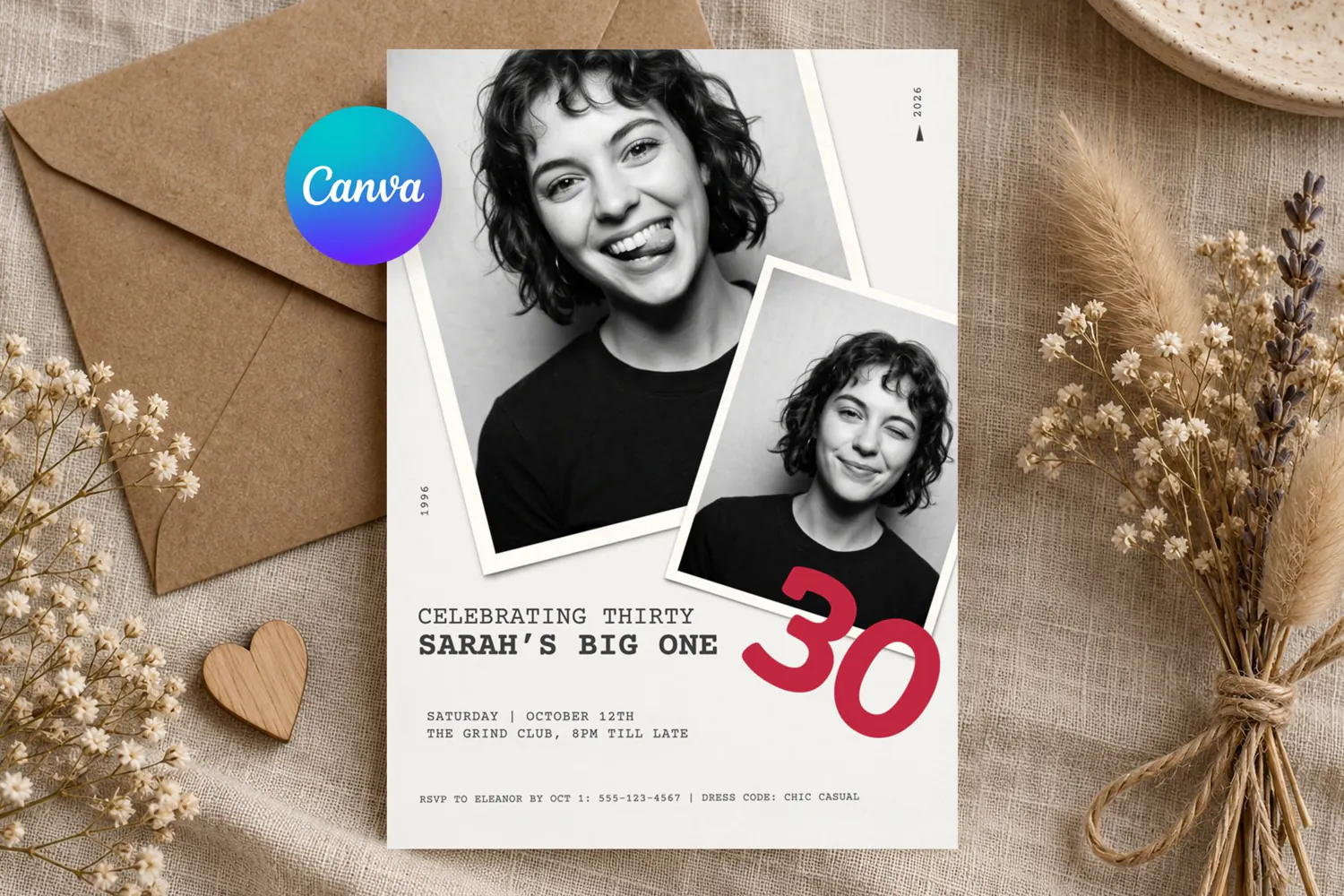
Capture the moment with this photo booth birthday invitation, an editable Canva template built around two overlapping polaroid style photo frames set at a candid, slightly tilted angle on a soft neutral background. A then and now year marker runs along each photo, a bold typewriter style headline announces the celebration, and an oversized statement number sits beside the second photo for extra impact, with clean details below for date, venue, RSVP and dress code. The black and white photo treatment and minimalist layout give it a cool, editorial, slightly retro feel that works for a birthday dinner, a bar or lounge party, a rooftop or backyard bash, a milestone celebration, a surprise party, a girls night out, a "then and now" themed party, or any modern hangout where personality matters more than frills.
WHAT YOU GET
An instant download PDF with your private Canva template link, a 5x7 inch invitation with bleed, and a short guide covering editing, exporting and printing. This is a digital file only; nothing physical is shipped.
FULLY EDITABLE IN CANVA
Change every word: the "celebrating" line, the honoree's name, the year markers, day, date, time, venue name and address, RSVP contact, dress code and any extra note such as parking, gift wishes or a hashtag. Replace both sample photos by dragging your own pictures into the frames, then zoom and reposition each crop exactly how you like, choosing a childhood photo next to a recent one, two current favorites, or a funny and a formal shot side by side. Keep the black and white look for a timeless feel or switch to full color with one click. Adjust fonts, sizes, spacing and alignment, resize or recolor the big statement number, change the background tone to blush, sage, navy, black or cream, and rotate or restack the photo frames for a different candid angle. Add extras from the Canva library such as a QR code linking to a Spotify playlist or RSVP form, a small icon, a monogram or a second number for a joint celebration.
PRINTING AND DIGITAL SHARING
Export a 300 DPI print ready PDF with crop marks for home printing or a professional print shop such as Staples, Office Depot, FedEx Office, Vistaprint, Costco, Walgreens, CVS, Shutterfly or Prints of Love, or save a high resolution JPG or PNG to send digitally through WhatsApp, iMessage, email, Facebook, Instagram Stories, Evite or Paperless Post. For the best finish print on matte or uncoated cardstock between 250 and 350 gsm; a slightly textured or recycled stock suits the candid photo aesthetic especially well.
MORE WAYS TO USE THE TEMPLATE
Resize the artwork inside Canva and build a full coordinated party suite from one file: a welcome sign or easel poster, a photo memory wall or timeline display, table numbers and place cards, a drinks or dinner menu, favor tags, a guest book cover, thank you cards, a phone lock screen countdown, a digital save the date, a social media announcement post or story, or a printable disposable camera prompt card. The layout also adapts well to graduation parties, engagement announcements, gender reveals, retirement celebrations, work anniversaries, reunions, farewell parties and brand or portfolio style event invites.
HOW IT WORKS
1. Purchase the listing and open your instant download.
2. Click the Canva link, which opens in a free Canva account on desktop, tablet or phone.
3. Swap in your photos and update the text.
4. Download, then print or share digitally. Edits save automatically and the file stays in your account for future use.
Files included: PDF